The basic idea is simple: every invoice or payment obligation receives a record, and each record contains enough information to answer the questions that matter. Who owes money? How much is outstanding? When was the invoice issued? When is payment due? Has a partial payment been received? Is the account overdue? What action should happen next?
A spreadsheet-based system is often useful because it can be customized around the way a business actually bills customers. A simple operation may need only invoice number, client, amount, due date, amount paid, balance, and status. A more sophisticated tracker can add payment method, aging category, follow-up date, collection notes, sales representative, project, currency, tax information, and management summaries.
This guide explains how to design an effective tracker, how to choose between spreadsheet and document formats, how to use formulas for automation, how to manage partial payments, and how to avoid common accounting and bookkeeping mistakes. The goal is not simply to create a pretty spreadsheet, but to build a record that remains useful as transaction volume increases.
Because payment records can influence cash-flow decisions and customer follow-up, accuracy matters more than decoration. A good template should make the correct action easier, expose missing information quickly, preserve transaction history, and reduce the amount of manual calculation required by the person maintaining it.
What Is an Accounting Payment Tracker Template?
An accounting payment tracker template is a pre-structured worksheet or document used to record financial obligations and payments in an organized manner. In an accounts receivable context, it normally focuses on money customers owe the business. In an accounts payable context, it can instead focus on bills the business owes suppliers and other vendors.
The most useful trackers distinguish between an invoice being issued and money actually being collected. An invoice may have a value of $2,500, for example, while only $1,000 has been received. The tracker therefore needs to preserve the original invoice amount while separately recording the amount paid and calculating the remaining balance.
A reliable tracker also distinguishes between payment status and accounting balance. A row marked “Paid” should normally have a zero remaining balance, while “Partial” indicates that some money has been received but an amount remains outstanding. “Overdue” should generally mean that a balance remains unpaid after its due date, not simply that the invoice exists.
Templates are useful because they provide a repeatable structure. Instead of deciding where to record each invoice every time, the accounting team follows the same columns and procedures. Consistency makes sorting, filtering, reconciliation, review, and reporting much easier.
The best design is therefore not necessarily the one with the most columns. It is the one that captures the information needed for decisions while keeping data entry clear enough that users can maintain it correctly over time.
Why Payment Tracking Matters in Accounting
Payment tracking is closely connected to cash-flow visibility. A business can show strong sales activity while still experiencing cash pressure if customers take longer to pay than expected. A tracker helps separate revenue that has been invoiced from cash that has actually been collected.
It also gives the accounting team a practical collection queue. When invoices are sorted by due date or days overdue, staff can see which accounts need attention instead of relying on memory or searching through individual emails.
Another advantage is historical continuity. If a customer disputes an invoice, the business can review the invoice number, original amount, payments received, dates, and notes rather than reconstructing the transaction from multiple sources.
A tracker can also support month-end review. Before closing a period, the accounting team can compare open invoices with payment records, identify unusual balances, and confirm that transactions expected to be settled have actually been recorded.
For growing businesses, the biggest benefit is often standardization. Once a consistent process exists, new invoices can be added using the same fields, and managers can review the same indicators without learning a different format for every customer or project.
Core Components of an Accounting Payment Tracker
1. Invoice and Transaction Identification
Every record should have a unique reference, such as an invoice number, bill number, receipt number, or internal transaction ID. This field is the anchor that connects the tracker to source documents and accounting records.
The customer or vendor name should also be recorded consistently. Avoid entering the same organization under multiple spellings because inconsistent names make filtering and summary formulas unreliable.
If the business serves many customers, a separate customer identifier can be useful. A customer ID is particularly helpful when names change, subsidiaries exist, or several customers have similar names.
Project, department, location, or account fields can be added when one customer has multiple streams of activity. The important principle is to add fields only when they support a real reporting or operational requirement.
A clean identification section gives every transaction a traceable identity. This becomes increasingly important when a tracker contains hundreds or thousands of rows and manual searching is no longer practical.
2. Invoice Dates and Due Dates
The invoice date records when the obligation was created or issued, while the due date records when payment is expected. Both are important and should normally be retained rather than replacing one with the other.
Keeping both dates allows the business to understand the credit period being offered. For example, an invoice issued on March 1 with a due date of March 31 has a different payment expectation from an invoice issued on March 20 with the same due date.
Due dates are also essential for automated aging. A spreadsheet can compare the due date with the current date and calculate how many days an unpaid invoice is late.
Dates should be stored as actual spreadsheet dates rather than text whenever possible. This allows sorting, filtering, date arithmetic, month grouping, and formulas to work correctly.
Businesses should also define how holidays, weekends, deposits, milestones, and installment terms are handled. The tracker should reflect the contractual payment terms rather than relying on an assumed standard payment period.
3. Amount Due, Amount Paid, and Balance
The central calculation in a payment tracker is usually the outstanding balance. At its simplest, the formula is Balance = Amount Due − Amount Paid.
For example, if an invoice is $4,800 and the customer has paid $1,500, the remaining balance is $3,300. The original amount should not be overwritten because the business needs to retain the full value of the invoice.
When several partial payments can occur, a separate payment log is often safer than adding many payment columns to the invoice table. Each payment can have its own date, amount, payment method, reference, and notes.
A summary formula can then add all payments belonging to a specific invoice. This approach scales better than creating columns such as Payment 1, Payment 2, Payment 3, and so on.
Balance calculations should also include basic validation. A negative balance may indicate an overpayment, duplicate entry, credit note, or data-entry mistake, so it should not automatically be treated as normal.
4. Payment Status
Status fields provide a quick visual summary of each transaction. Common choices include Draft, Sent, Pending, Partially Paid, Paid, Overdue, Disputed, Written Off, and Cancelled.
The exact list should match the business process. A freelancer may need only Sent, Partial, Paid, and Overdue, while a larger organization may need statuses for disputes, credit notes, collection stages, or approval holds.
Whenever possible, status should be derived from underlying data rather than manually typed. If the balance is zero, the system can identify the invoice as paid. If a balance remains and the due date has passed, it can identify the invoice as overdue.
Manual overrides can still be useful for unusual situations. A disputed invoice, for example, may technically be overdue but should be separated from ordinary collection work because the next action is resolution rather than a standard reminder.
Color can improve scanning, but color should never be the only indicator. Use text labels alongside visual formatting so that the tracker remains understandable when printed, exported, viewed in grayscale, or accessed by users with different visual needs.
Designing the Workbook Structure
A small business can often begin with one worksheet containing all invoices. This is appropriate when transaction volume is modest and each invoice normally has a single payment.
A more robust workbook can separate information into several sheets. One sheet can hold customers, another invoices, another payments, and another a dashboard or aging summary.
The invoice sheet should generally contain one row per invoice. The payment sheet should contain one row per payment. This creates a cleaner relationship between invoices and transactions.
Separating payments becomes particularly valuable when customers make deposits, installments, milestone payments, or multiple transfers toward the same invoice.
The workbook can also include a settings sheet for status options, payment methods, currencies, tax categories, and other controlled values. Centralizing these choices helps keep data consistent.
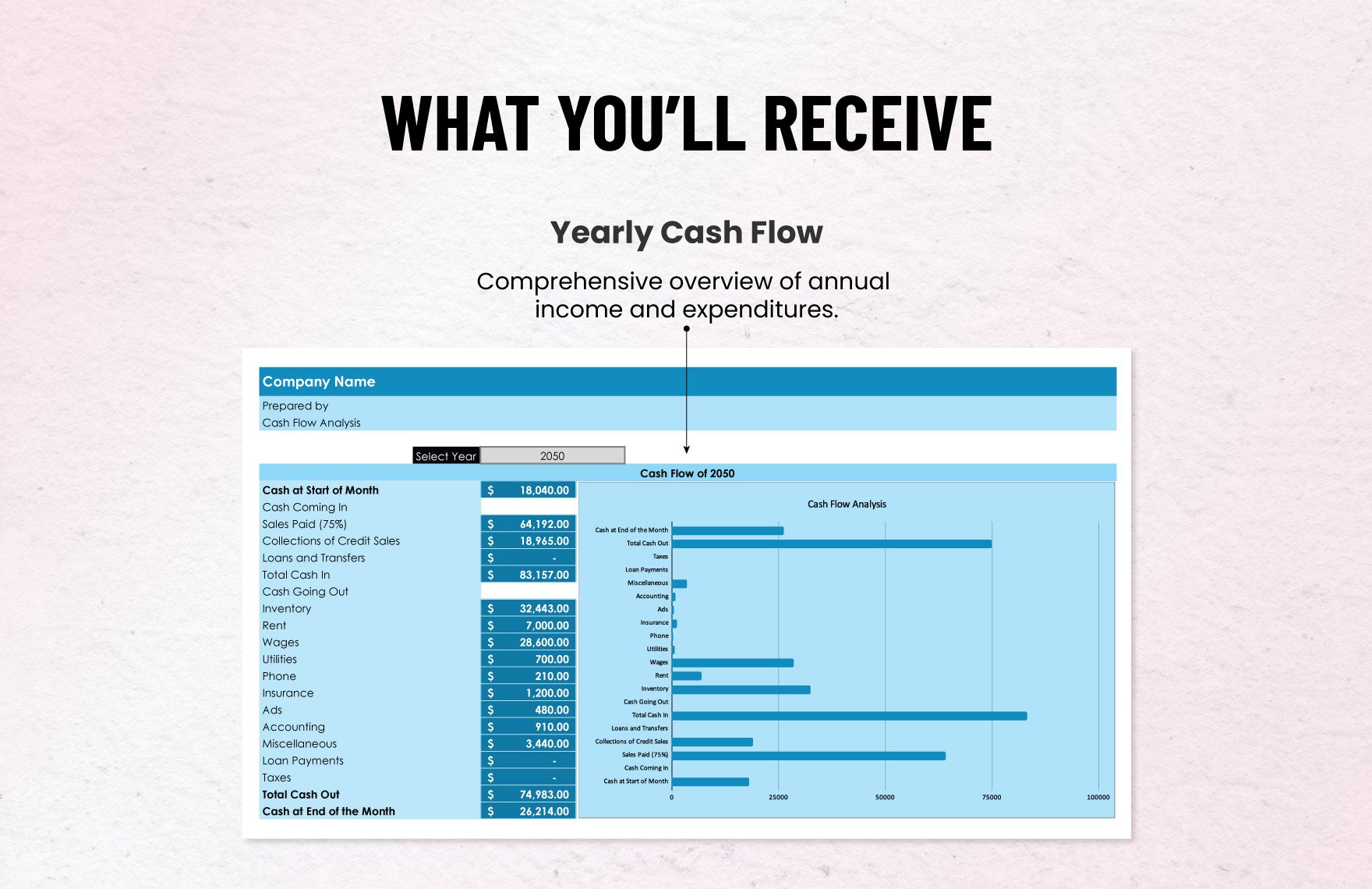
A Practical Invoice Sheet
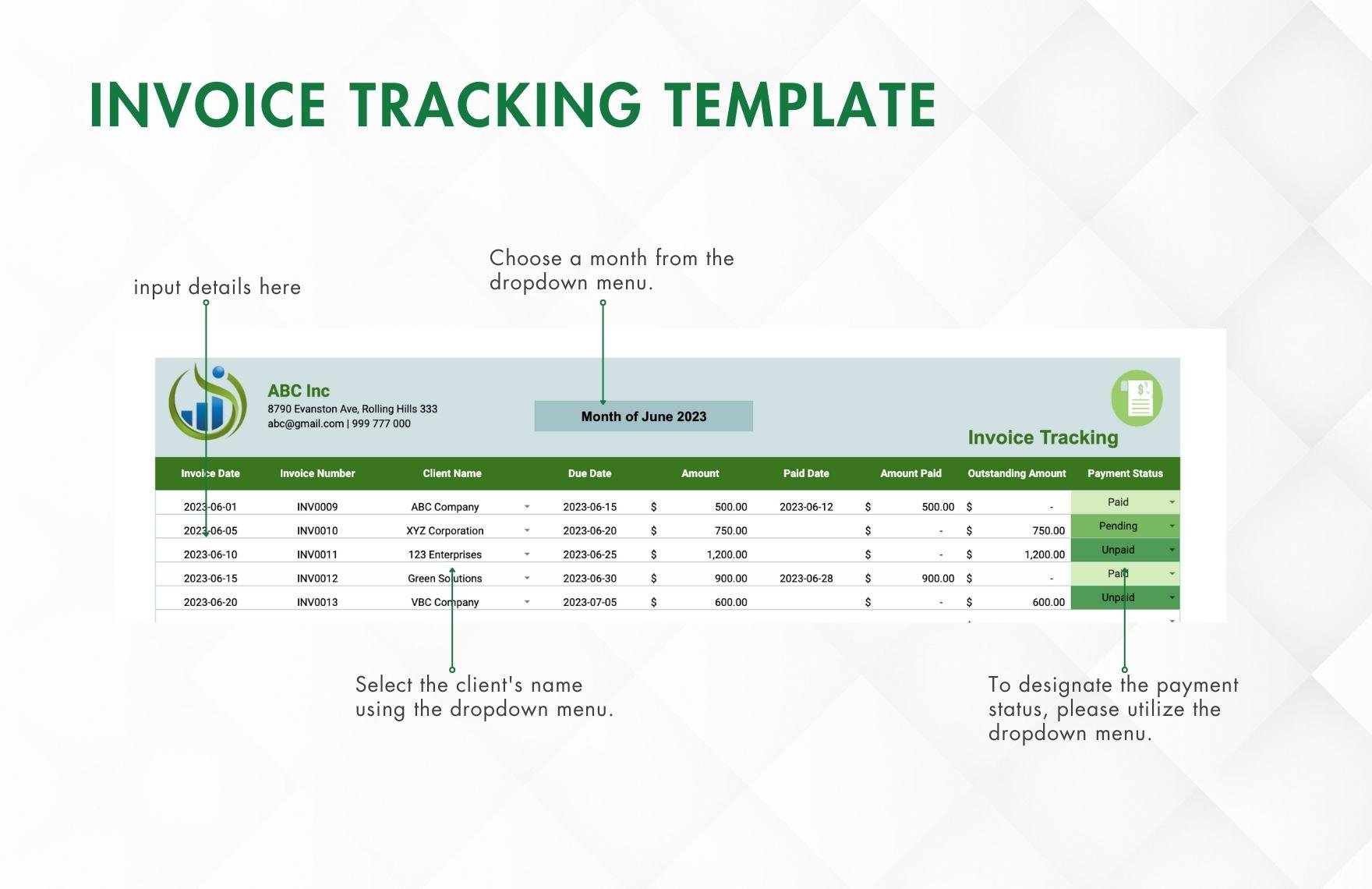
A useful invoice sheet might contain these fields: Invoice ID, Customer, Project, Invoice Date, Due Date, Currency, Amount Due, Amount Paid, Balance, Status, Days Overdue, Last Follow-Up, Next Follow-Up, and Notes.
The invoice ID should be unique and stable. Avoid changing the ID after payments have been recorded because payment records depend on that reference.
The amount due should represent the amount that is actually expected from the customer according to the invoice record. If taxes, discounts, credits, or adjustments are relevant, they can be separated into additional fields rather than hidden inside a single unexplained total.
The notes field should be used for operational information rather than accounting calculations. Examples include “customer requested revised invoice,” “payment promised Friday,” or “waiting for purchase order approval.”
Separating structured data from free-text notes makes reporting easier. A status belongs in a status column; a detailed explanation belongs in notes.
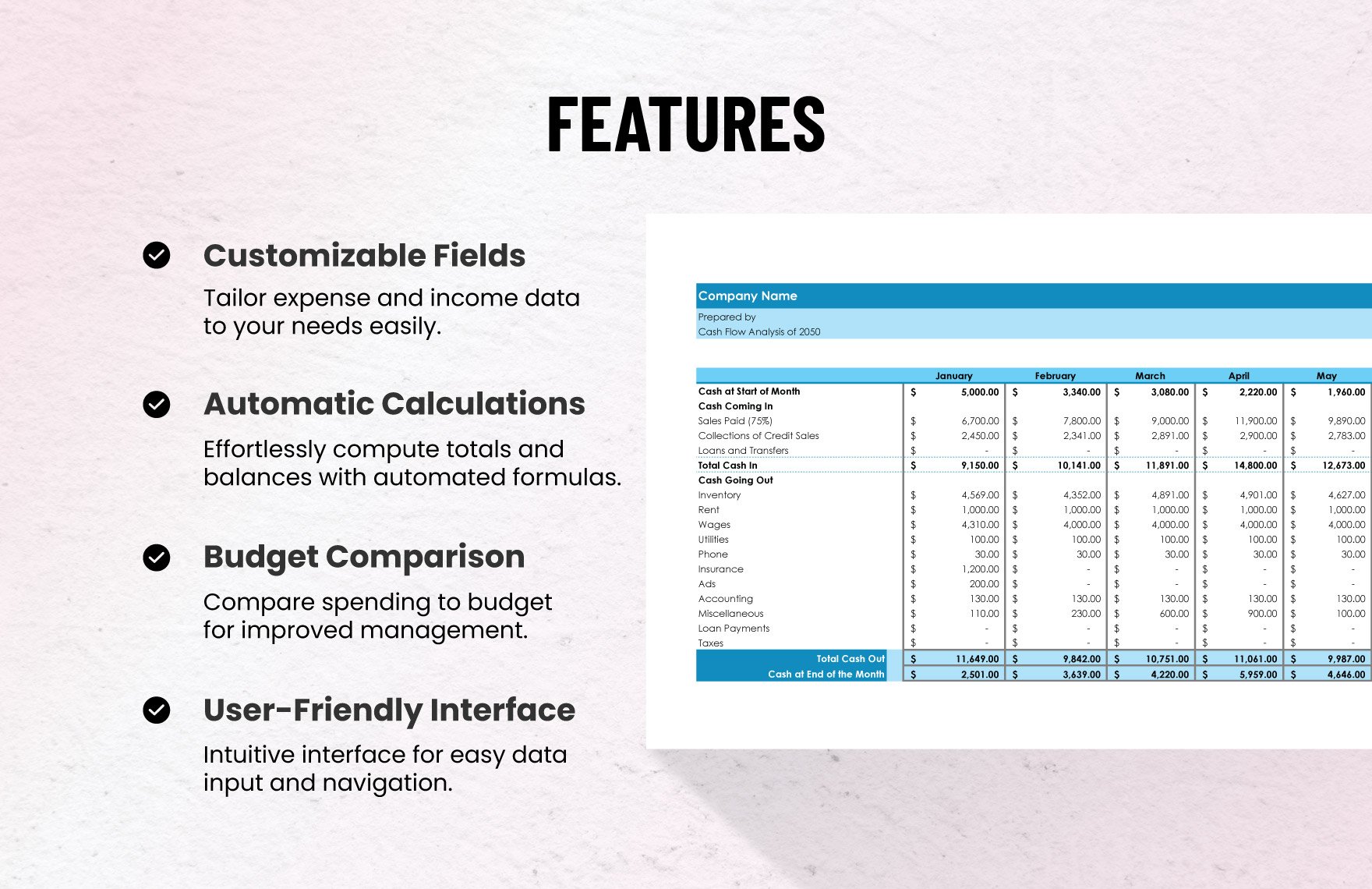
A Practical Payment Log
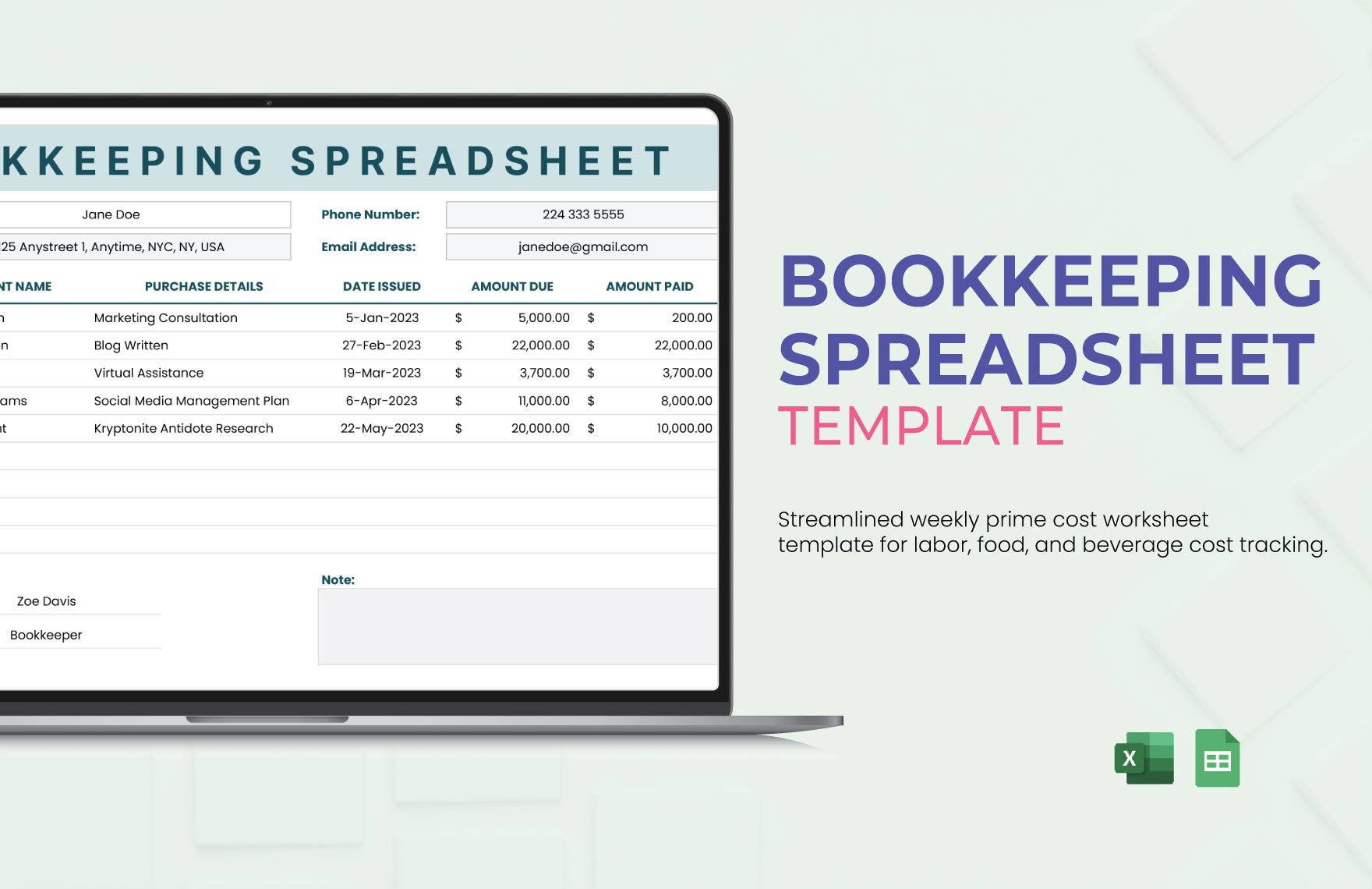
A payment log can include Payment ID, Invoice ID, Customer, Payment Date, Amount Received, Payment Method, Bank or Account Reference, Currency, and Notes.
Each payment should normally be entered as a separate row. If a customer pays three times against one invoice, the payment log should contain three transactions linked to the same invoice ID.
This structure makes it possible to reconstruct the payment history later. It also allows the accounting team to identify when money arrived rather than merely knowing the current total paid.
Payment methods can be standardized using a dropdown such as Bank Transfer, Card, Cash, Check, Online Payment, or Other. The available choices should reflect actual payment channels used by the organization.
References are useful for reconciliation. A bank transaction number, receipt number, or internal reference can connect the spreadsheet entry to the original financial transaction.
How to Build an Accounting Payment Tracker in Excel or Google Sheets
Step 1: Define the Purpose
Before creating columns, decide what the tracker is supposed to solve. A customer receivables tracker has different requirements from a household bill planner or a vendor payment schedule.
For accounts receivable, the main objective is usually to understand what has been invoiced, what has been collected, what remains outstanding, and what requires collection activity.
For accounts payable, the focus shifts toward bills due, payment deadlines, vendor information, approval status, payment methods, and cash requirements.
If the tracker is intended for management reporting, it may also need monthly totals, aging categories, collection rates, or customer-level summaries.
Defining the purpose first prevents the common mistake of creating a very large spreadsheet that contains many fields but does not make the actual financial question easier to answer.
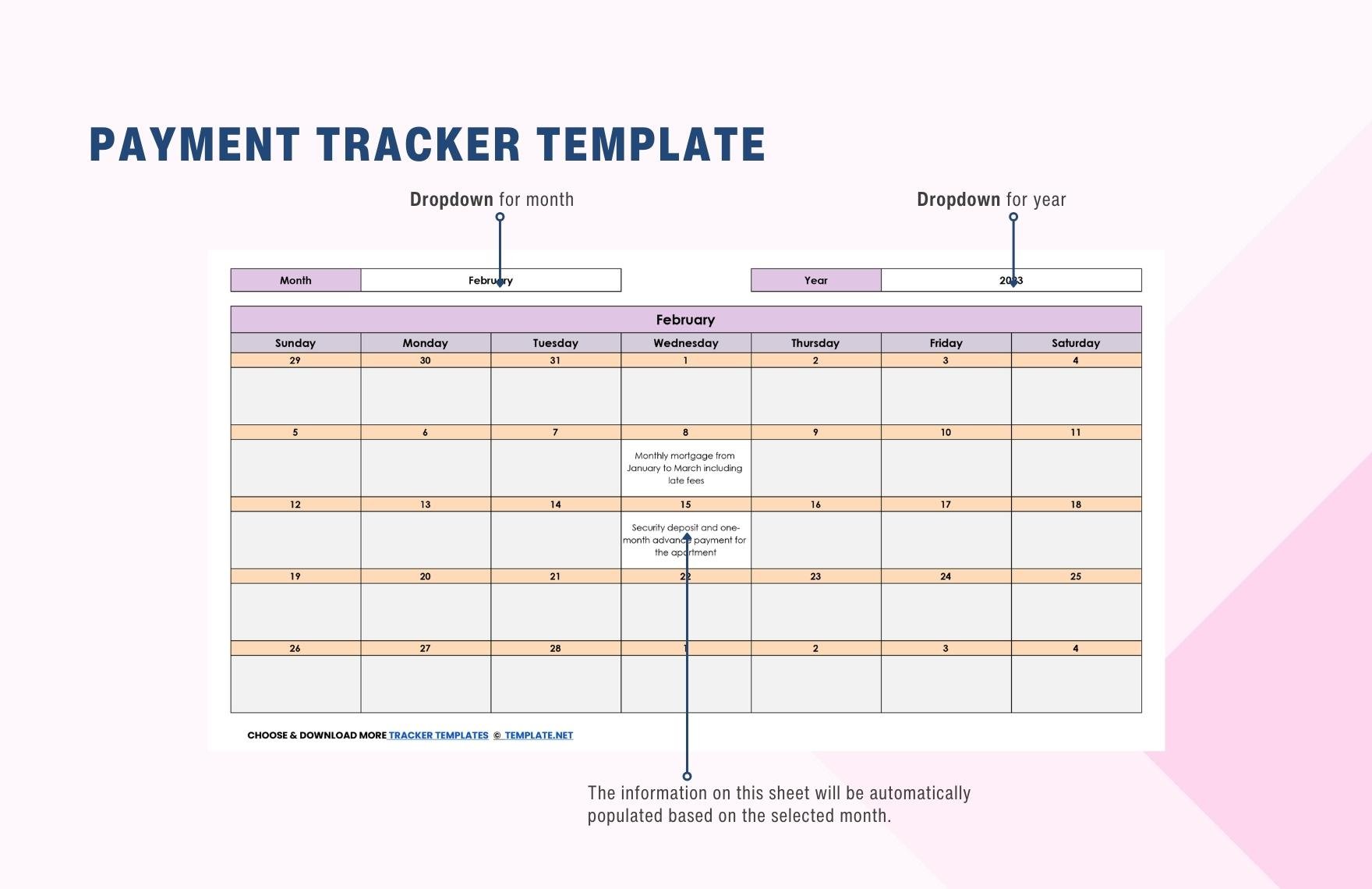
Step 2: Create the Input Columns
Start with fields that users will enter manually. Typical input fields include customer, invoice number, invoice date, due date, amount, and payment information.
Use consistent date formatting throughout the workbook. Mixing formats such as “03/04/2026,” “4 March 2026,” and text values can create confusion and make calculations unreliable.
Currency should also be explicit when multiple currencies are involved. A numeric value of 10,000 is ambiguous without knowing whether it represents dollars, euros, pounds, rupiah, or another currency.
Use dropdowns for controlled categories where practical. Dropdowns reduce spelling differences such as “Bank Transfer,” “Bank transfer,” and “Transfer,” which would otherwise appear as separate categories in summaries.
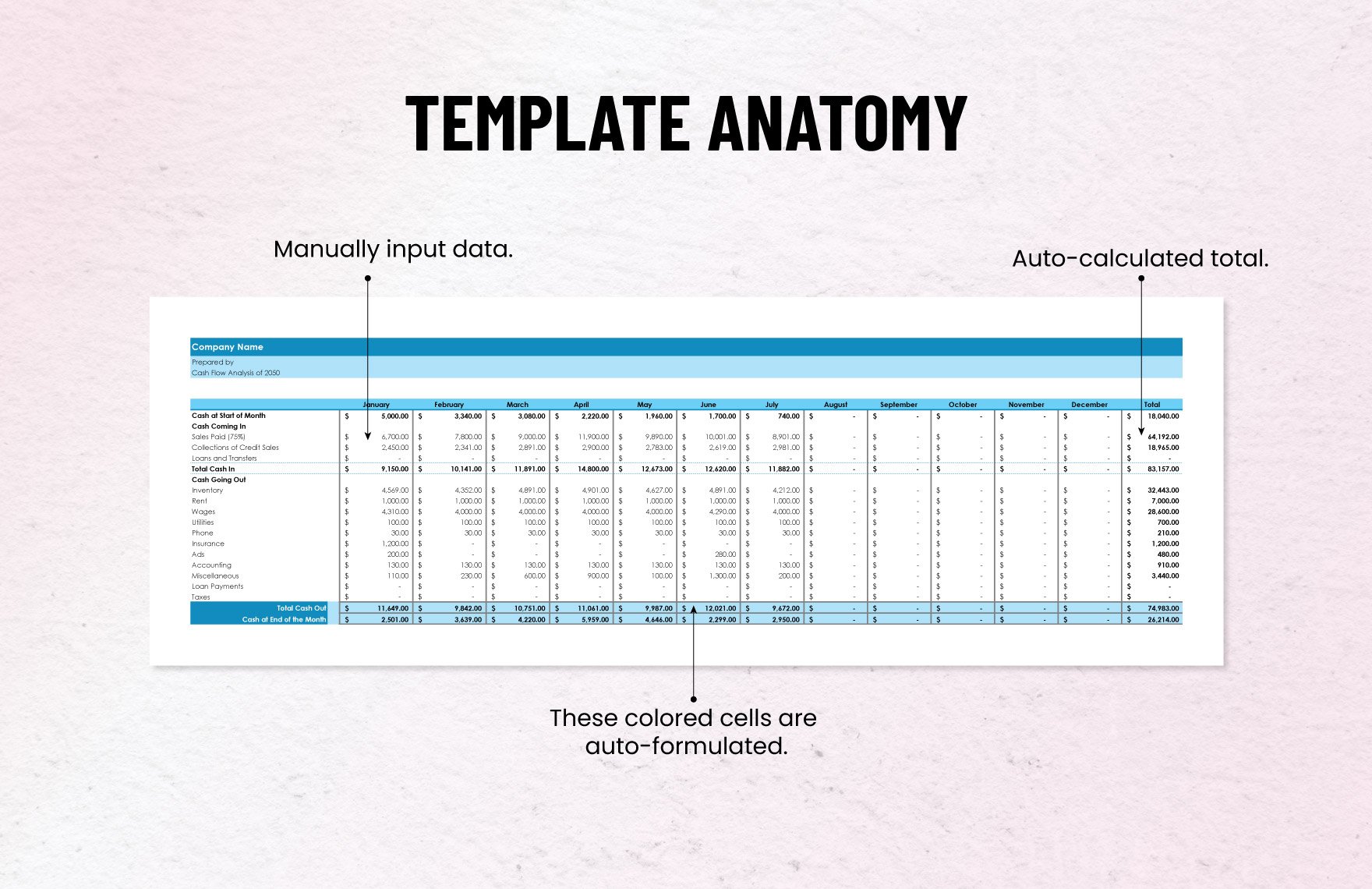
Keep manual-entry cells visually distinct from calculated cells. This reduces the chance that users accidentally replace formulas while updating transactions.
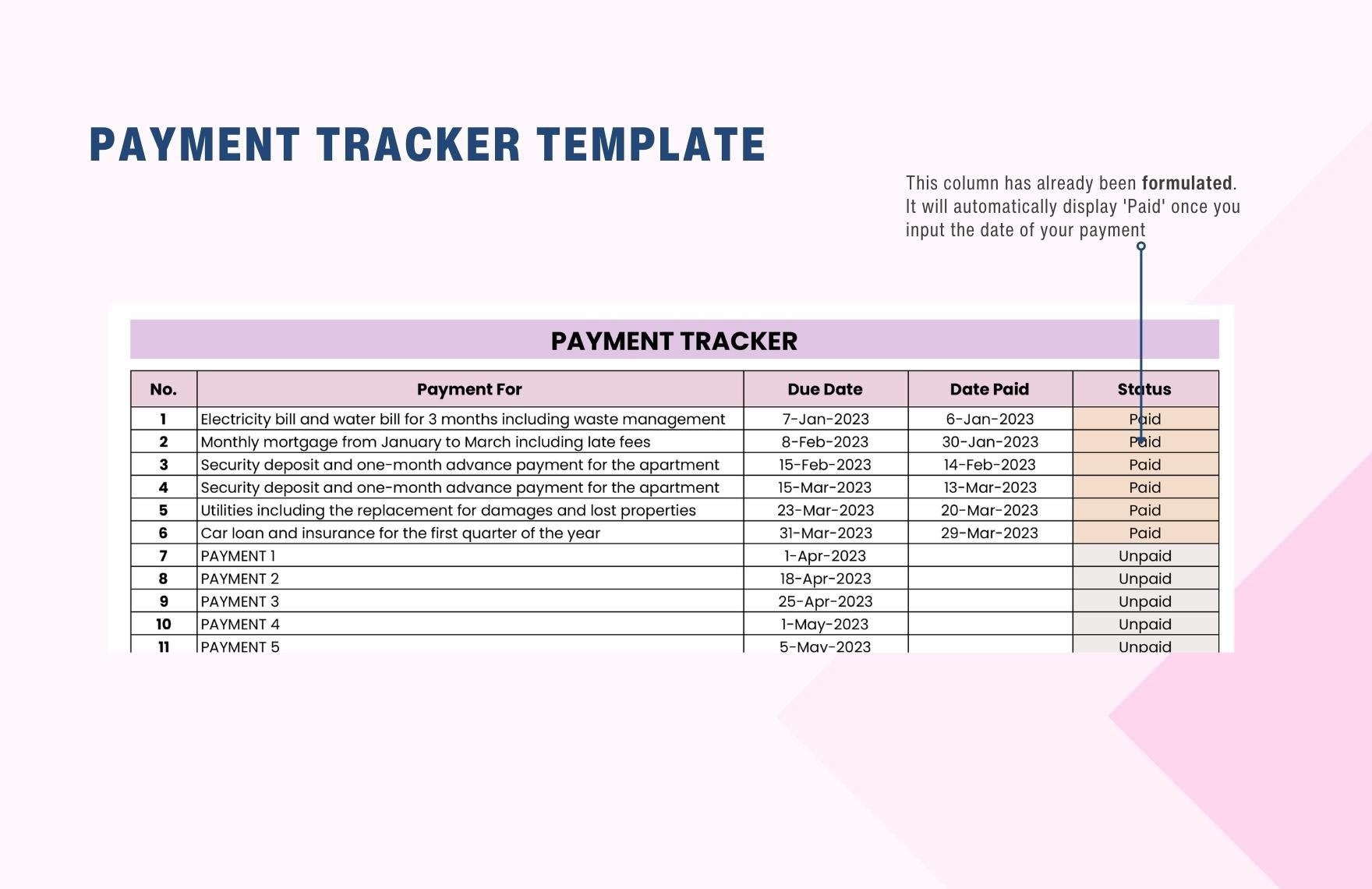
Step 3: Add Basic Formulas
The simplest balance formula subtracts amount paid from amount due. If the invoice amount is in column G and the paid amount is in column H, the balance might be calculated with a formula such as =G2-H2.
For an invoice that can have multiple payment records, a SUMIF or SUMIFS calculation can total payments associated with the invoice ID. This allows the payment history to remain separate while the invoice sheet displays the current total collected.
Days overdue can be calculated from the due date and current date. A typical concept is MAX(0,TODAY()-DueDate), combined with a condition that the invoice still has a positive balance.
Status can then be derived from balance and due date. For example, a zero balance can be marked Paid, a positive balance with a future due date can be Open, and a positive balance with a past due date can be Overdue.
Formulas should be tested with ordinary cases and unusual cases. Test fully paid invoices, partial payments, blank rows, future due dates, overdue balances, and potential overpayments before relying on the workbook.
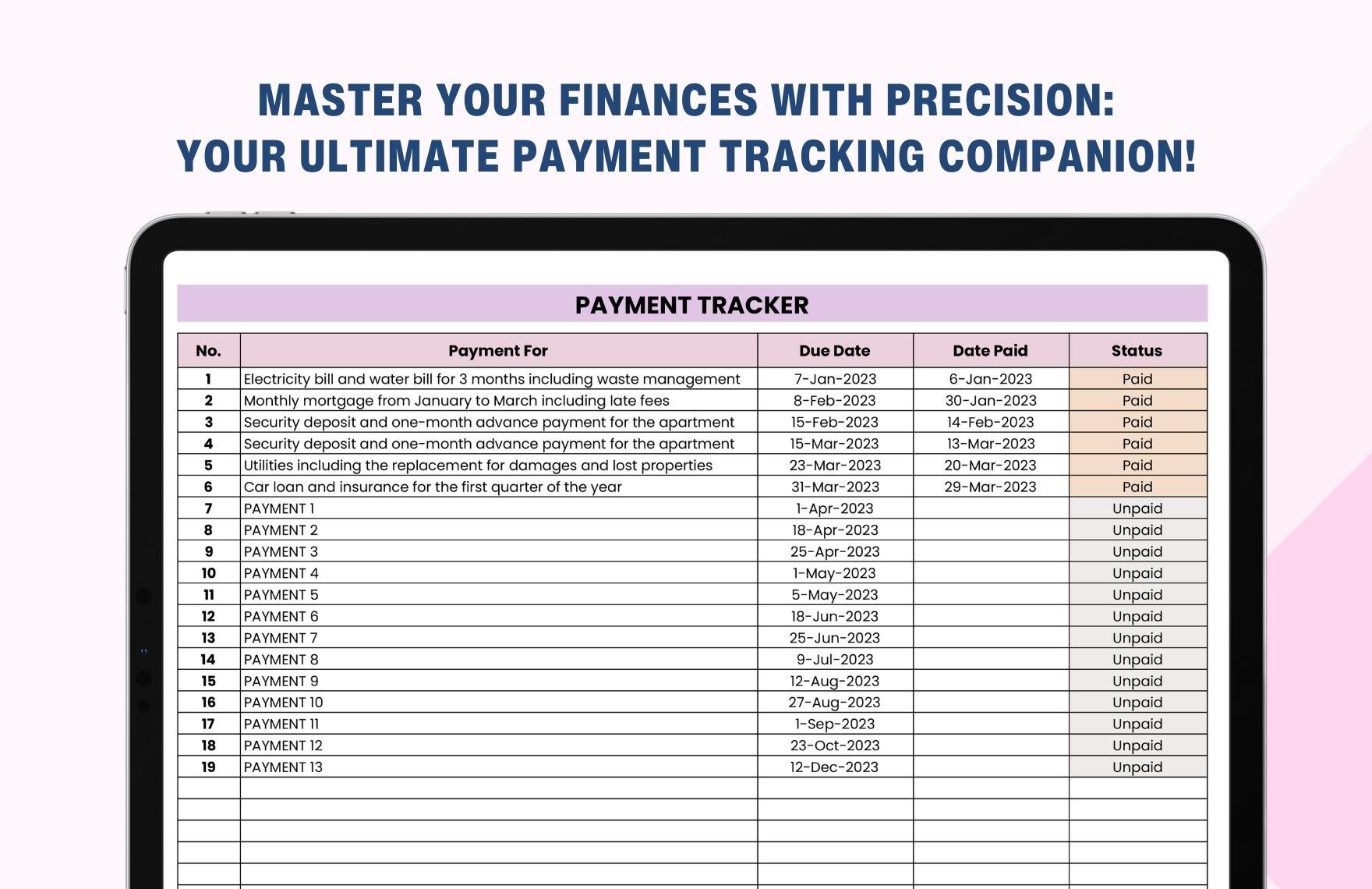
Using Conditional Formatting for Faster Review
Conditional formatting can turn a large payment tracker into a much easier document to review. Instead of reading every row, users can immediately notice overdue balances or upcoming deadlines.
A useful approach is to highlight overdue balances when the due date is earlier than today and the balance is greater than zero.
Another rule can identify invoices approaching their due date. For example, a business might highlight invoices due within seven days so the team can prepare reminders before the deadline passes.
Partial payments can have a separate visual indicator because they often require a different action from completely unpaid invoices.
Formatting should remain secondary to the underlying data. If the colors become excessive, the sheet can become harder to read rather than easier.
Managing Partial Payments Correctly
Partial payments are one of the most important reasons to design the tracker carefully. A partial payment should reduce the outstanding balance without removing the original invoice from the ledger.
Suppose an invoice is $7,500. The customer pays $2,500 first and $5,000 later. The invoice remains the same invoice throughout the process, while the payment log records two separate transactions.
The invoice balance should therefore move from $7,500 to $5,000 and eventually to zero. The transaction history should remain visible rather than being replaced with the final amount.
Payment dates can also help identify collection patterns. If customers frequently make small installments rather than paying by the contractual due date, the business may need to review its billing terms or communication process.
When a payment exceeds the invoice balance, do not simply force the balance to zero without investigation. The difference may represent an overpayment, another invoice being paid, a credit balance, or an entry error.
Payment Aging and Collection Priorities
Aging analysis groups unpaid balances according to how long they have been outstanding. Common categories include current, 1–30 days overdue, 31–60 days overdue, 61–90 days overdue, and more than 90 days overdue.
The exact ranges can be customized to the organization’s payment terms and collection process. The important point is that aging should be based on consistent dates and outstanding balances.
Aging helps management distinguish normal receivables from collection risk. An invoice due next month is not equivalent to an unpaid invoice that has been outstanding for several months.
Collection priority should also consider factors beyond age. A large balance may deserve attention even if it is only slightly overdue, while a small disputed invoice may require a different workflow.
A tracker becomes more useful when aging leads to action. Each overdue category can be connected to a follow-up procedure, such as reminder email, phone call, account review, escalation, or management intervention.
Client Payment Tracking
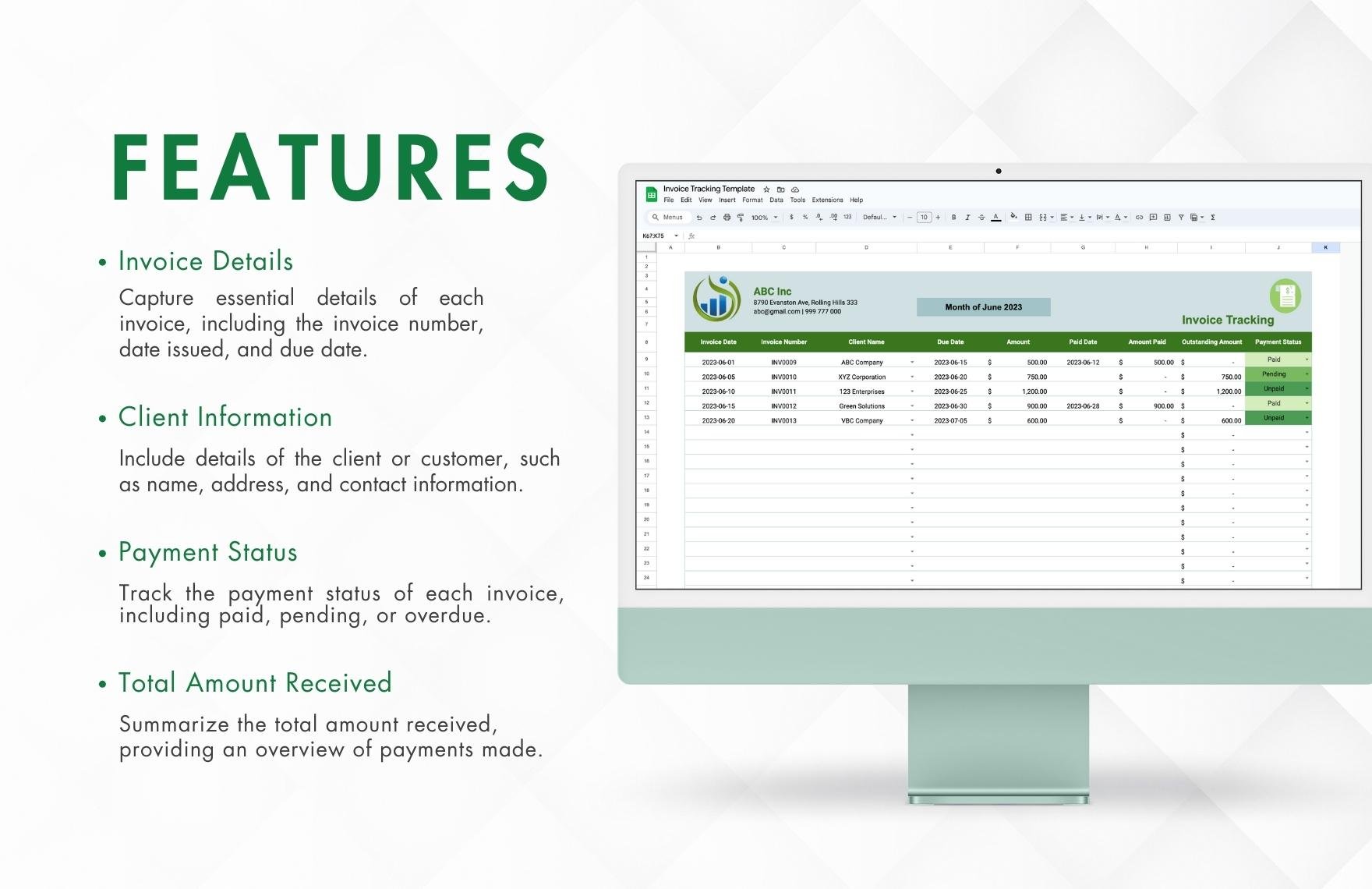
Businesses that work with recurring customers often need a customer-level view in addition to an invoice-level view. The invoice table answers what is owed on each invoice, while the customer summary answers how much a particular customer owes in total.
A customer summary can include customer name, total invoiced, total paid, total outstanding, overdue amount, oldest overdue invoice, and next follow-up date.
This makes account reviews faster. Instead of opening every invoice individually, an accounting manager can identify customers with significant outstanding balances and then drill down into the invoice records.
Customer-level tracking is particularly useful for businesses with recurring billing, retainers, project milestones, subscriptions, or multiple simultaneous invoices.
It is important, however, to keep the customer summary connected to the transaction data. Manually maintaining separate totals creates a risk that the summary and invoice register will disagree.
Payment Tracking for Different Business Models
Freelancers and Consultants
A freelancer may only need a compact tracker with client, project, invoice number, invoice date, due date, amount, amount paid, balance, and status.
Because many freelancers manage their own administration, simplicity is valuable. A tracker that takes several minutes to update for every invoice may eventually be abandoned.
Including a next-action field can be especially useful. Instead of merely showing “Overdue,” the row can indicate “Send reminder,” “Call client,” or “Awaiting purchase order.”
Project information is also useful because a client may have several projects with different billing arrangements.
The best freelancer system is one that can be updated immediately after an invoice or payment event without requiring a complex bookkeeping workflow.
Small Businesses
A small business may need more structure because several people can create invoices, receive payments, or follow up with customers.
In this environment, standardized status values and customer names become more important. The workbook should reduce opportunities for different employees to record the same event in different ways.
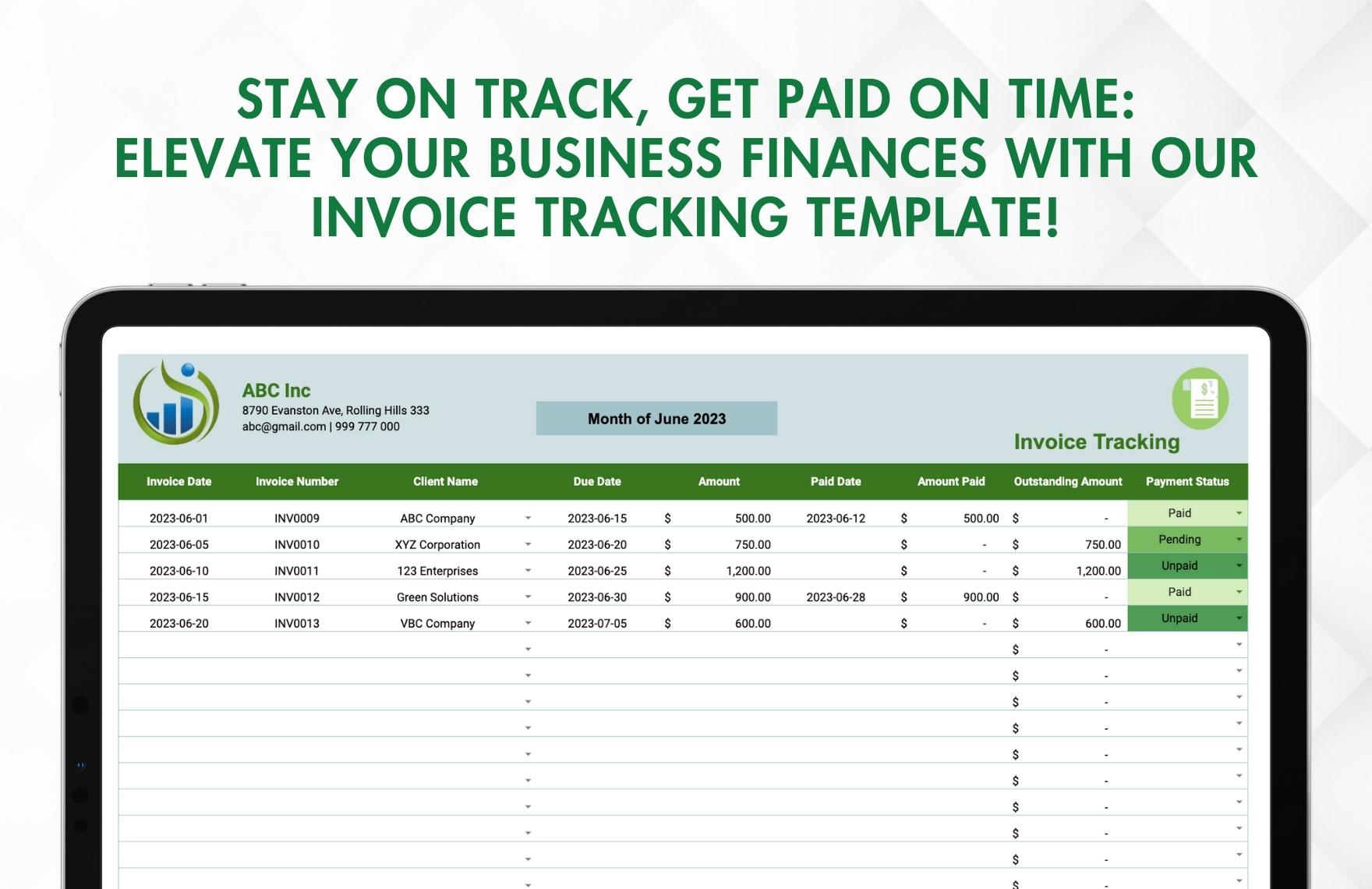
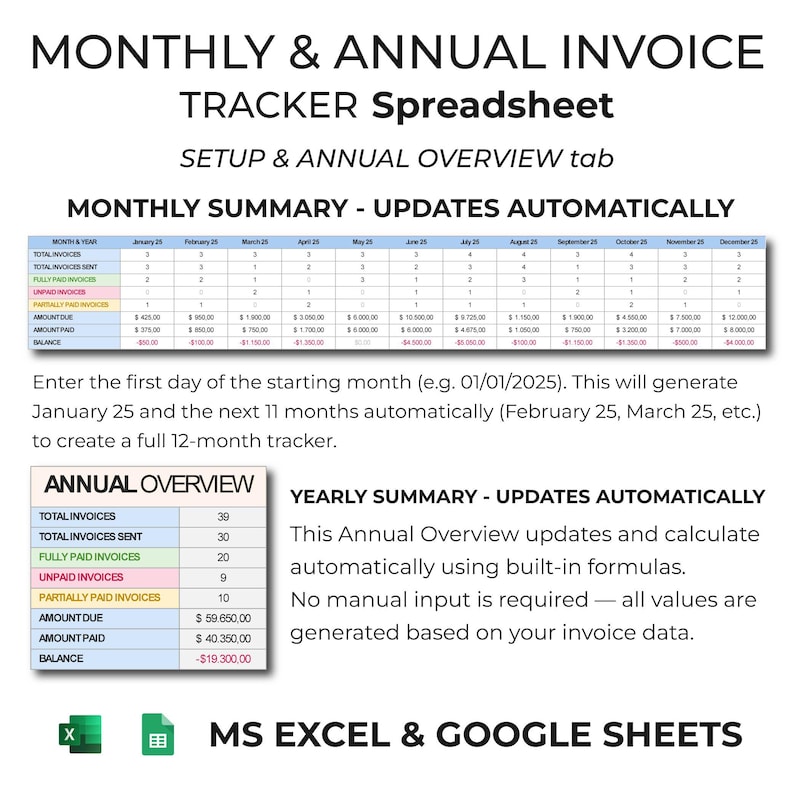
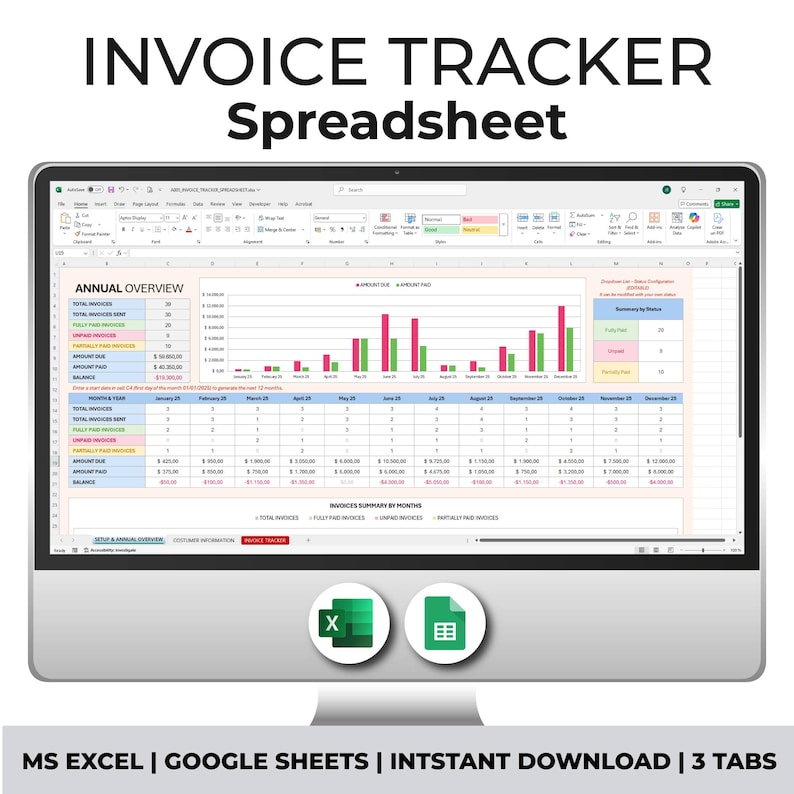
A dashboard can show total invoiced, total collected, total outstanding, overdue amount, number of overdue invoices, and upcoming due amounts.
Management can use these figures during weekly finance reviews without opening every invoice record.
Even a small business should preserve transaction history rather than deleting paid invoices. Paid records are useful for reconciliation, customer questions, and historical analysis.

Property and Rental Operations
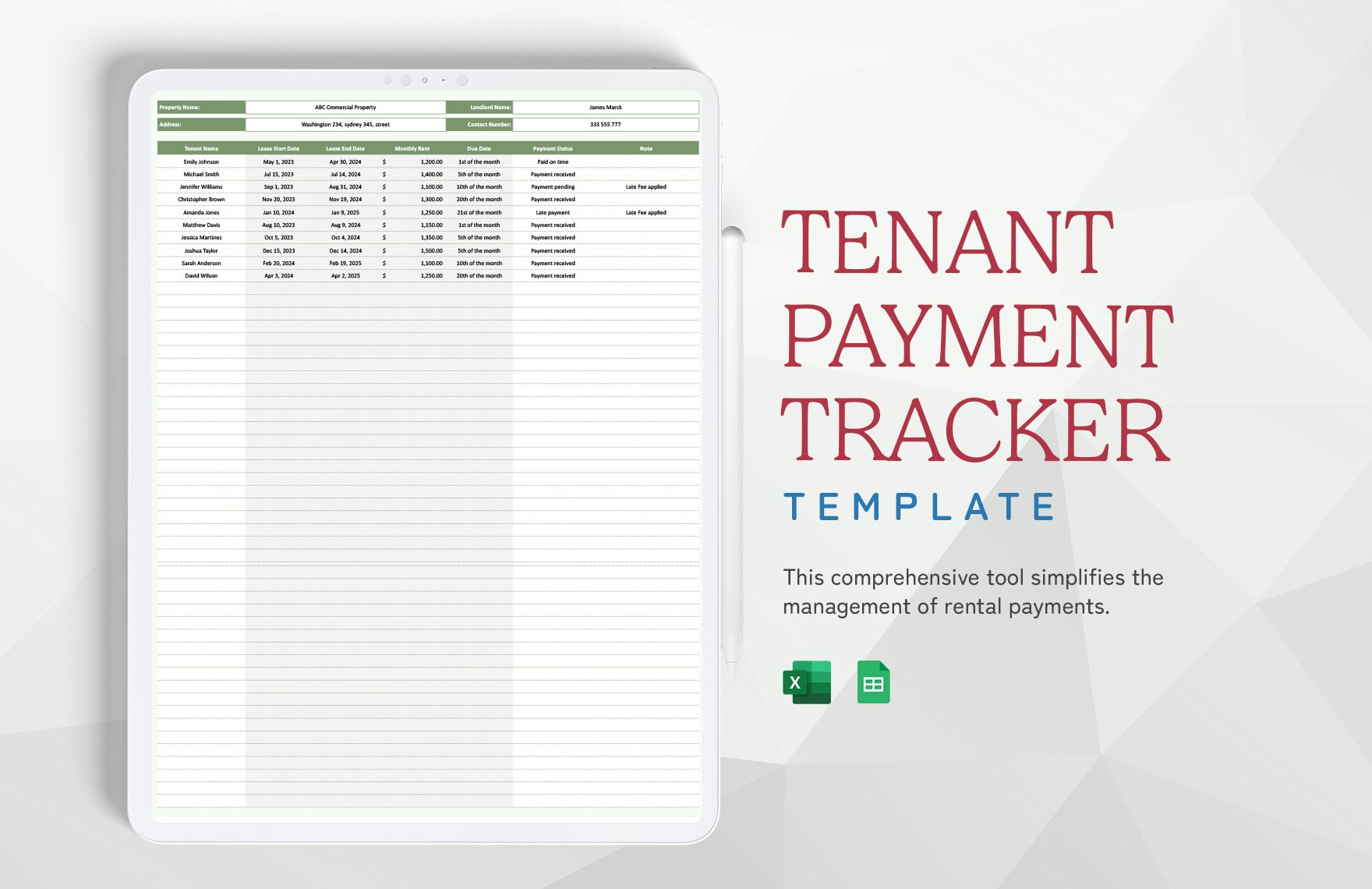
Property-related payment tracking often requires additional fields such as tenant, property, unit, billing period, due date, amount due, amount received, late status, and notes.
Recurring payments make a schedule-oriented layout useful. The tracker should make it easy to see which payments are expected each month and which accounts have fallen behind.
When multiple properties are involved, filtering by property or tenant can simplify follow-up. A property manager can review one building without losing the broader portfolio view.
Late fees, deposits, adjustments, and credits should be recorded according to the organization’s accounting procedures rather than being mixed casually into the base rent or service charge.
A recurring payment tracker is strongest when it preserves both expected obligations and actual payment history.
Payment Plan Tracker Template Design
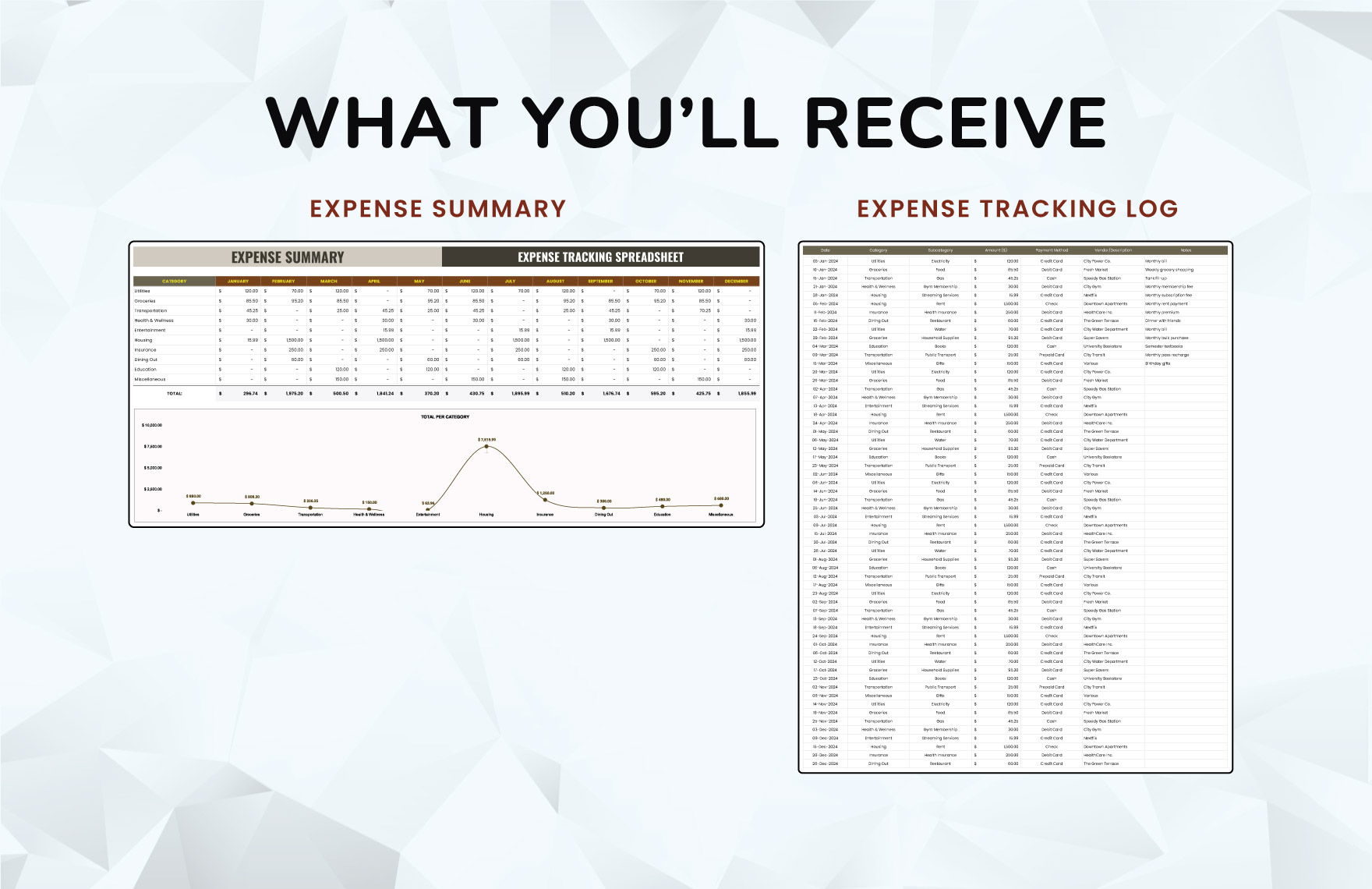
A payment plan is different from a normal invoice because the total obligation may be intentionally divided into several scheduled installments. A payment plan tracker should therefore emphasize installment dates, expected amounts, actual payments, and remaining commitments.
Useful fields include customer, agreement reference, total plan amount, installment number, scheduled date, scheduled amount, amount paid, remaining amount, payment status, and notes.
For example, a hypothetical $12,000 obligation could be divided into six $2,000 installments. Each installment should have its own expected date and payment status.
If an installment is partially paid, the tracker should show both the scheduled amount and the actual amount received. This prevents the user from confusing the original installment requirement with what has already been collected.
A payment plan should also distinguish between an installment being scheduled and an installment actually being paid. Planning information should never be treated as cash received.
Credit Card and Recurring Payment Tracking
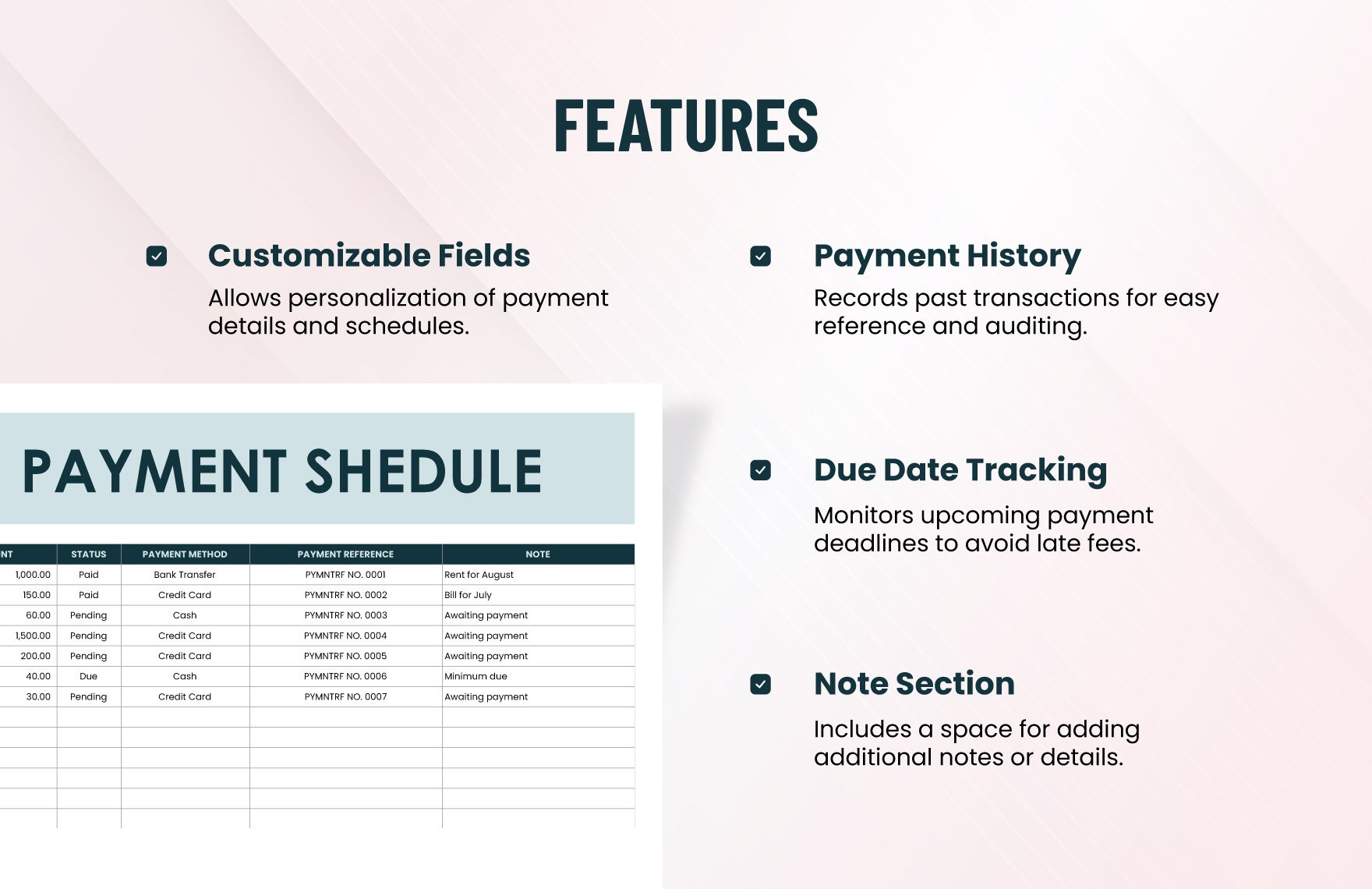
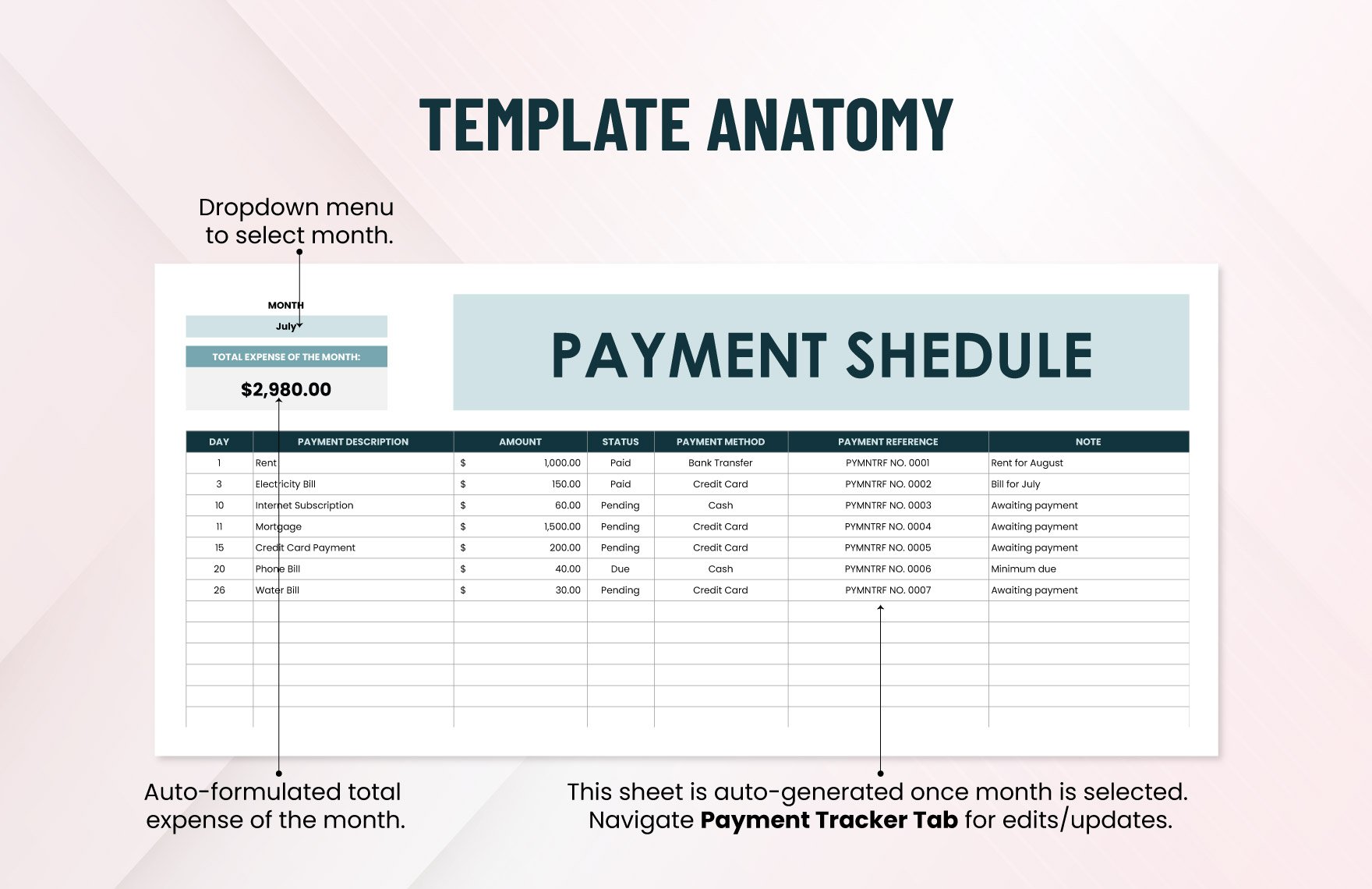
Recurring obligations such as credit card payments can be tracked using the same basic principles, but the tracker should distinguish statement balance, minimum payment, due date, actual payment, and remaining balance when those fields are relevant.
A credit card schedule can also include the statement date and payment date. This creates a timeline that is more informative than a simple list of payment amounts.
For business use, card-related records should be reconciled with statements and accounting records. A payment tracker should not be treated as a substitute for the organization’s official accounting ledger.
Recurring charges can be tracked separately from the payment itself. This makes it easier to identify subscriptions or regular expenses that continue even when the payment method changes.
The same design principle applies to loans, subscriptions, insurance premiums, service contracts, and other recurring obligations: record what is expected, what was paid, when it was paid, and what remains.
Reporting and Data Analysis
A payment tracker becomes more valuable when its transaction data can be summarized. At minimum, management may want to know total invoiced, total paid, total outstanding, and total overdue.
Monthly analysis can reveal whether collections are keeping pace with billing. Comparing invoices issued with payments received can help explain changes in outstanding receivables.
Customer analysis can identify concentration. If one customer represents a large share of outstanding receivables, management may want to monitor that account more closely.
Aging analysis can also reveal whether the issue is isolated or systemic. A growing balance in older aging categories may suggest that collection processes require attention.
Charts should be used to clarify these patterns, not simply to make the workbook look more professional. A small number of useful charts is normally better than a dashboard filled with visual elements that do not support a decision.
Google Sheets vs. Excel for Payment Tracking
Google Sheets is useful when several people need to access the same tracker and collaborate from different locations. Version history can also provide a practical way to review changes when a shared spreadsheet is accidentally modified.
Excel is useful for users who prefer desktop workbooks, advanced spreadsheet functionality, local file storage, or integration with existing Microsoft-based workflows.
For a straightforward payment tracker, both platforms can handle basic formulas, filters, tables, conditional formatting, and summaries. The choice should therefore be based on workflow, collaboration requirements, existing systems, and user familiarity.
When a workbook is moved between platforms, formulas and formatting should be tested rather than assumed to behave identically. Particularly complex functions, external connections, macros, or advanced features can introduce compatibility considerations.
The strongest template is often the one the accounting team can maintain consistently. A technically sophisticated workbook is not useful if users avoid updating it.
Using PDF and Printable Formats
A spreadsheet is generally better for active tracking because formulas and filters can be updated. A PDF is more useful when the goal is to present or print a fixed record.
For example, a business might maintain the live payment tracker in a spreadsheet and periodically export a payment schedule or account statement to PDF for review or communication.
A printable format should include enough context to make the document understandable without access to the spreadsheet. That can include the customer name, reporting period, transaction references, amounts, dates, status, and totals.
PDF exports should be checked for page breaks, truncated columns, unreadable text, and missing totals. A technically correct spreadsheet can produce a poor PDF if the print area has not been configured properly.
It is also important to distinguish between a PDF template and an official accounting record. A printable template is a presentation tool unless the organization has incorporated it into a formal recordkeeping process.
Common Mistakes to Avoid
Overwriting Original Invoice Amounts
Do not replace the original invoice amount with the remaining balance. Keep the original amount stable and calculate the balance separately.
Overwriting the original amount destroys historical information and makes it harder to understand how much was initially billed.
The same principle applies to dates. Do not replace the original invoice date with a payment date or a revised due date without preserving the original information where it matters.
If an invoice is formally revised, the tracker should reflect the adjustment through an appropriate process rather than silently changing history.
Good financial records preserve what happened and make later adjustments traceable.
Mixing Different Types of Transactions
Another common mistake is combining customer invoices, vendor bills, personal expenses, credit card statements, and bank transactions in one undifferentiated table.
Although all of these involve money, they serve different accounting purposes and often require different fields.
A tracker can have separate tabs for receivables, payables, expenses, and payment transactions while still providing a summary dashboard.
Clear separation reduces the risk of interpreting a payment to a vendor as customer cash received or confusing an expense transaction with an invoice collection.
When different transaction types must coexist, include a clear transaction-type field and define what each category means.
Deleting Paid Transactions
Deleting paid invoices may make the outstanding list look cleaner, but it removes useful history. A better approach is to keep the transaction and filter the view when only open balances are needed.
Historical records can help resolve customer questions, investigate discrepancies, and support reconciliation.
Instead of deleting rows, use filters such as Status is not Paid when reviewing open items.
If the workbook becomes very large, historical records can be archived according to the organization’s document-retention process rather than casually deleted.
The central principle is that the operational view can be simplified without destroying the underlying transaction history.
Data Validation and Internal Controls
Payment tracking is an accounting-related process, so basic internal controls should be considered even in a small spreadsheet.
Restrict formula cells where possible so users do not accidentally replace calculations. Use protected ranges or worksheet protection when the platform and workflow make this practical.
Keep a clear distinction between data entry and calculated fields. If users can immediately see which cells they are expected to edit, accidental formula deletion becomes less likely.
Use consistent naming conventions for customers, invoices, payment methods, and statuses. Standardized values make automated summaries more reliable.
Finally, reconcile the tracker against the organization’s authoritative accounting or banking records at appropriate intervals. The spreadsheet should support accounting control, not become an isolated record that nobody verifies.
Practical Solution: Build a Payment Tracker That Stays Useful
The most practical solution is to start with a simple accounting payment tracker template and expand it only when a real requirement appears. Begin with invoice ID, customer, invoice date, due date, amount due, amount paid, balance, status, and notes.
Next, separate payment transactions if customers frequently make partial or multiple payments. Use one row per payment and link each payment to an invoice ID.
Then automate the repetitive calculations. Balance, days overdue, status, aging category, and summary totals should ideally be calculated instead of manually maintained.
Add conditional formatting only after the underlying calculations work correctly. Highlight overdue balances, upcoming due dates, and unusual conditions in a restrained way.
Finally, create a management view that answers the most important questions at a glance: how much is outstanding, how much is overdue, which customers have the largest balances, and what follow-ups are due next.
Recommended Implementation Workflow
- List every active invoice or payment obligation.
- Assign a unique transaction or invoice reference.
- Enter customer or vendor information consistently.
- Record invoice dates and contractual due dates.
- Enter the original amount without overwriting it later.
- Record each payment as it occurs.
- Calculate the outstanding balance automatically.
- Calculate overdue days where appropriate.
- Use standardized payment statuses.
- Review overdue and upcoming balances on a regular schedule.
- Reconcile the tracker with accounting or banking records.
- Archive historical information according to the organization’s recordkeeping process.
Example Formula Structure
| Field | Example | Purpose |
|---|---|---|
| Invoice Amount | $5,000 | Original amount billed |
| Amount Paid | $2,000 | Total payments received |
| Balance | $3,000 | Amount still outstanding |
| Due Date | June 30 | Contractual payment deadline |
| Days Overdue | Calculated | Number of days past due |
| Status | Partial / Overdue | Collection condition |
A hypothetical example illustrates the workflow. Imagine a consulting company issues three invoices: $3,000 to Client A, $5,500 to Client B, and $2,000 to Client C. If Client A pays in full, Client B pays $2,500, and Client C pays nothing, the tracker should show $3,000 collected and $7,000 outstanding.
That same information can then be separated by status. Client A is Paid, Client B is Partial, and Client C is Open or Overdue depending on the due date.
The advantage of the structure is that management does not need to recalculate these figures manually every time a payment arrives.
When Client B later pays another $3,000, the payment log receives a new row, the total paid for the invoice becomes $5,500, the balance becomes zero, and the status changes to Paid.
This is the type of small automation that makes a spreadsheet-based system practical: users record events, while formulas convert those events into useful financial information.
Reference Examples
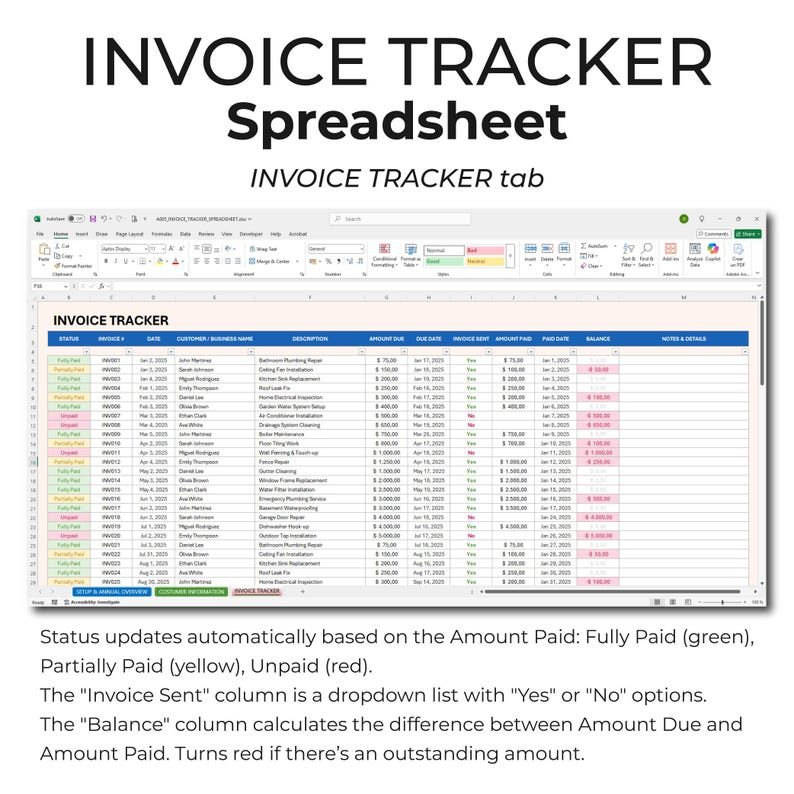
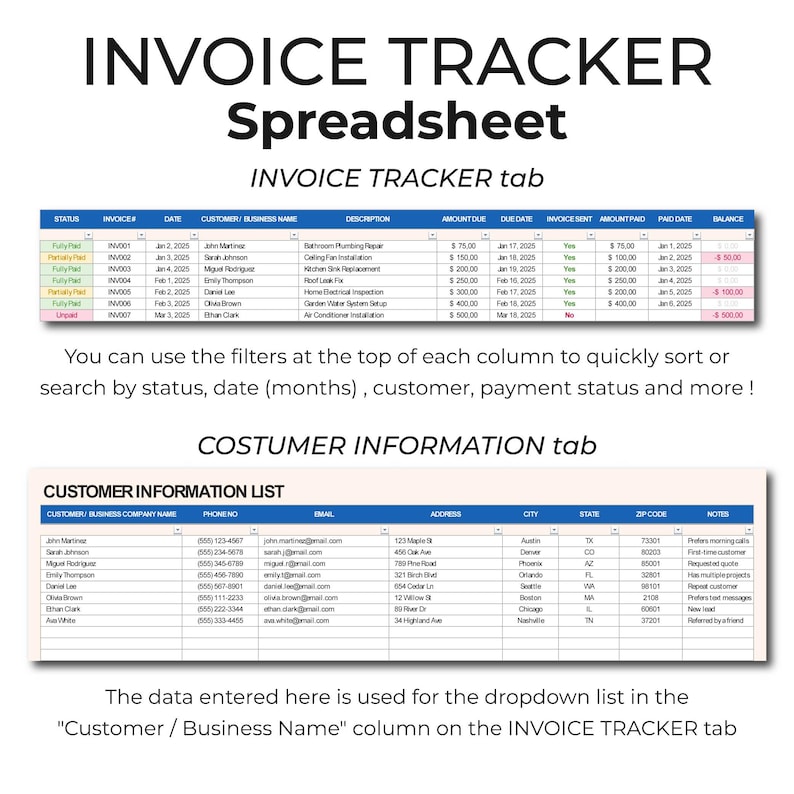
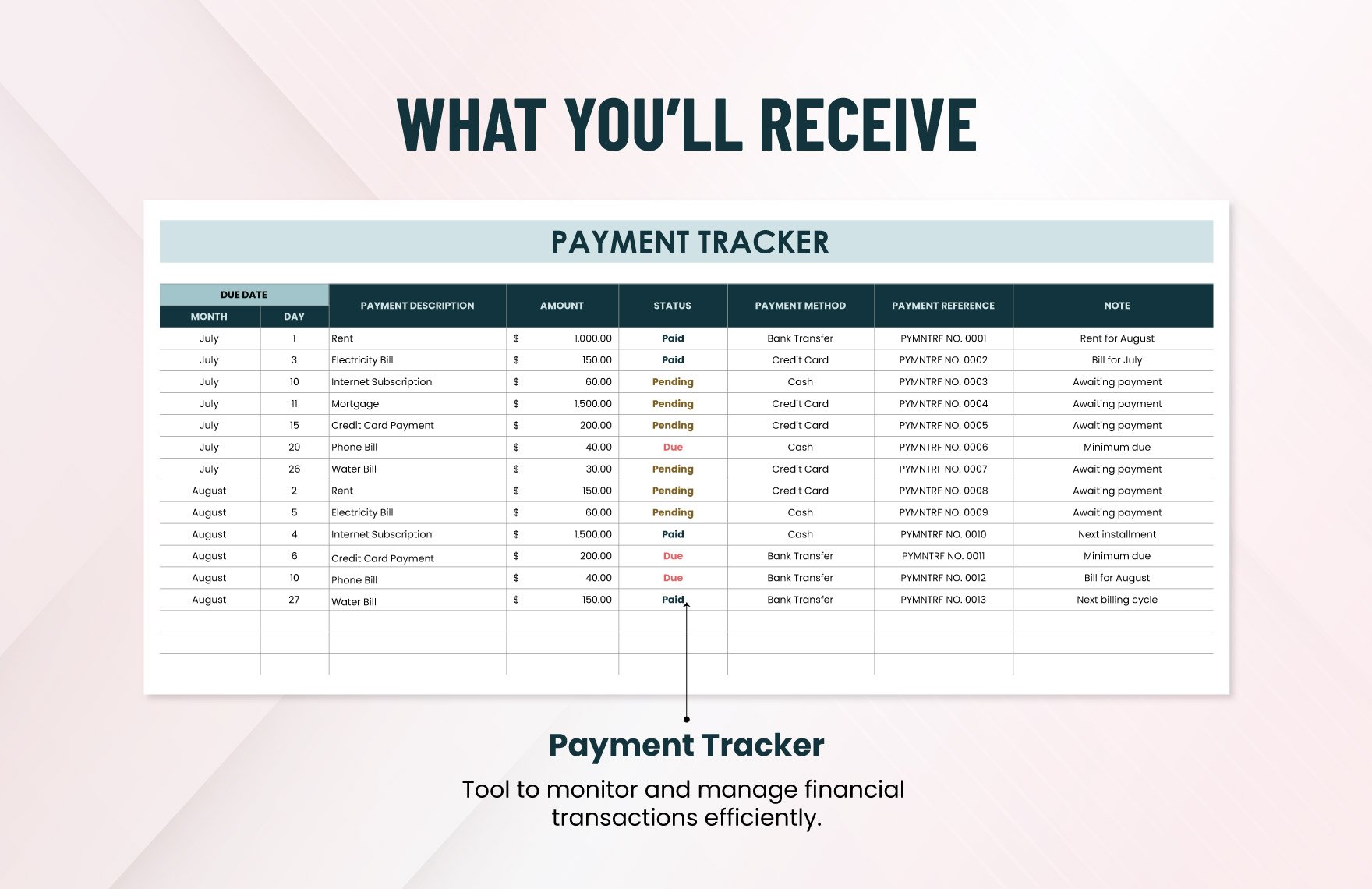
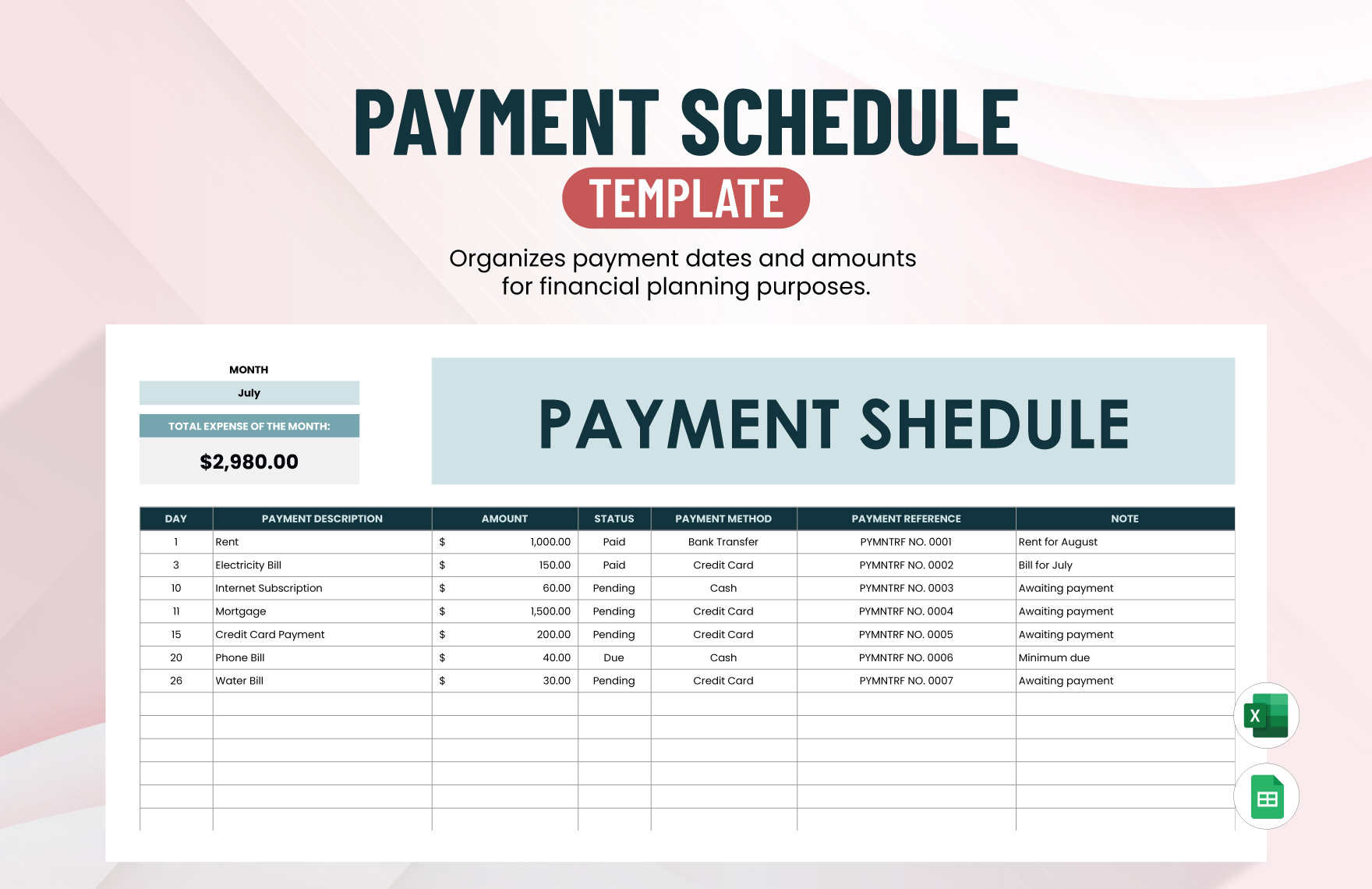
The following visual examples represent different payment-tracking formats and document styles relevant to the exact search phrases addressed in this guide.
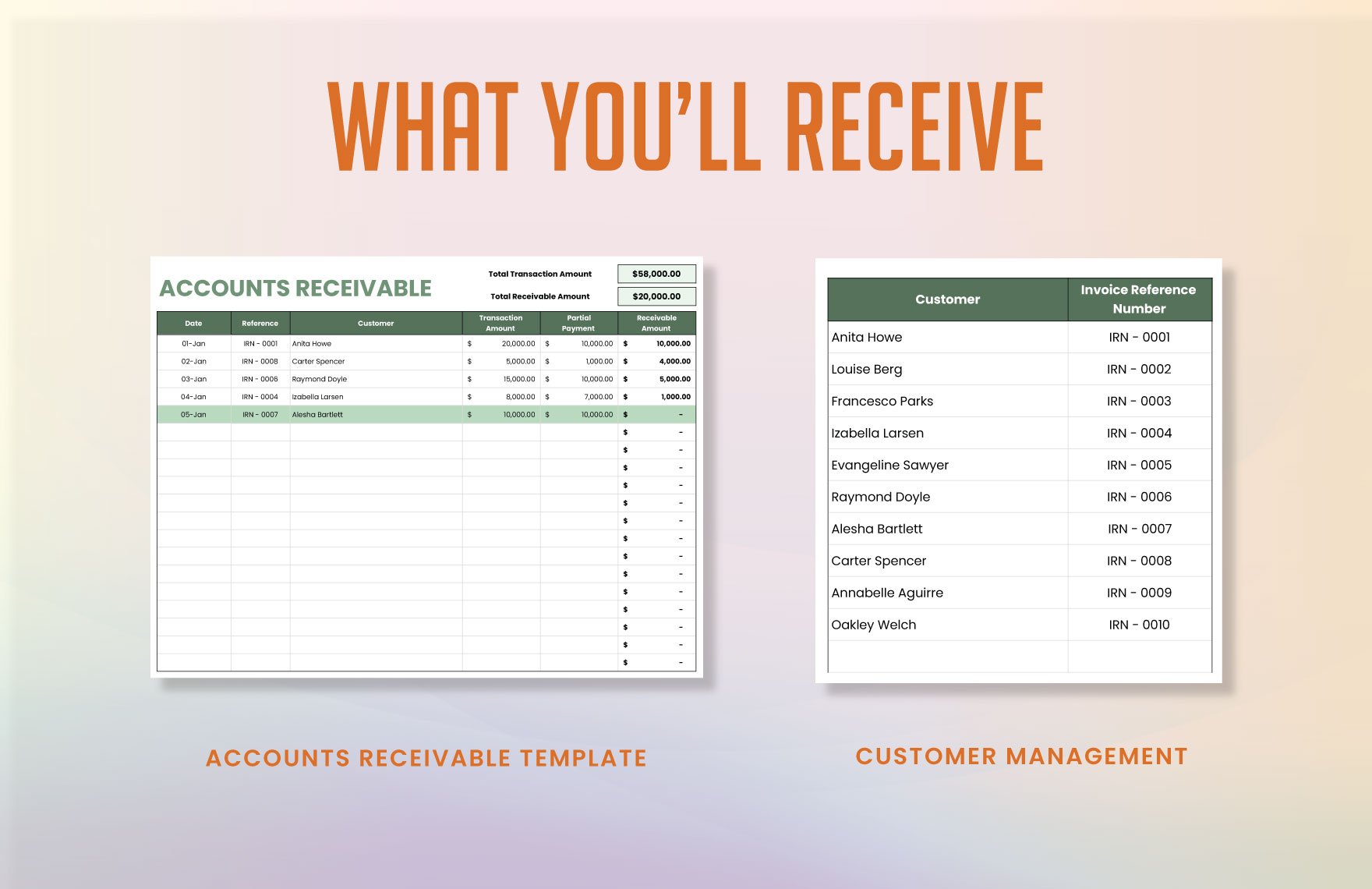
accounting payment tracker template google sheets
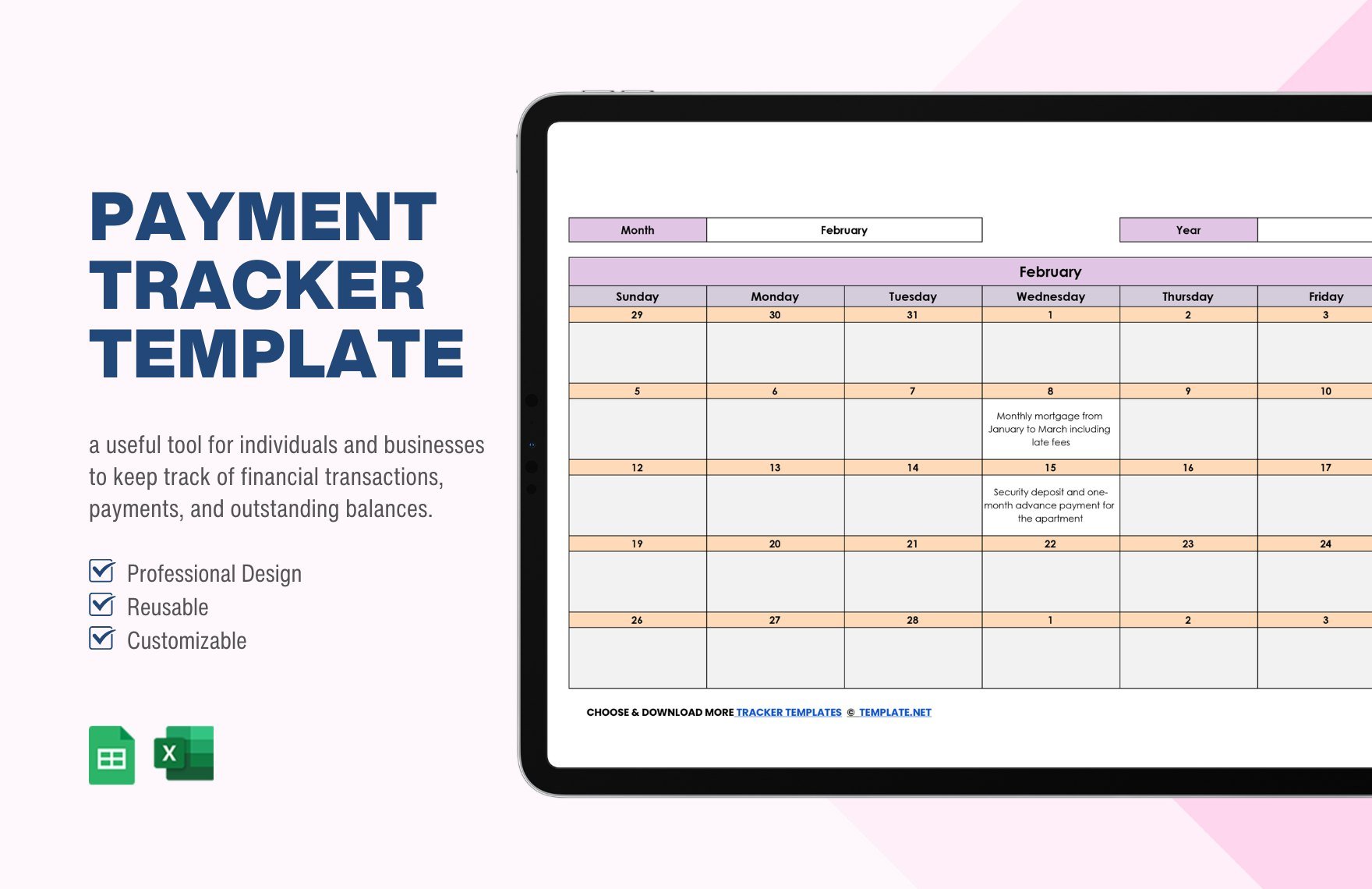
Source: Template.net
accounting payment tracker template excel
Source: Etsy (BocaBocaTemplates)
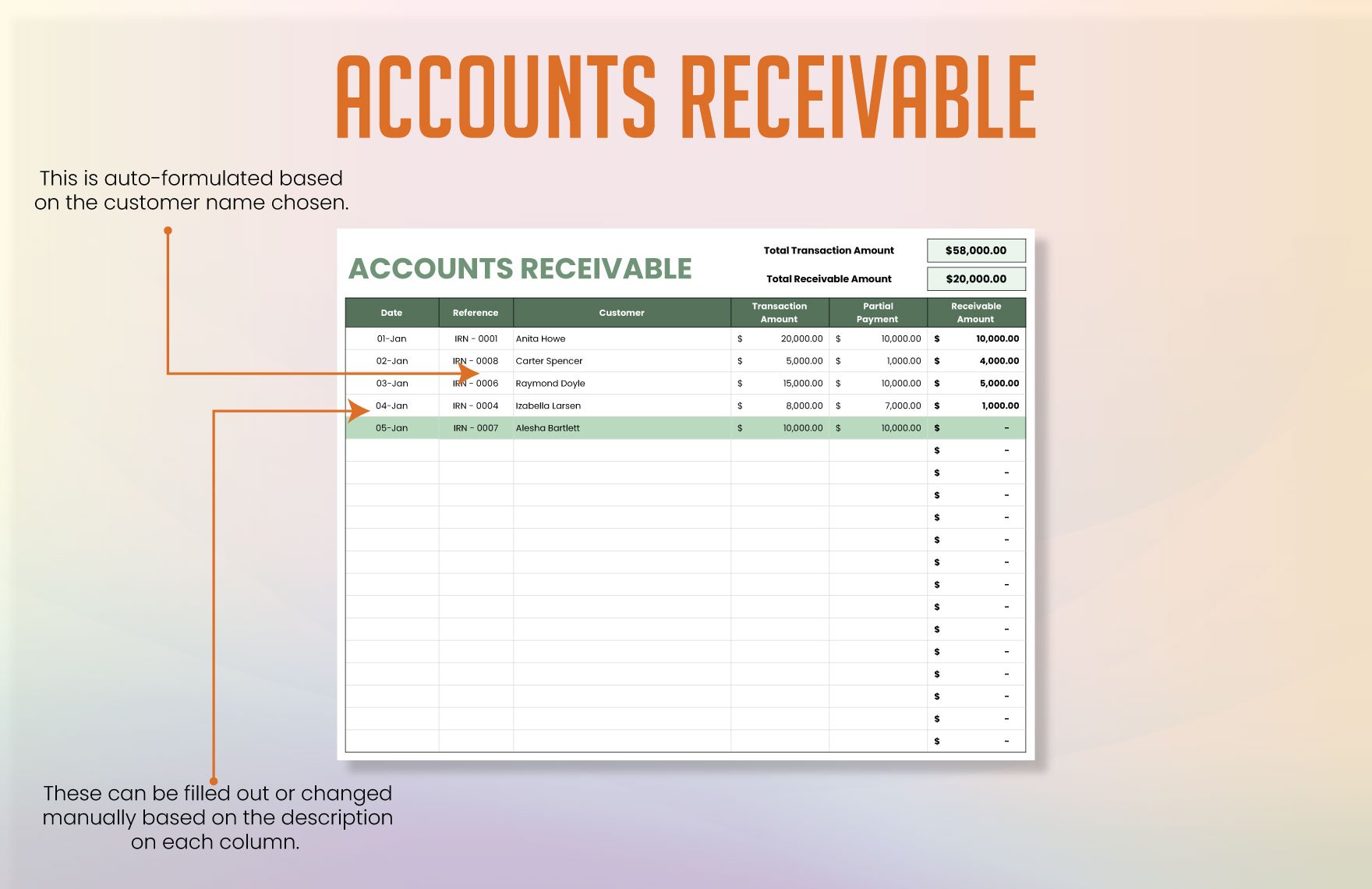
accounting payment tracker template free
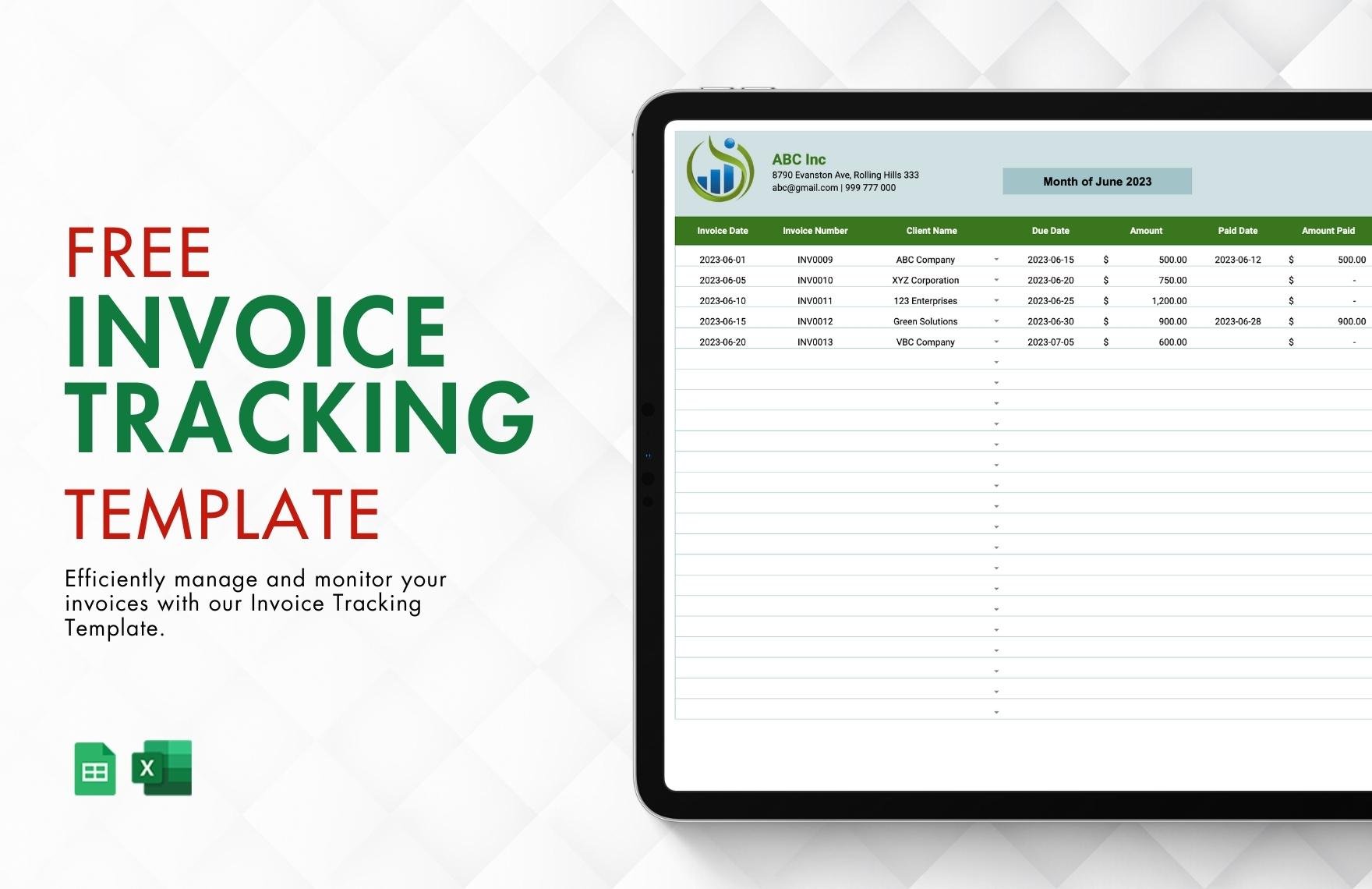
Source: Template.net
accounting payment tracker template free download
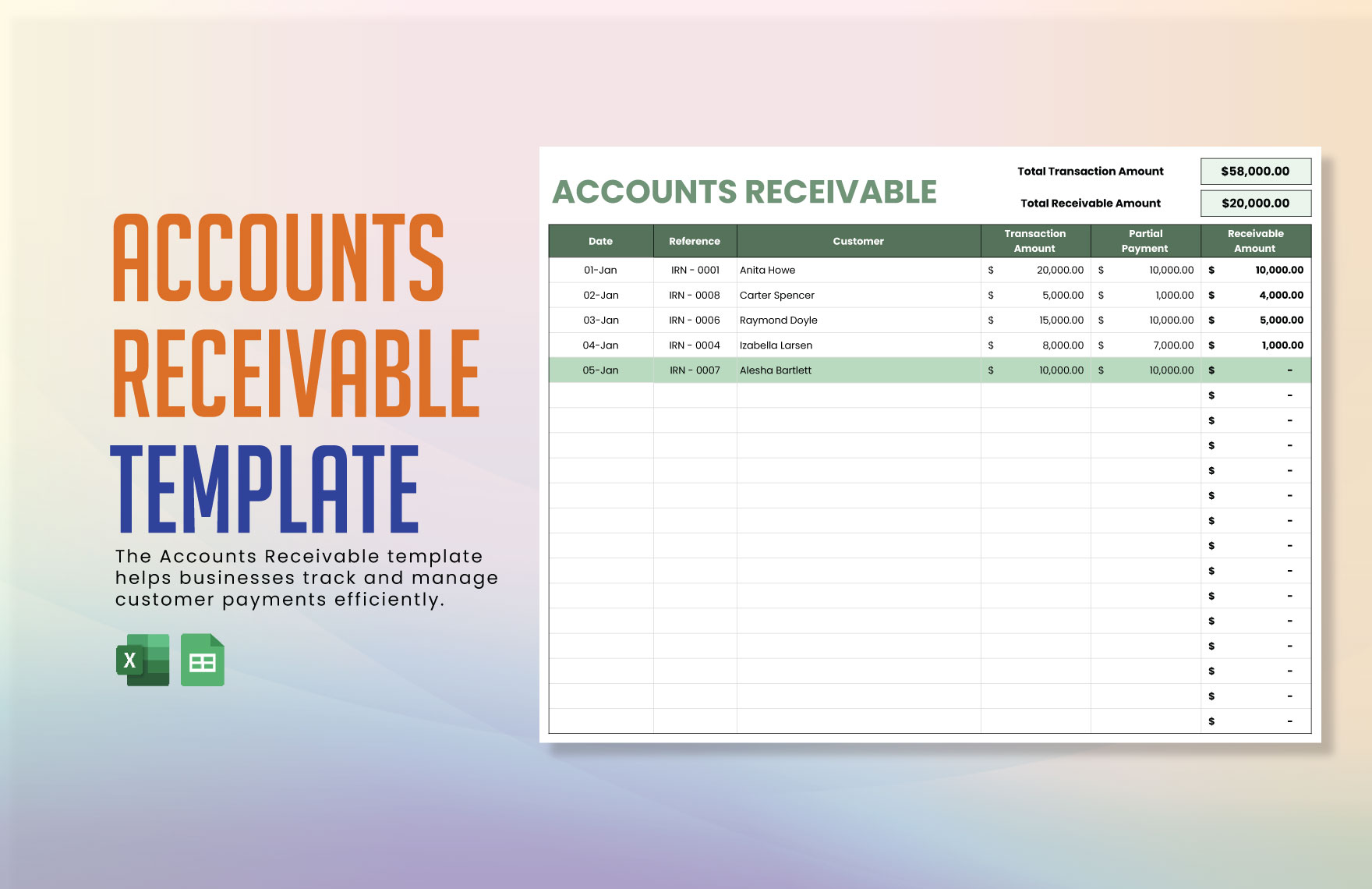
Source: Template.net
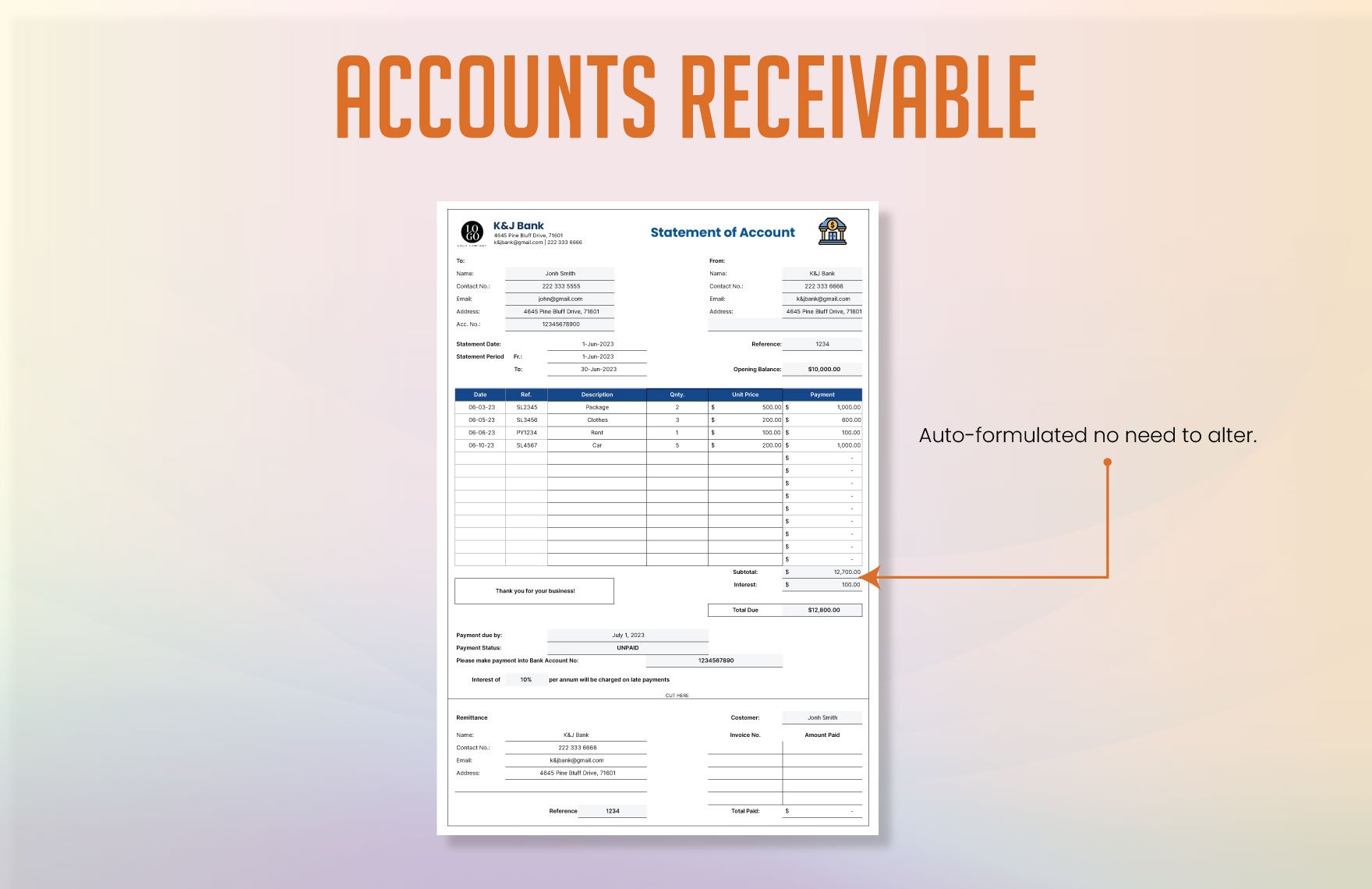
accounting payment tracker template pdf
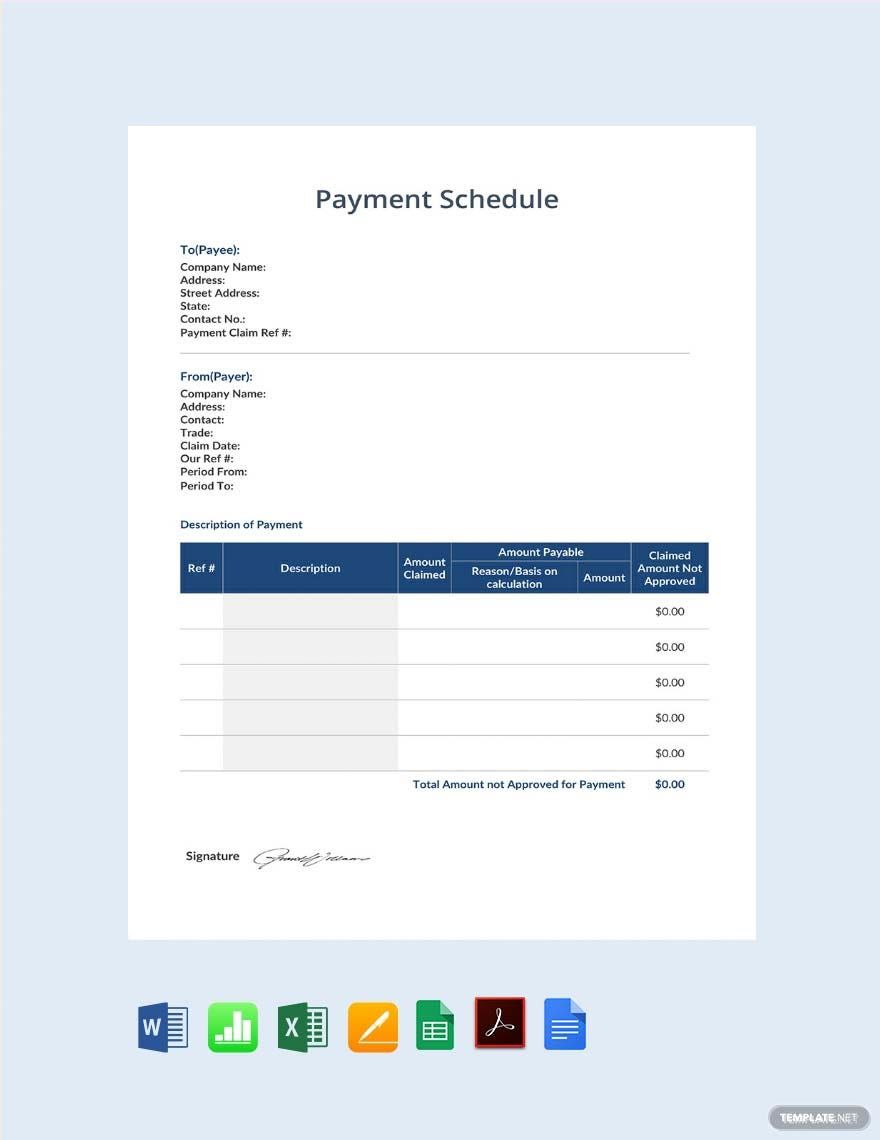
Source: Template.net
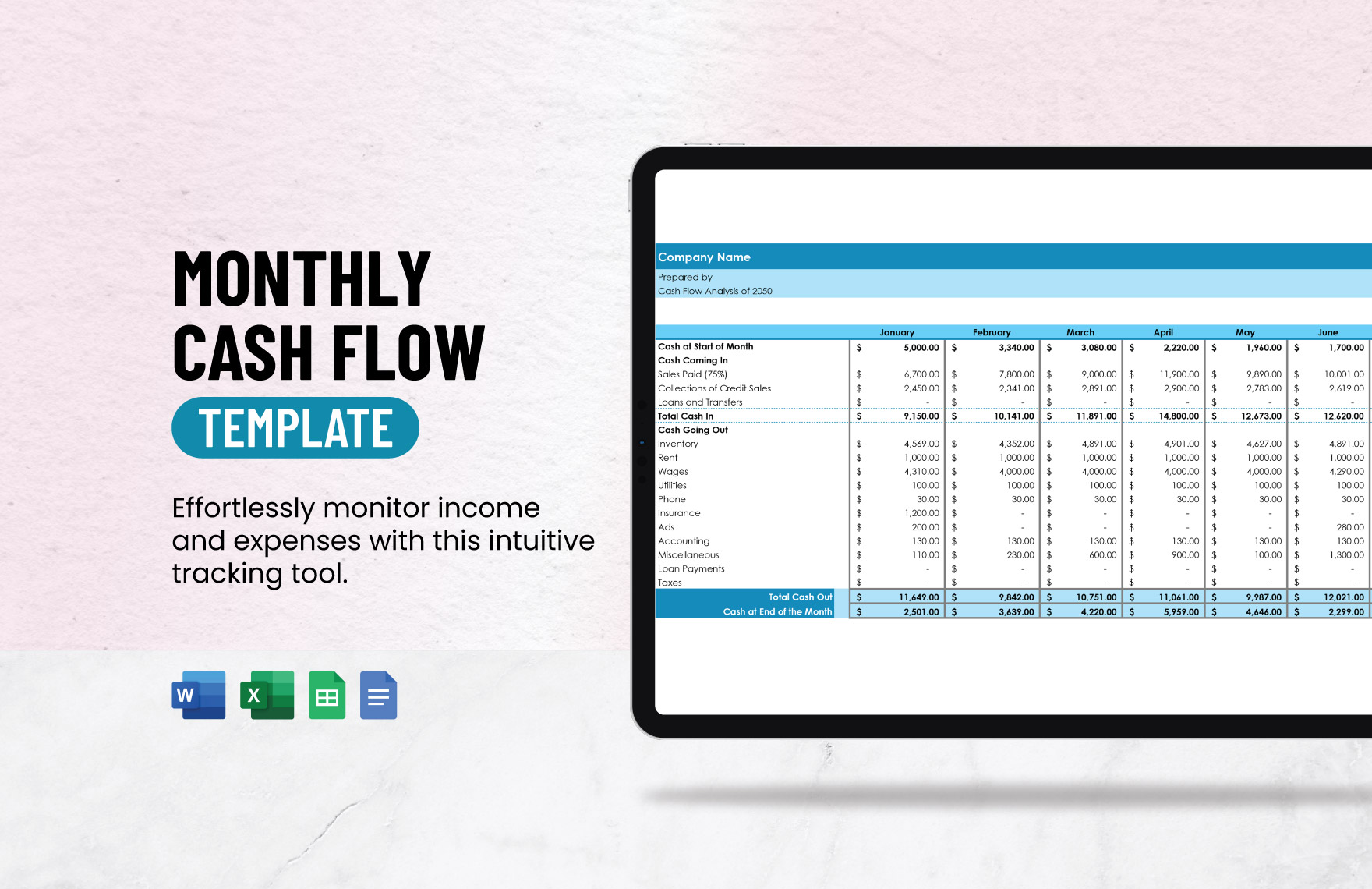
accounting payment tracker template google docs
Source: Template.net
accounting payment tracker template excel free
Source: Etsy (BocaBocaTemplates)
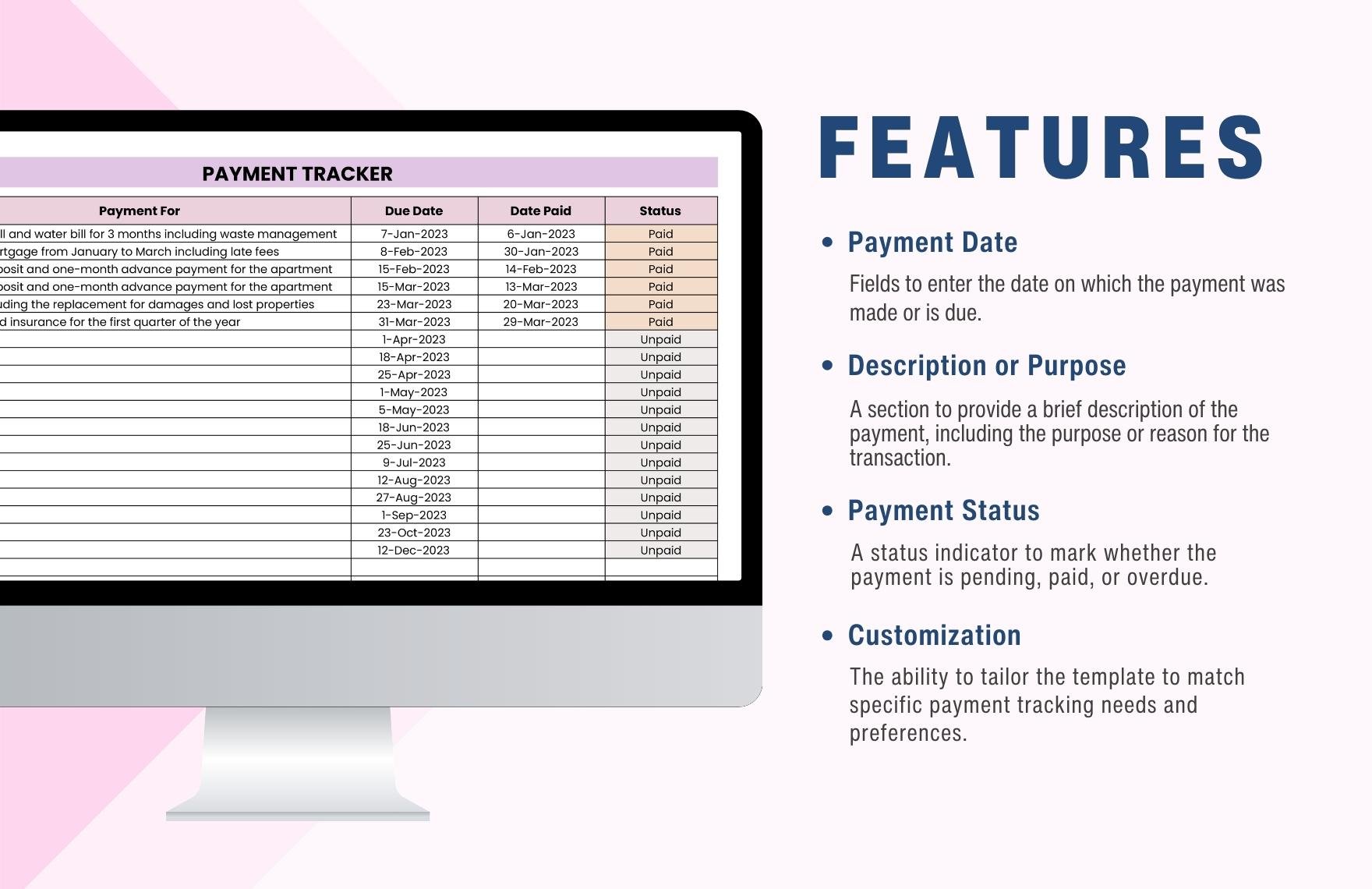
payment tracker template free
Source: Template.net
payment plan tracker template
Source: Template.net
client payment tracker template
Source: Etsy (BocaBocaTemplates)
payment tracker spreadsheet template
Source: Etsy (BocaBocaTemplates)
credit card payment tracker template
Source: Template.net
Frequently Asked Questions
What is the main purpose of an accounting payment tracker template?
Its main purpose is to organize invoices, payments, outstanding balances, due dates, statuses, and related notes so users can quickly understand what has been billed, what has been collected, and what still requires attention.
Should I use Excel or Google Sheets?
Either can work well. Google Sheets is convenient for browser-based collaboration, while Excel is often preferred for desktop workflows and organizations already using Microsoft tools. Choose the platform your team can maintain consistently.
What columns should a payment tracker include?
A useful starting point is invoice number, customer, invoice date, due date, amount due, amount paid, balance, status, and notes. Larger workflows may also need payment date, payment method, aging, currency, project, and follow-up fields.
How do I track partial payments?
Keep the original invoice amount unchanged and record each payment separately. The total amount paid can then be calculated from the payment log, while the invoice balance is calculated as the original amount minus total payments received.
Can a spreadsheet automatically identify overdue invoices?
Yes. A spreadsheet can compare the due date with the current date and the outstanding balance. If the balance is greater than zero and the due date has passed, the tracker can classify the record as overdue and calculate days overdue.
Is a payment tracker the same as accounting software?
No. A tracker is primarily an organizational and monitoring tool. It does not automatically replace a general ledger, bank reconciliation system, tax records, financial statements, or other accounting controls required by a business.
How often should payment records be updated?
The best practice is to update the tracker whenever an invoice, payment, credit, adjustment, or other relevant event occurs. Delayed updates reduce the usefulness of the outstanding and overdue figures.
Should paid invoices be deleted?
Generally, no. Keeping paid invoices preserves historical information. Instead of deleting them, filter the tracker to show only open or overdue records when you need a focused collection view.
What is the difference between a payment tracker and a payment plan tracker?
A payment tracker usually records actual invoices and payments, while a payment plan tracker focuses on scheduled installments and compares expected payments with actual payments. A payment plan can therefore contain both future obligations and historical transactions.
When should a business move beyond a spreadsheet?
A spreadsheet may become unsuitable when transaction volume, users, integrations, permissions, audit requirements, automation needs, or reconciliation complexity become difficult to manage safely. At that point, dedicated accounting or receivables software may provide better controls.
Conclusion
A well-designed accounting payment tracker template is more than a list of invoices. It is a practical control system for understanding what has been billed, what has been collected, what remains outstanding, which accounts are overdue, and what action should happen next. Start with a clear structure, preserve original transaction information, record payments separately when necessary, automate repetitive calculations, and reconcile the tracker with authoritative accounting records. Whether the workbook is maintained in Excel, Google Sheets, or another format, the most valuable template is the one that remains accurate, understandable, and easy to update as the business grows.
