The phrase “reporting employees brief template” can describe several related documents rather than one universally standardized form. Depending on the purpose, the report might be a short employee status brief, a performance summary, an incident record, a monthly workforce update, or a management report. The best format therefore starts with the reporting objective rather than with the software used to create the document.
Current template resources show that employee reporting documents commonly organize information such as employee identity, department, position, reporting period, goals, achievements, areas for improvement, comments, ratings, and follow-up needs. Performance-report forms are also commonly designed around consistent collection of information so managers can prepare for reviews and development conversations more efficiently.
This guide explains how to design, evaluate, and use a reporting employees brief template responsibly. It covers the essential sections, Word and PDF considerations, spreadsheet workflows, HR applications, behavior and incident documentation, monthly reporting, California-specific considerations, data analysis, privacy, common mistakes, and practical implementation.
The goal is not simply to create a document that looks professional. A useful employee brief should help another authorized reader understand what happened, what the employee contributed, what evidence supports the assessment, what requires attention, and what should happen next.

What Is a Reporting Employees Brief Template?
A reporting employees brief template is a reusable document structure for recording concise, relevant information about employees or workforce activity. It can be completed by a manager, supervisor, HR professional, project lead, or another authorized person with a legitimate business reason to document the information. The template is best understood as a framework rather than as a substitute for judgment.
A brief report normally emphasizes information that a decision-maker needs quickly. That means the document should distinguish facts from interpretations, identify the relevant period, explain the context, and make any required action easy to locate. A long collection of notes is not necessarily a useful brief; clarity and relevance matter more than the amount of text.
The same framework can support positive and corrective reporting. For example, a manager may document exceptional project delivery, a recurring attendance concern, a completed training plan, a workplace incident, or a change in responsibilities. The tone should remain objective regardless of whether the report records success or a problem.
A strong template also reduces variation between reports. If one manager records dates, another records only opinions, and a third records extensive narrative without evidence, comparisons become difficult. Consistent fields encourage more consistent documentation without forcing every employee situation into an identical interpretation.
For that reason, the most useful reporting employees brief template balances structure with flexibility. Required fields should capture information that is genuinely necessary, while optional narrative areas should allow the writer to explain unusual circumstances, supporting evidence, employee comments, and recommended next steps.
Why Employee Reporting Needs Structure
Employee reporting often affects decisions that deserve careful documentation. A report may later be used to prepare a performance conversation, identify a training requirement, summarize team activity, understand an incident, or brief leadership. When documentation is inconsistent, important details can disappear between conversations, emails, spreadsheets, and separate files.
Structure creates a common language. A reporting period field clarifies when an observation occurred. A responsibility field identifies the employee’s role. An evidence section explains what supports an assessment. An action field makes the expected next step visible. These simple design choices can make a report substantially easier to interpret.
Good structure also discourages vague statements. Instead of writing “performance was poor,” a manager can record the relevant responsibility, expected standard, observed result, supporting evidence, employee response, and agreed follow-up. This makes the document more useful for coaching and less dependent on subjective wording.
Another advantage is continuity. If the employee changes managers, joins a new project, or enters a scheduled review cycle, a well-organized report provides historical context. That continuity is especially valuable when several reporting periods need to be compared without forcing the next manager to reconstruct events from memory.
However, structure should never encourage unnecessary collection of sensitive personal information. An employee report should contain information that is relevant to its purpose and should be handled according to the organization’s privacy, retention, access-control, and employment-documentation practices.

Core Components of a Reporting Employees Brief Template
The first section should identify the report itself. Include the report title, employee name or approved identifier, job title, department, reporting period, report date, and the person preparing the report. If reports are used across multiple teams, a report ID or internal reference number can make filing and retrieval easier.
The next section should establish purpose and context. A short statement can explain whether the document covers routine progress, a performance review, an incident, a project assignment, a monthly update, or another defined purpose. Context prevents a reader from interpreting a short observation as if it were a complete performance assessment.
A performance section can capture goals, responsibilities, accomplishments, measurable outputs, quality observations, collaboration, communication, and development progress. Not every report needs every category. A short weekly brief might need only progress, blockers, and next actions, while a formal review can require a broader assessment.
An evidence section is particularly valuable when the report contains an evaluation. Evidence might include completed deliverables, dates, project records, documented communications, attendance records where appropriate, customer feedback, quality checks, or other legitimate business records. The purpose is to make the reasoning behind an observation understandable.
Finally, include a conclusion or action area. State what has been completed, what remains open, who owns the next step, and when follow-up should occur. If the employee has provided comments or a response, preserve that distinction rather than blending the employee’s words into the manager’s assessment.
A Simple Field Structure
| Section | Typical content | Why it matters |
|---|---|---|
| Employee details | Name, role, department, manager | Identifies the subject and context |
| Reporting period | Start date, end date, review date | Defines the time covered |
| Summary | Short overview of the reporting period | Gives decision-makers a quick understanding |
| Work and results | Goals, deliverables, responsibilities | Connects observations to actual work |
| Evidence | Records, examples, measurable outcomes | Improves objectivity |
| Development | Strengths, gaps, training, support | Turns reporting into an improvement tool |
| Actions | Owner, deadline, next step | Creates accountability and continuity |
Templates should be designed around the smallest set of fields that consistently produces a useful report. Adding dozens of fields can make completion slow and encourage users to enter superficial information simply to finish the form. A concise template that is actually completed well is generally more useful than a complex template that users routinely bypass.

How to Create a Reporting Employees Brief Template Step by Step
Start by defining the decision the report is supposed to support. Ask whether the reader needs to understand employee progress, document an event, compare performance over time, identify support needs, prepare for a meeting, or communicate workforce information to leadership. The answer determines which fields belong in the template.
Next, define the reporting period. A daily, weekly, monthly, quarterly, and annual report will naturally contain different levels of detail. Short reporting cycles should emphasize immediate work, blockers, and actions, while longer cycles can include trends, development progress, recurring themes, and broader outcomes.
Then create the basic identity block. Keep it simple and consistent. Include the employee’s approved name or identifier, role, department, reporting manager, reporting period, and report date. If the document is likely to be circulated beyond HR, consider whether every identifier displayed is actually necessary.
After that, build the main content around observable information. Separate completed work from planned work. Separate evidence from interpretation. Separate an employee’s own comments from the manager’s assessment. This distinction makes the report easier to review and reduces ambiguity.
The final step is to test the template using a hypothetical employee scenario before deploying it. Ask a second reviewer to read the completed example without additional verbal explanation. If that person cannot understand the period, purpose, evidence, assessment, and next action, the template probably needs refinement.

Choosing Word, PDF, Excel, or a Form-Based Workflow
Microsoft Word is useful when the report depends heavily on narrative, headings, signatures, tables, and printable formatting. A Word-based reporting employees brief template can be convenient for managers who need to write several paragraphs explaining context or observations. It is also practical when the finished report will be stored as a formal document.
PDF is generally most useful as a distribution or finalization format rather than as the only working format. A PDF can preserve layout and provide a stable copy for review, but editing may be less convenient than working in the original document. Organizations should distinguish between an editable source document and an approved final record.
Excel is better suited to structured employee reporting when the work involves repeated rows, dates, categories, calculations, comparisons, or dashboards. For example, a team may maintain a controlled workbook containing employee reporting periods and selected operational measures, then generate a narrative brief from the relevant information.
Form-based workflows can improve consistency when many managers need to submit the same information. A form can enforce required fields, standardize response choices, and centralize submissions. The tradeoff is that highly unusual cases may require additional narrative or a separate document.
The best choice depends on the reporting task. Do not choose Excel simply because the organization uses spreadsheets, or Word simply because it is familiar. Select the format that matches the information being collected, how often it changes, who reviews it, how it is stored, and whether calculations or narrative are more important.

Using a Reporting Employees Brief Template in HR
HR teams can use a reporting employees brief template to standardize manager submissions without turning every report into a legal document. The template can provide a common structure for performance discussions, probationary check-ins, employee development, project assignments, incident documentation, and other internal processes.
A useful HR template should clearly identify who is responsible for completing each part. For example, a manager may provide the performance assessment, while an employee may have a designated space for comments. HR may review the completed document for process consistency or record-keeping, depending on the organization’s workflow.
HR should also establish access controls. Employee reports may contain sensitive employment information, so they should not be casually stored in shared folders, public links, personal devices, or unsecured email chains. The template itself cannot solve an access problem; the surrounding document-management process matters just as much.
Consistency is particularly useful when several managers evaluate similar roles. A standardized form can prompt managers to consider the same broad categories while still allowing role-specific evidence. This helps prevent one department from producing detailed reports while another provides only a few informal sentences.
At the same time, HR should avoid assuming that a template is legally sufficient merely because it looks formal. Employment requirements can vary by jurisdiction, industry, contract, policy, and situation. Templates should therefore be treated as operational tools and reviewed against the organization’s current HR and legal requirements when necessary.

Employee Performance Reporting: What to Record
Performance reporting works best when it connects expectations with observable results. Start with the responsibilities or goals relevant to the reporting period. A report should explain what the employee was expected to accomplish rather than judging performance without a defined reference point.
Next, record actual progress. For example, a project manager might document that a deliverable was completed, revised, delayed, or transferred. A customer-service manager might document quality observations, response-time patterns, or coaching topics. The exact measures should reflect the employee’s role rather than generic metrics applied to everyone.
Strengths deserve meaningful documentation too. Instead of writing “good teamwork,” describe the contribution: perhaps the employee coordinated a cross-functional task, helped resolve a workflow issue, or improved communication between teams. Specific positive evidence is more useful for recognition and development than generic praise.
Areas for improvement should also be concrete. Identify the behavior or result, explain the expected standard, provide relevant examples, and describe the support or correction needed. Avoid loaded labels that characterize a person rather than documenting an observable work issue.
Finally, connect the assessment to a future action. A development action might involve training, mentoring, clearer priorities, a revised deadline, a new responsibility, or a follow-up conversation. A performance report becomes much more useful when it helps explain what happens next.

Employee Behavior and Incident Documentation
Behavior documentation requires particular care because a report may influence workplace relationships, investigations, or employment decisions. The writer should record what was observed or reliably reported, when and where it occurred, who was involved, and what immediate actions were taken.
A factual description is stronger than a judgment. “The employee left the scheduled meeting at 2:15 p.m. after being asked to remain for the project handoff” provides more useful information than “the employee was disrespectful.” The first statement gives the reader something that can be evaluated in context.
When witnesses or other records exist, identify them according to the organization’s approved process. Do not speculate about motives. If an employee provides an explanation, record the explanation accurately and distinguish it from the writer’s observations.
Incident documentation should also avoid unnecessary conclusions. A manager documenting an event is not automatically conducting a complete investigation. If an investigation is required, the report should support the appropriate process rather than attempting to replace it.
For sensitive cases, access and retention become especially important. Keep documentation within the organization’s approved HR or case-management system, restrict access to authorized personnel, and follow established retention rules. A good template should reinforce these practices instead of encouraging informal documentation.

Monthly Employee Reporting
A monthly employee report template is useful when a team needs a regular rhythm for documenting progress. Monthly reporting is long enough to show meaningful patterns but frequent enough to support timely intervention. It can be particularly useful for project teams, growing businesses, structured development programs, and recurring manager check-ins.
A monthly report can begin with a short executive-style summary. The summary should answer three questions: what went well, what requires attention, and what is planned next. This gives leaders a fast overview before they review the detailed information.
The body can then cover objectives, completed work, notable contributions, blockers, support needs, development activities, and upcoming priorities. If quantitative measures are used, explain what the measure represents and ensure that the reporting period is consistent from month to month.
Trend analysis is more valuable than isolated numbers. If a monthly measure changes, ask whether the change is meaningful, seasonal, caused by workload, affected by staffing, or related to another operational factor. A number without context can create a misleading impression.
Monthly reports should also remain manageable. If managers spend excessive time completing them, reporting can become a compliance exercise rather than a management tool. A short, repeatable structure with optional detail for exceptional cases usually produces better long-term adoption.

Using Data in Employee Reports
Employee reporting can include quantitative information, but numbers should be selected carefully. Useful measures are connected to the employee’s responsibilities and can be interpreted consistently. Examples might include completed assignments, project milestones, quality checks, service activity, training completion, or other role-specific indicators.
Before including a metric, define it. A label such as “productivity” can mean different things to different departments. A better report explains the underlying measure, reporting period, and source. If the measure is calculated, use the same calculation method for comparable periods.
Charts can make recurring reports easier to scan. A line chart may show change over time, while a bar chart can compare categories or periods. A table may be better when the exact values matter. The visual should help the reader understand the information rather than decorate the page.
Managers should be cautious about overinterpreting data. A decline in one metric does not automatically prove poor performance. Workload, staffing, system outages, changing priorities, customer mix, project complexity, or other factors may influence the result.
The strongest reports combine quantitative evidence with concise qualitative context. The number tells the reader what changed; the narrative explains why the change may matter and what action is appropriate. This combination is particularly useful for leadership briefs.

California Considerations for Employee Reporting
A reporting employees brief template california users can adapt should be treated as an internal documentation framework rather than as a statement of California law. California has specific employment and labor requirements, and official state agencies publish forms and notices for particular purposes. A generic employee brief should not be represented as an official California government form unless it actually is one.
For California-related reporting, the first question should be whether the document is simply an internal management record or whether it serves a statutory, regulatory, wage, safety, or other formal reporting purpose. Those are different categories. A company may use an internal performance brief alongside an official state form, but one should not be substituted for the other without appropriate verification.
The California Department of Industrial Relations publishes official DLSE forms, including forms connected with wage claims and labor-law reporting. The department also maintains workplace resources and notices that may change over time. When a report is intended to satisfy a current legal or regulatory requirement, the applicable official source should be checked before relying on a generic template.
For internal employee documentation, California organizations should also consider confidentiality, access, retention, consistent application of workplace policies, and the difference between routine performance management and an investigation. A template can improve organization, but it does not determine whether a particular employment action is lawful.
The safest approach is to separate operational reporting from legal forms. Use the internal reporting employees brief template to communicate legitimate business information, and use the applicable official California form or current professional guidance when a government filing, statutory notice, or regulated report is required.

Brief Report Template Word: When a Document-Based Format Works Best
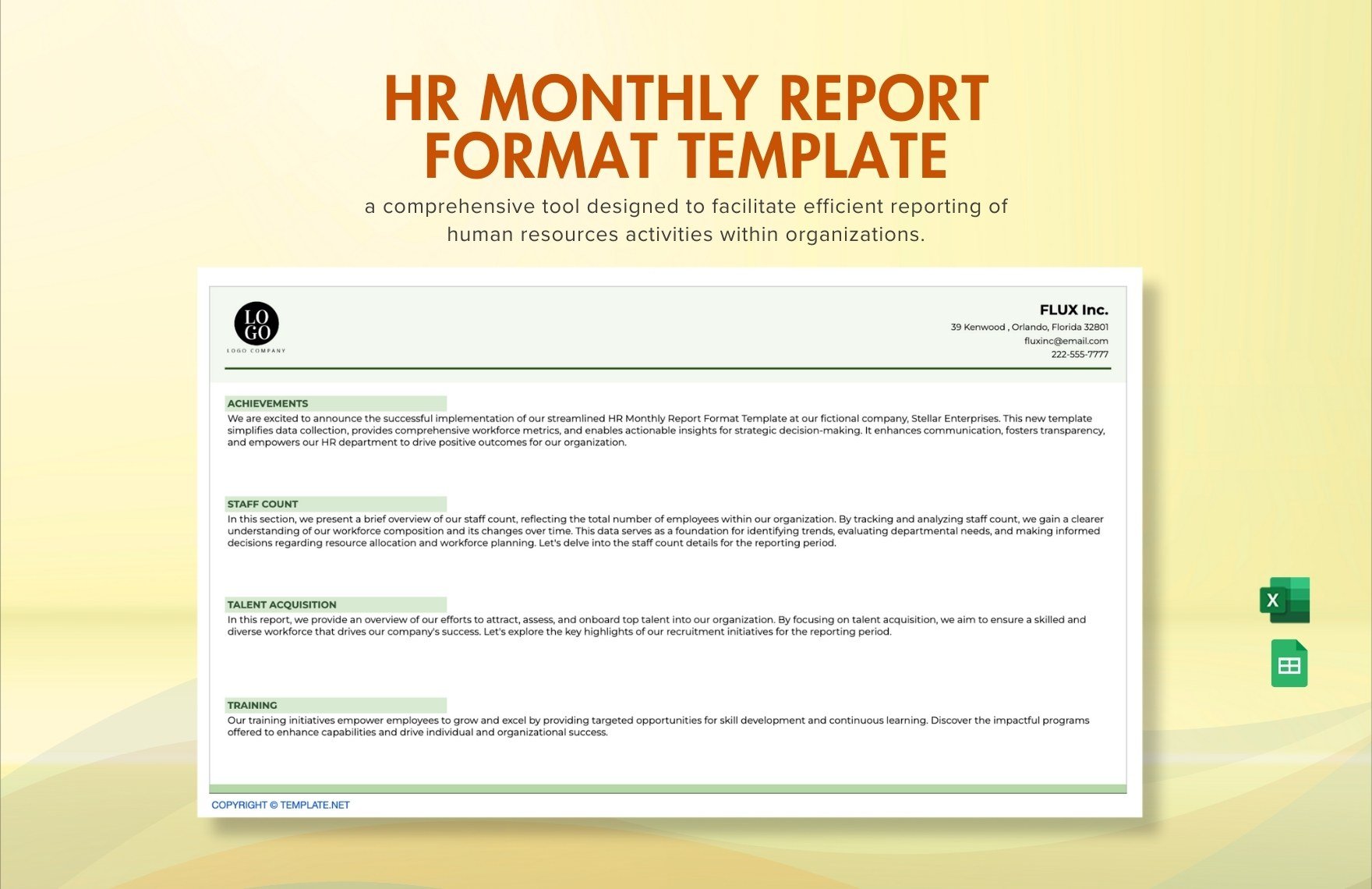
A brief report template word format is especially effective when the primary task is writing a concise narrative. Word makes it easy to combine headings, tables, short paragraphs, signatures, and structured fields without requiring the user to understand spreadsheet formulas.
A Word template should use a predictable hierarchy. Put employee and reporting information near the top, followed by the executive summary, detailed observations, evidence, employee comments where appropriate, and actions. Keep the most important information close to the beginning so a busy reviewer does not have to search through several pages.
Tables can be useful for comparing expectations and results. A simple three-column structure might include “Area,” “Observation,” and “Follow-up.” For development reporting, another useful structure is “Goal,” “Progress,” “Support Needed,” and “Next Review.”
Formatting should remain restrained. Excessive colors, decorative elements, oversized headings, or complicated page designs can make an internal employee report harder to scan. Consistent typography, clear labels, adequate white space, and sensible page breaks are usually more valuable than visual effects.
When the Word document becomes final, organizations may export an approved copy to PDF if that fits their record-management process. The editable Word source and final PDF should not be confused: the source is for controlled editing, while the final version represents the approved state of the document.

Excel-Based Employee Reporting
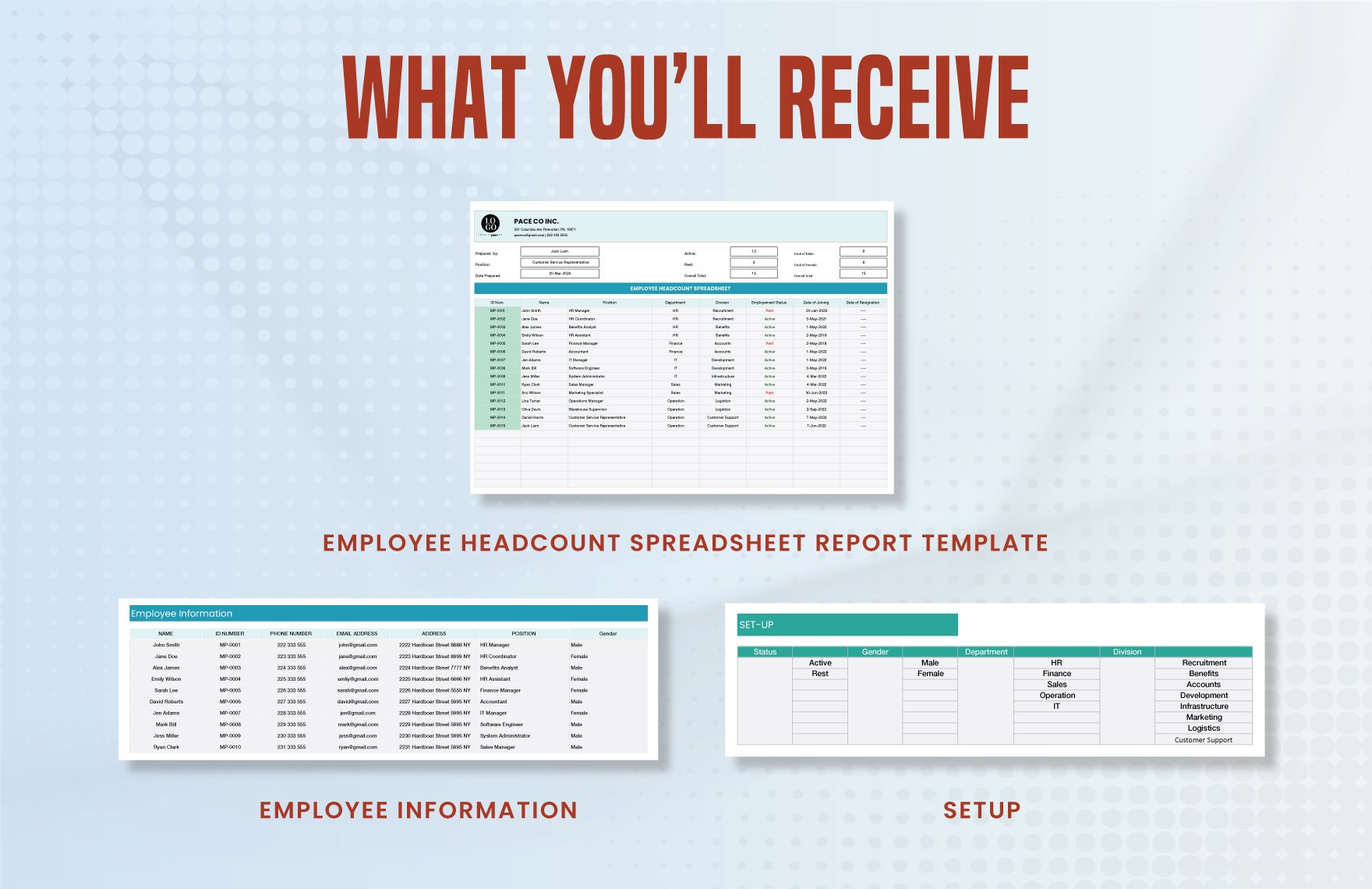
An Excel version of an employee report is most useful when information must be collected repeatedly across employees, departments, or reporting periods. A workbook can separate raw entries, calculations, summaries, and dashboards into controlled sheets rather than placing every detail into one long document.
A practical workbook might contain an employee reference sheet, reporting-period table, performance metrics, development actions, and summary dashboard. Access should be controlled because the convenience of a spreadsheet does not remove the confidentiality considerations associated with employee information.
Use data validation where appropriate. Standardized choices such as “Not Started,” “In Progress,” “Completed,” and “At Risk” can reduce inconsistent spelling and make filtering easier. Date fields should use consistent formats, and numerical fields should have clearly defined units.
Avoid embedding sensitive narrative in large shared workbooks unless the organization has an appropriate security and access model. If the spreadsheet is intended primarily for metrics, keep the data focused on those metrics and store detailed employee narratives in the appropriate system.
Excel becomes particularly powerful when reporting trends across time. Managers can compare monthly values, identify recurring blockers, summarize development activity, and prepare a concise written brief from the underlying data. The spreadsheet should support the report, not become an unstructured database of everything known about an employee.
How to Write an Objective Employee Brief
Objective writing starts with observable facts. Describe what happened, what was expected, what was delivered, and when relevant events occurred. If the information comes from someone else, identify the source appropriately rather than presenting second-hand information as direct observation.
Use neutral verbs. “Submitted,” “completed,” “missed,” “requested,” “reported,” “reviewed,” and “discussed” are often more useful than adjectives such as “lazy,” “difficult,” “excellent,” or “unprofessional.” Descriptive language does not mean the report must be cold; it means the reader should be able to distinguish evidence from characterization.
Be precise about scope. If an issue happened once, do not describe it as a pattern unless there is evidence of repetition. If several examples exist, provide enough context to show that the observation is not based on one isolated event.
Allow for relevant context. A missed deadline might result from changing requirements, a dependency outside the employee’s control, or an avoidable delay. The report does not need to decide every cause immediately, but it should avoid ignoring known context.
Finally, review the document as if the reader knows nothing about the situation. Remove unexplained abbreviations, ambiguous pronouns, unsupported conclusions, and references to conversations that are not summarized. The finished report should stand on its own.
Common Mistakes to Avoid
One common mistake is writing the report long after the relevant event. Delayed documentation can make details harder to verify and increases reliance on memory. Routine reporting schedules can help managers document important information while it remains reasonably fresh.
Another mistake is confusing opinion with evidence. Statements such as “does not care about the job” or “has a bad attitude” generally provide little actionable information without concrete examples. Replace them with specific observations and explain the work impact.
Overloading the report is another problem. An employee brief should not become a repository for unrelated information. Include details that help the reader understand the stated purpose, and avoid collecting personal information simply because the template has space for it.
Inconsistent rating systems can also create confusion. If a template uses ratings, define the scale and apply it consistently. A rating of “4” has little meaning if one manager treats it as exceptional while another treats it as ordinary.
Finally, do not assume that a professional-looking template is automatically compliant. Document design and legal sufficiency are different questions. Where employment law, investigations, regulated reporting, or disciplinary action is involved, the organization’s established procedures and appropriate professional guidance should take precedence.
Practical Examples of Employee Briefs
Example 1: Monthly Performance Brief
Imagine a customer-support employee whose monthly brief covers response quality, assigned projects, coaching activities, and upcoming priorities. The manager could begin with a three-sentence summary, followed by completed goals, evidence, development progress, and two priorities for the following month.
The report should not simply list every interaction handled during the month. Instead, it should identify the measures or examples that meaningfully explain performance. If a particular trend changed, the report can briefly describe the operational context.
For example, a hypothetical report might state that the employee completed a scheduled workflow project, participated in a coaching session, and assumed responsibility for a new process. If a target was not achieved, the report could identify the current status and the agreed action without assigning unsupported motives.
The next-month section can then convert the report into a management tool. One action might be to complete a training module; another might be to review a workflow with the supervisor. Each action should have an owner and a target date when those details are useful.
This structure keeps the report concise while preserving enough context for the next review. It also creates a consistent record that can be compared with later reports without turning every month into a lengthy performance appraisal.
Example 2: Workplace Incident Brief
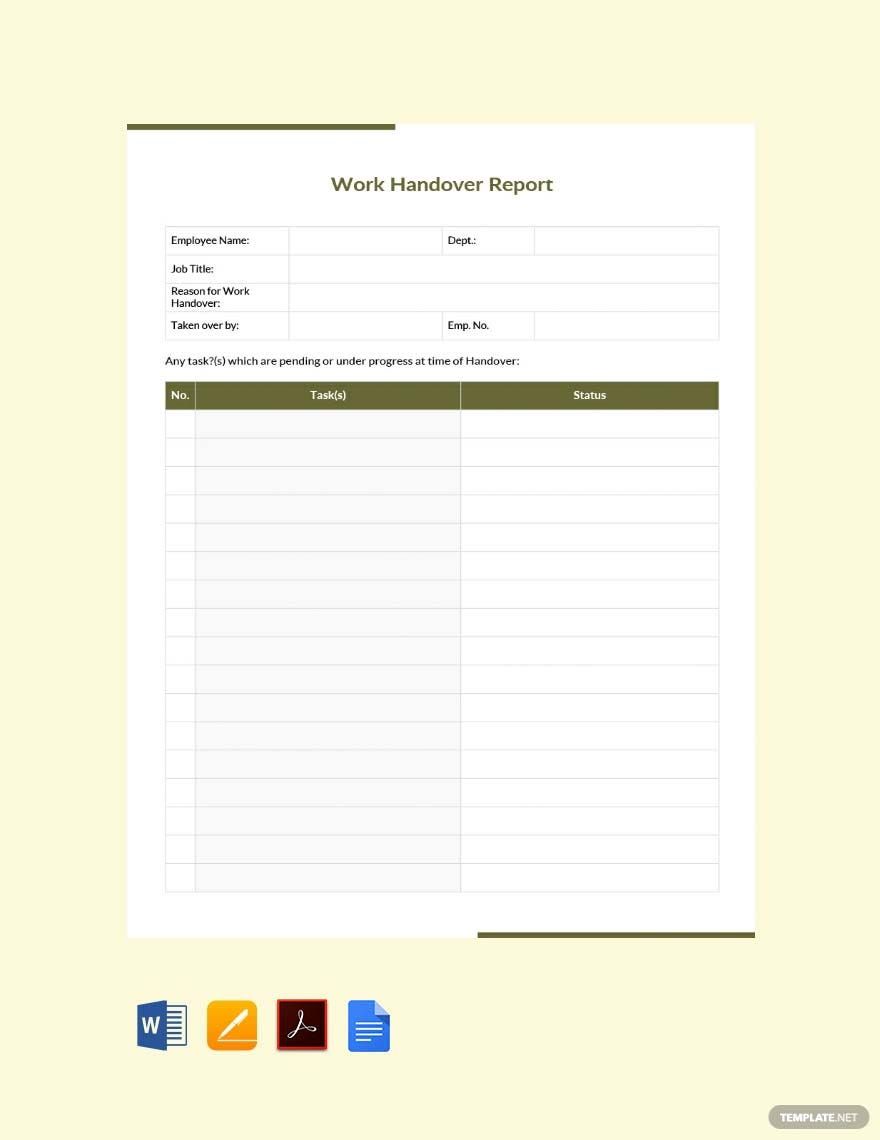
Consider a hypothetical situation in which an employee reports a workplace incident to a manager. The initial brief should record the date, time, location, people involved, immediate observations, and actions taken. It should avoid deciding disputed facts before the appropriate review or investigation occurs.
If witnesses are identified, their information should be handled according to the organization’s process. The manager can record that a witness was identified or that a statement was collected without rewriting the witness’s account as the manager’s own observation.
The employee’s response should be distinguished from the manager’s observations. If the employee says that a misunderstanding occurred, that explanation can be documented accurately while leaving the appropriate decision to the responsible review process.
The action section can identify immediate measures such as securing a work area, notifying the appropriate internal contact, arranging follow-up, or preserving relevant records. The exact action depends on the situation and the organization’s established procedure.
Using a structured format reduces the chance that important basics will be forgotten. It also helps prevent a short incident note from becoming an unnecessarily subjective narrative about an employee’s character.
Practical Solution: Build a Repeatable Reporting Workflow
The most practical solution is to treat the reporting employees brief template as one part of a complete workflow. Begin by creating one master template with a clearly defined purpose, then create controlled variations for performance, monthly reporting, incidents, and project updates rather than allowing every manager to design a new form.
Step one is to define the minimum required information. For a routine performance brief, this might include employee details, reporting period, goals, achievements, evidence, development needs, employee comments, and next actions. Remove fields that are rarely completed or do not contribute to a decision.
Step two is to establish writing standards. Tell report writers to use dates, observable facts, relevant examples, neutral wording, and clear distinctions between observation and interpretation. If ratings are used, provide definitions and examples so different managers apply them consistently.
Step three is to decide where each format belongs. Word can handle narrative reports, Excel can support recurring structured data, PDF can preserve finalized documents, and a controlled form can collect standardized submissions. Avoid creating duplicate records across all four systems unless there is a clear reason.
Step four is to establish review and access rules. Determine who can create, review, approve, edit, and access employee reports. For sensitive documentation, use the organization’s approved HR or document-management system rather than personal storage or uncontrolled shared folders.
Step five is to create a review cycle for the template itself. After several reporting periods, ask managers which fields are useful, which fields are unclear, and which information repeatedly requires additional explanation. Revise the template based on actual use instead of allowing unnecessary complexity to accumulate.
Step six is to separate routine reporting from exceptional cases. A standard monthly brief should not attempt to become an investigation form, a legal filing, a disciplinary decision, and a performance appraisal at the same time. When a situation requires a specialized process, move it into that process.
Step seven is to test the report from the reader’s perspective. Give a completed hypothetical brief to someone who was not involved in the underlying situation. Ask whether they can identify the reporting period, main result, evidence, unresolved issue, employee response, and next action without additional explanation.
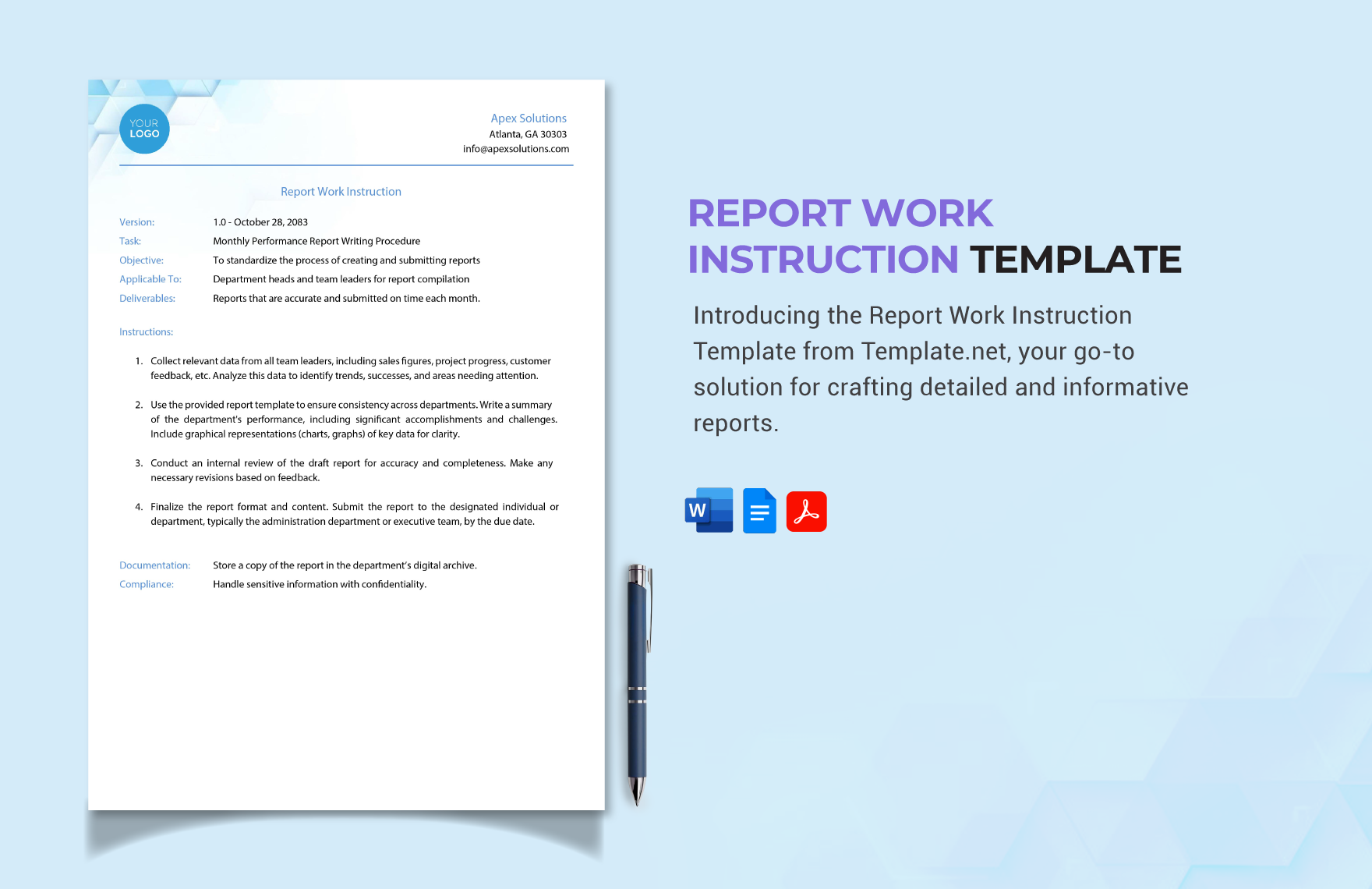
Step eight is to maintain a clear naming convention. A practical internal naming structure could include the employee identifier, report type, reporting period, and version number. Organizations should adapt naming practices to their own privacy and records-management requirements rather than placing unnecessary personal information in filenames.
Step nine is to preserve the distinction between draft and final documents. A manager may make several edits before a report is finalized. The workflow should make it clear which version is current and who has authority to approve changes.
Step ten is to train report writers. Even the best template will produce poor records if users do not understand what belongs in each field. Short guidance with examples is often more effective than adding lengthy instructions to every page of the form.

How to Review a Completed Employee Brief
A quality review should begin with completeness. Confirm that the employee or approved identifier, reporting period, report purpose, author, and relevant dates are present. Missing basic information can make an otherwise detailed report difficult to interpret later.
Next, review factual clarity. Check whether the report distinguishes what was observed from what was inferred. Look for unsupported generalizations, vague adjectives, unexplained abbreviations, and statements that cannot be connected to a specific example or record.
Then review proportionality. The amount of detail should match the importance and purpose of the report. A routine monthly check-in may need only a page or two, while a complex incident or formal review may require additional documentation through an established process.
Review the action section separately. A report that identifies a problem but does not state what happens next can leave managers and employees uncertain. Where appropriate, specify the action, responsible person, expected timing, and method of follow-up.
Finally, review confidentiality. Ask whether every piece of information in the document is necessary for its intended audience. Remove unnecessary personal details and make sure the document is being stored and shared through an approved channel.

Reference Examples
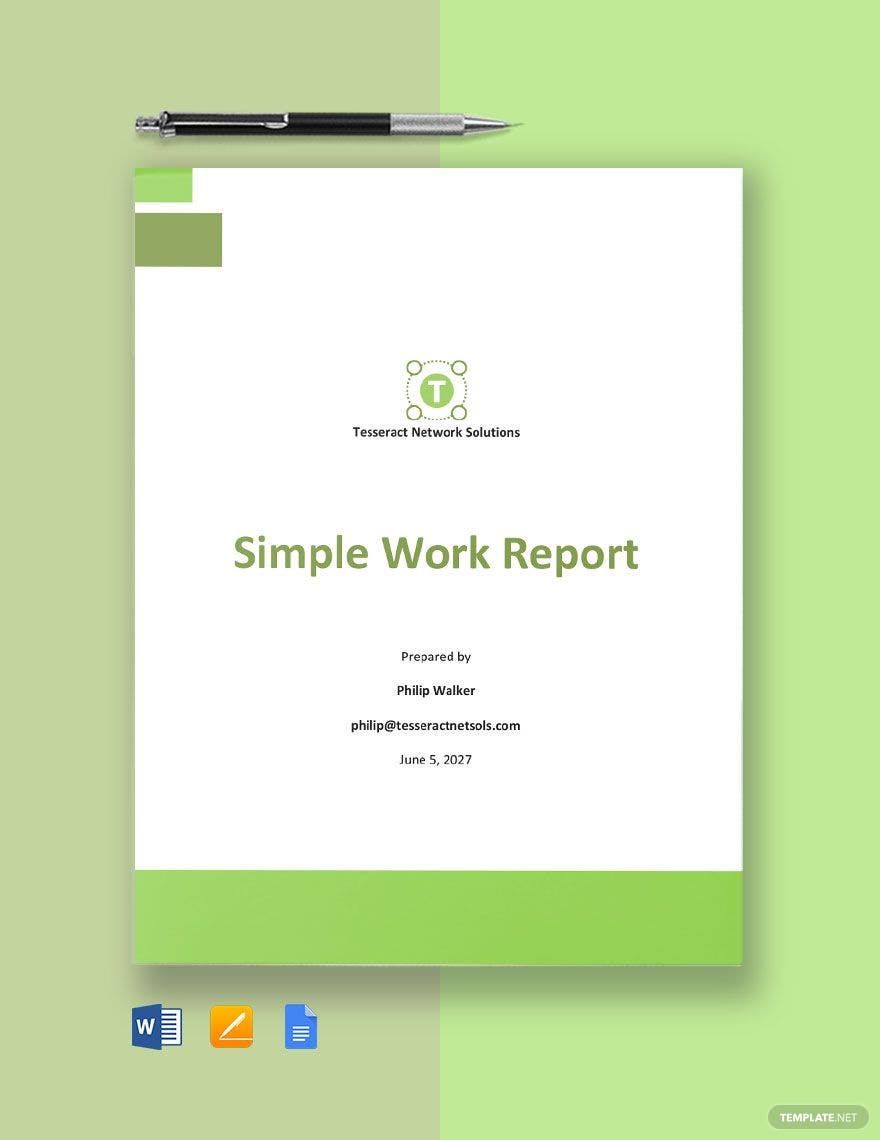
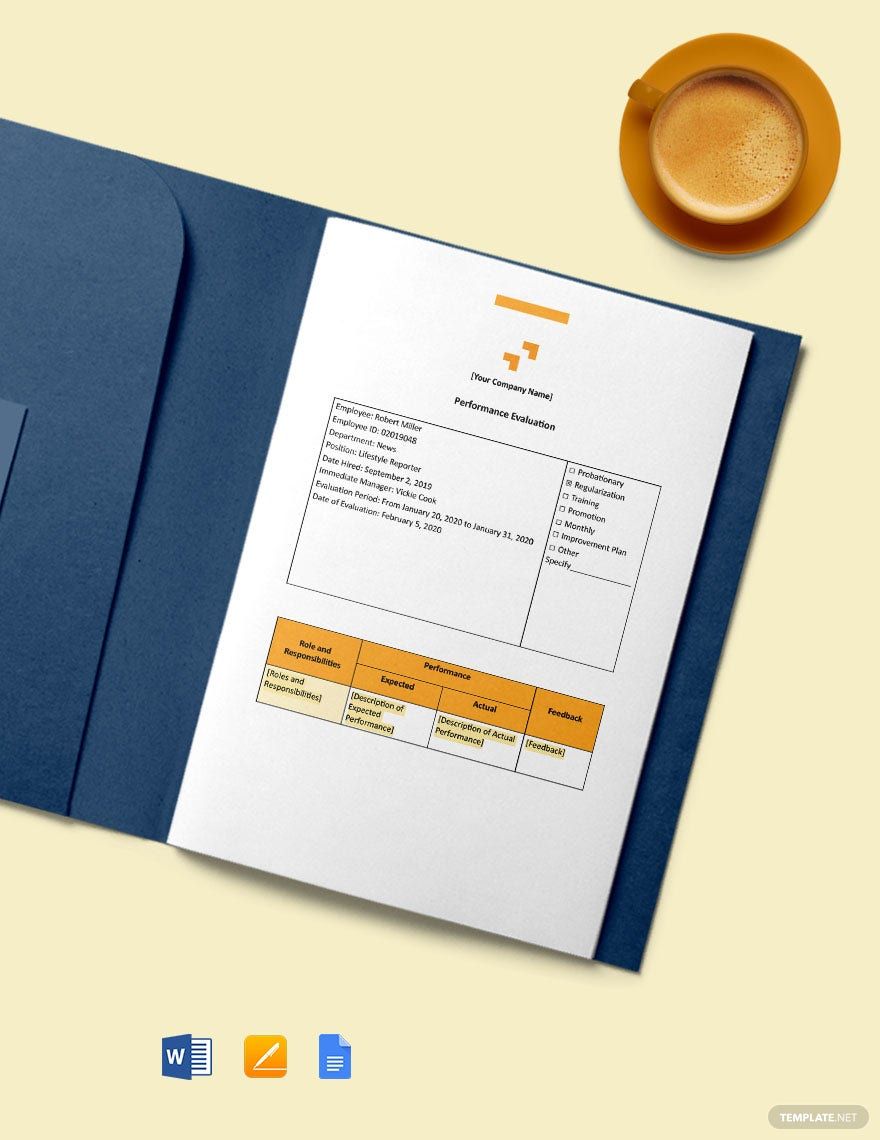
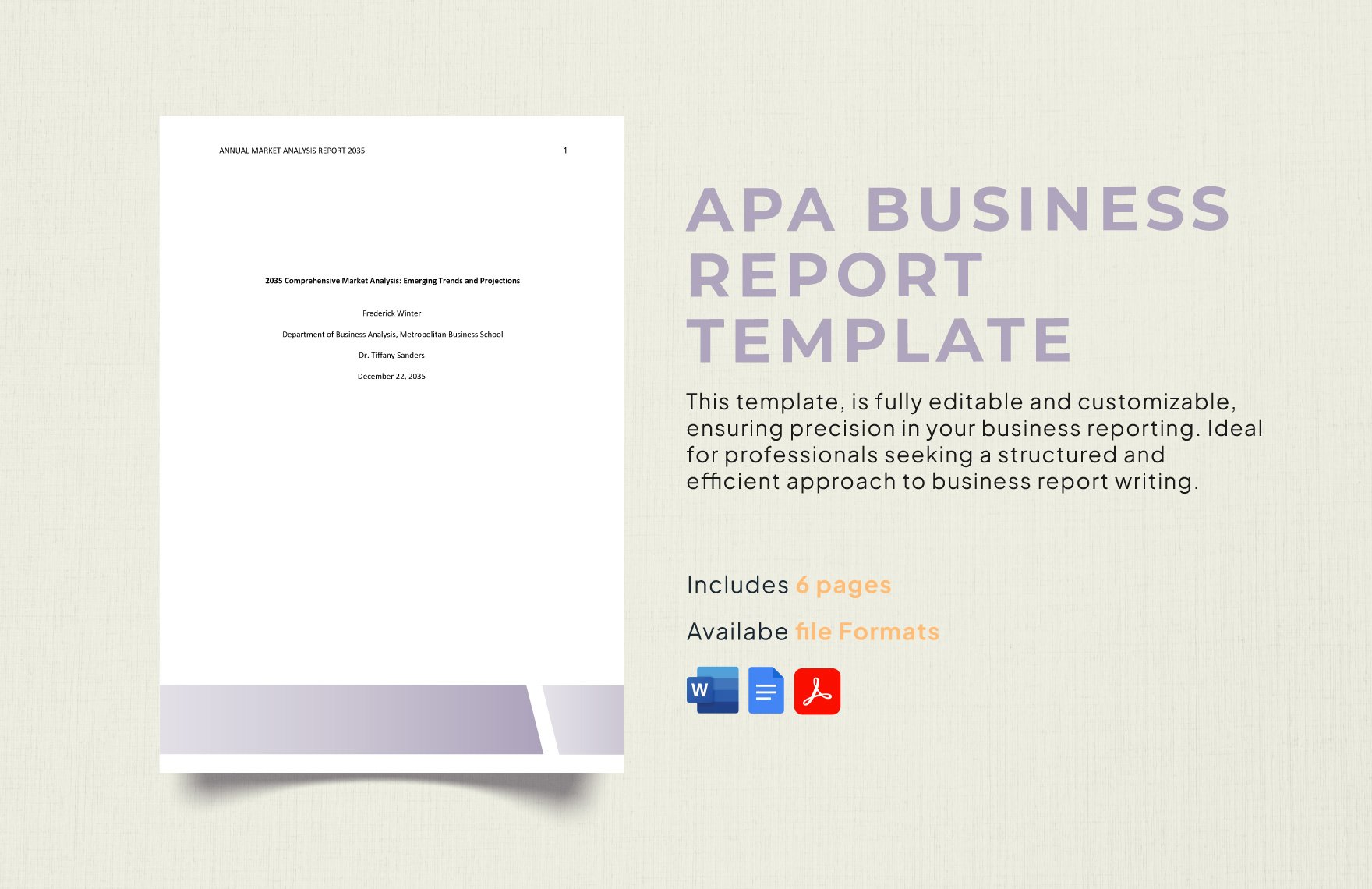
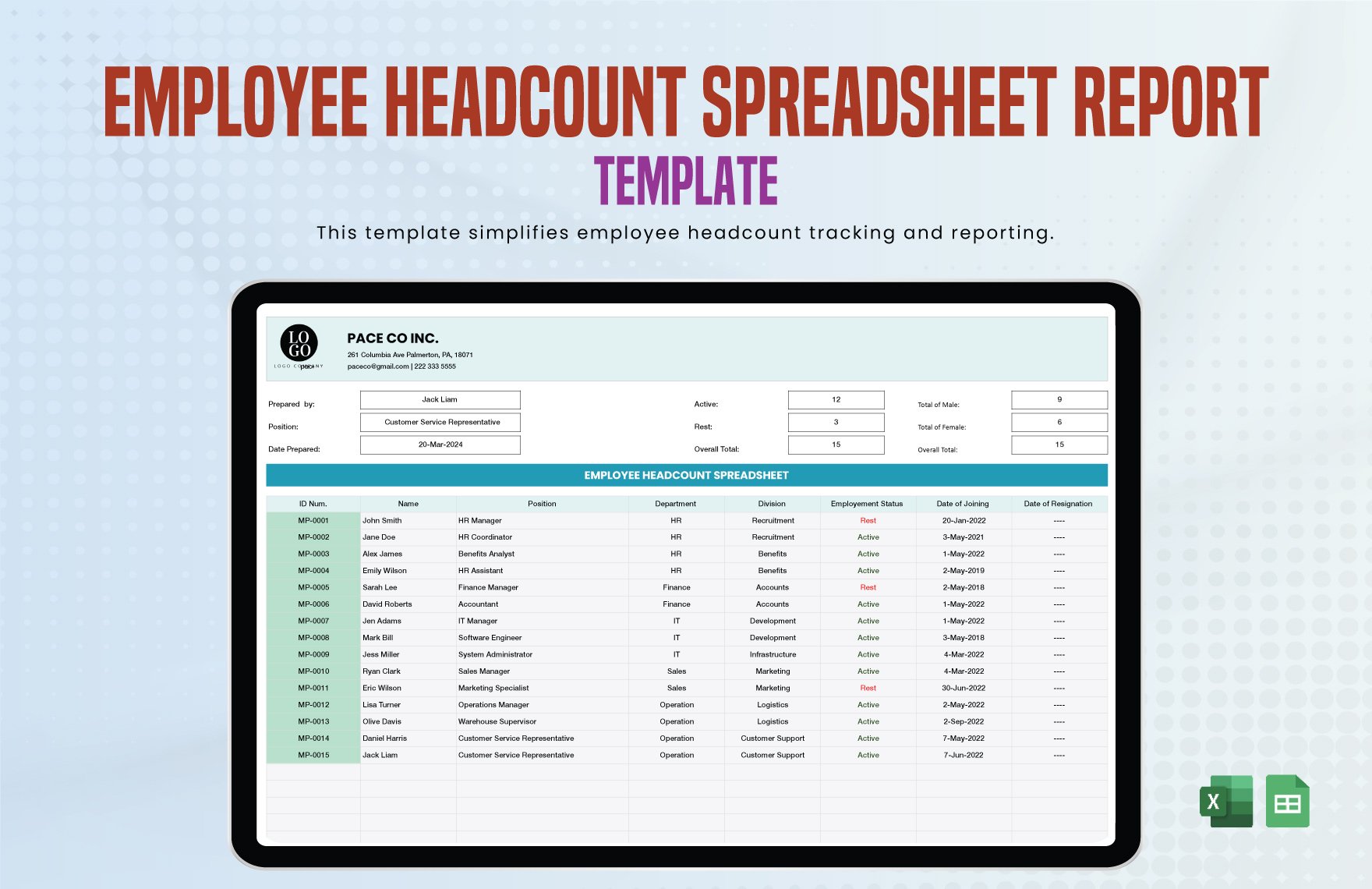
The following examples illustrate different visual approaches to employee, HR, business, monthly, and work-report documentation. They are reference examples rather than claims that every pictured template is an official or legally required format. Availability, licensing, and template terms should always be checked at the original source before reuse.
reporting employees brief template free
Source: Template.net
reporting employees brief template word
Source: Template.net
reporting employees brief template pdf
Source: Template.net
reporting employees brief template free download
Source: Template.net
reporting employees brief template excel
Source: Template.net
reporting employees brief template for hr
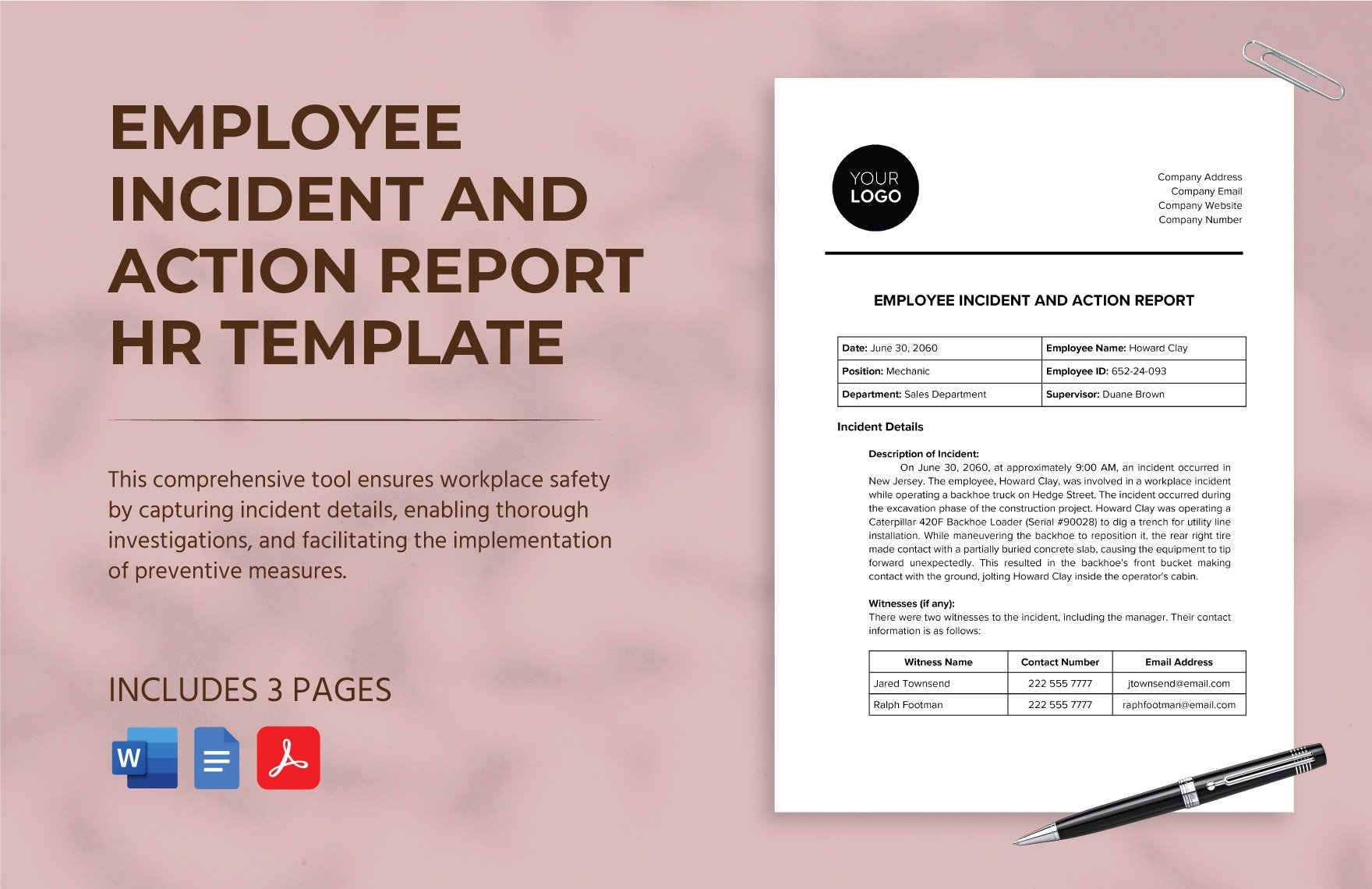
Source: Template.net
reporting employees brief template california
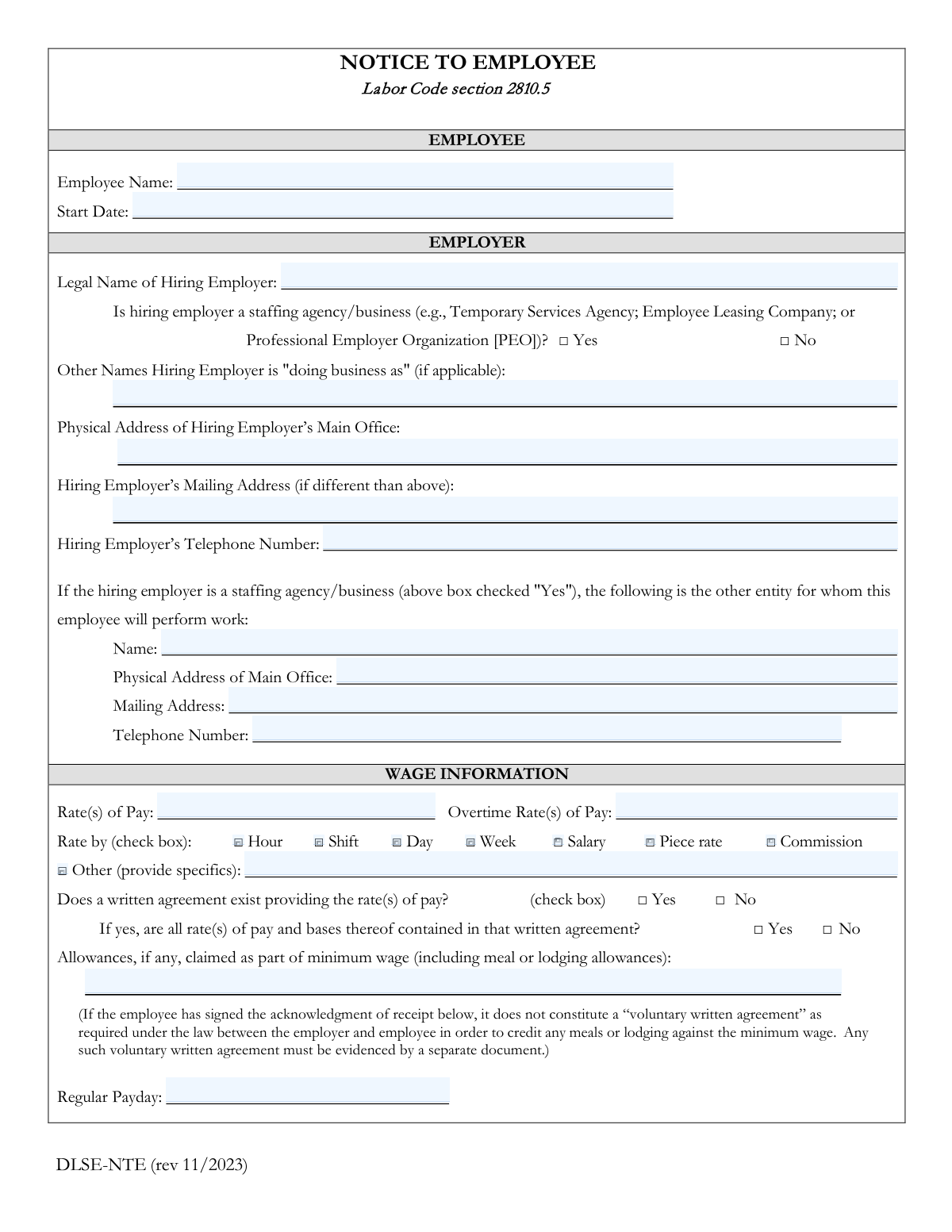
Source: Instafill
brief report template word
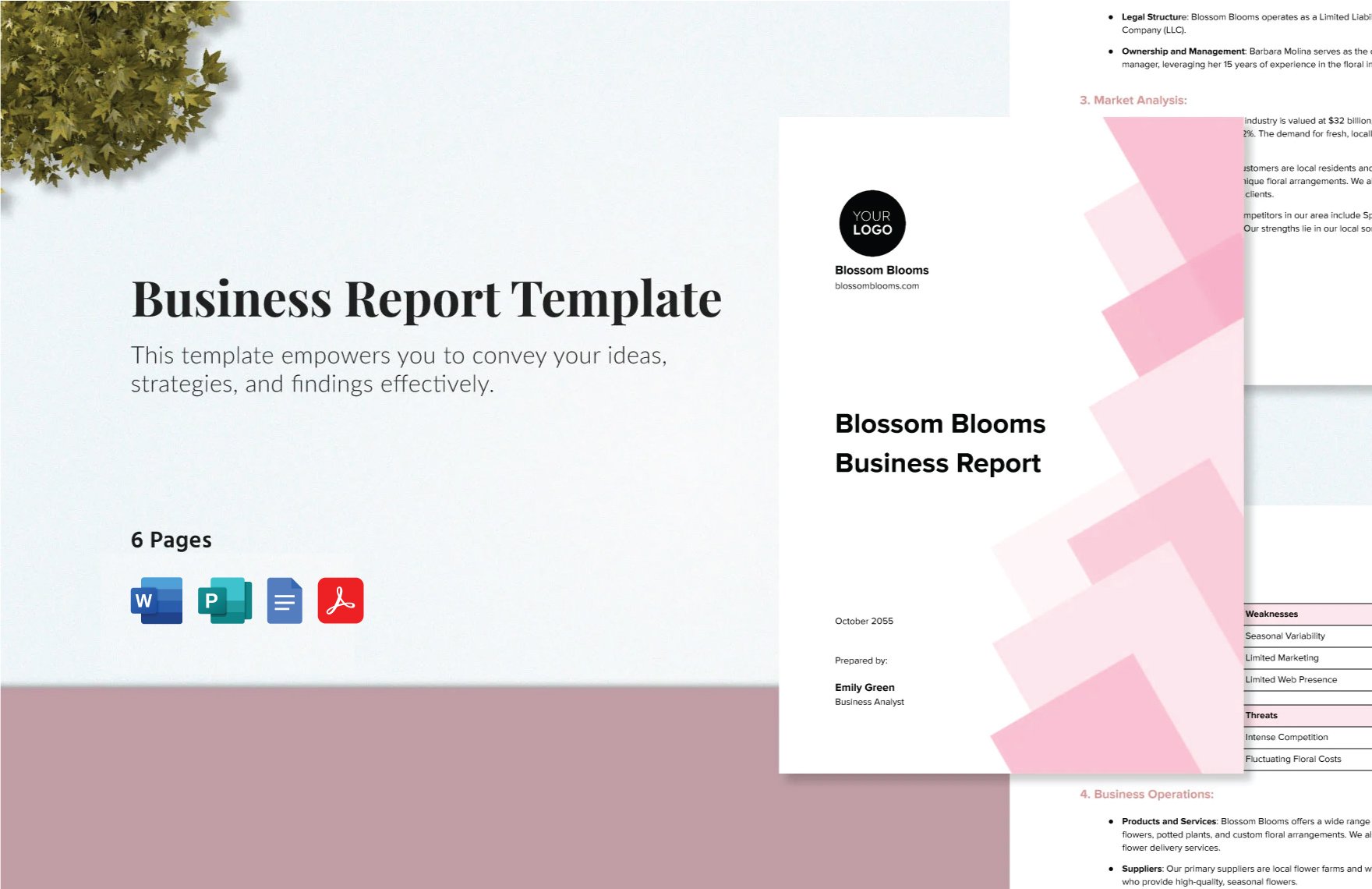
Source: Template.net
employee behavior report template
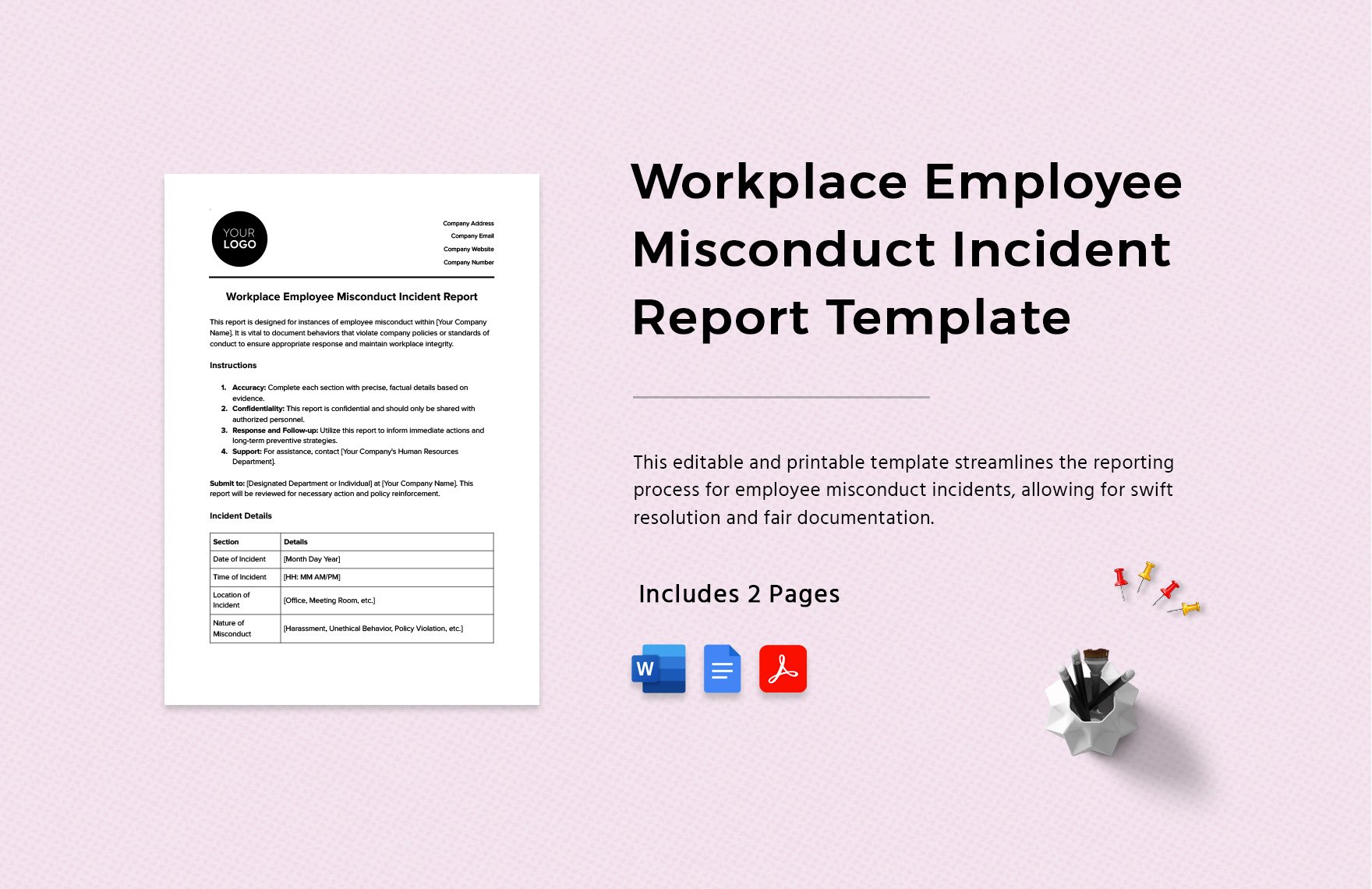
Source: Template.net
monthly employee report template
Source: Template.net
personnel business report template
Source: Template.net
template for work report
Source: Template.net
Frequently Asked Questions
What should a reporting employees brief template contain?
At minimum, it should identify the employee or approved identifier, reporting period, report purpose, author, relevant work or observations, supporting evidence where appropriate, employee comments when applicable, and next actions. Additional fields should depend on the reporting purpose.
Is a reporting employees brief template the same as a performance review?
No. A brief can support a performance review, but the two documents can serve different purposes. A brief may summarize a short reporting period or a specific issue, while a formal performance review may use a broader assessment process with defined criteria and employee participation.
Should an employee report include opinions?
Professional assessment is sometimes necessary, but opinions should be clearly distinguished from observations and supported by relevant evidence. Avoid unsupported statements about personality, motivation, or intent when a factual description can communicate the issue more accurately.
When should I use Word instead of Excel?
Word is usually better when narrative explanation, tables, signatures, and printable formatting are central to the report. Excel is more appropriate when the workflow involves repeated structured data, calculations, comparisons, filtering, or trend analysis.
Can a PDF be used as the working template?
A fillable PDF can work for some workflows, but an editable Word, spreadsheet, or form-based source may be easier for repeated changes. PDF is particularly useful when the organization wants to preserve a finalized layout or distribute an approved version.
What makes an employee behavior report useful?
A useful behavior report focuses on specific events, dates, locations, relevant people, observable conduct, context, employee response, and actions taken. It should avoid unnecessary speculation and should follow the organization’s investigation or HR procedures when the matter is sensitive.
Is there one official California employee reporting template?
No single generic template should be assumed to satisfy every California employment-reporting purpose. California agencies publish specific forms for specific matters. An internal employee brief should not be represented as an official state form unless it has been verified as such and is being used for its intended purpose.
How often should employee briefs be completed?
The frequency should match the management need. Weekly or monthly reporting can work for ongoing projects, while quarterly or annual reporting may be more appropriate for broader performance discussions. Incident documentation should generally be created promptly according to the organization’s procedure.
Should employees receive a copy of a report?
That depends on the organization’s policies, the purpose of the report, the applicable employment requirements, and the type of documentation involved. Managers should follow the established HR process rather than creating an informal practice that differs from organizational policy.
How can a template reduce reporting bias?
A template can prompt managers to consider the same broad categories, document evidence, define the reporting period, and distinguish facts from interpretations. It cannot eliminate bias by itself, so consistent training, review practices, and appropriate oversight remain important.
Conclusion
A well-designed reporting employees brief template is more than a collection of blank fields. It is a practical framework for turning employee information into clear, consistent, reviewable documentation. The strongest templates define the purpose of the report, identify the reporting period, separate observations from conclusions, connect assessments to evidence, capture relevant employee input, and finish with clear next actions.
For everyday management, Word can provide an efficient narrative format, Excel can support structured recurring data, PDF can preserve finalized records, and forms can standardize submissions. HR teams should keep the workflow secure and should adapt the template to the organization’s policies rather than treating a generic template as a universal legal solution.
When reporting involves behavior, incidents, regulated matters, or California-specific requirements, accuracy and process discipline become especially important. Use internal templates for internal reporting, verify official requirements when a government form or statutory process is involved, and keep sensitive employee information within approved systems.
The best reporting employees brief template is ultimately the one that people can complete consistently and that authorized readers can understand without additional explanation. Keep it focused, evidence-based, practical, and adaptable, and it can become a reliable part of performance management, HR documentation, workforce communication, and everyday business decision-making.
