Digital letters are useful when a message needs more formality and structure than an ordinary email but still needs to be created, reviewed, stored, and delivered electronically. Common uses include client communications, proposals, inquiries, confirmations, notices, recommendations, partnership messages, complaint responses, and other formal business correspondence.
A well-designed template does more than make a document look polished. It reduces formatting decisions, creates consistency between letters, makes important information easier to locate, and gives writers a repeatable workflow. Microsoft describes business letter templates as ready-to-edit foundations for structured professional correspondence, while standard business-letter guidance emphasizes clear organization and concise writing. Microsoft Word business letters and professional writing resources can therefore be useful starting points when building a reusable system.
The strongest template is not necessarily the most decorative one. For most business situations, a clean layout with readable typography, logical spacing, clear contact information, and a professional closing is more useful than excessive graphics. Block formatting is a particularly practical default because it keeps the document visually simple and easy to read on screens or paper.
This guide explains how to choose, create, customize, save, distribute, and maintain a digital business letter template. It also covers Word, Google Docs, PDF workflows, client communication, reusable template systems, common mistakes, practical examples, and a step-by-step solution for turning a single letter format into a dependable business communication asset.
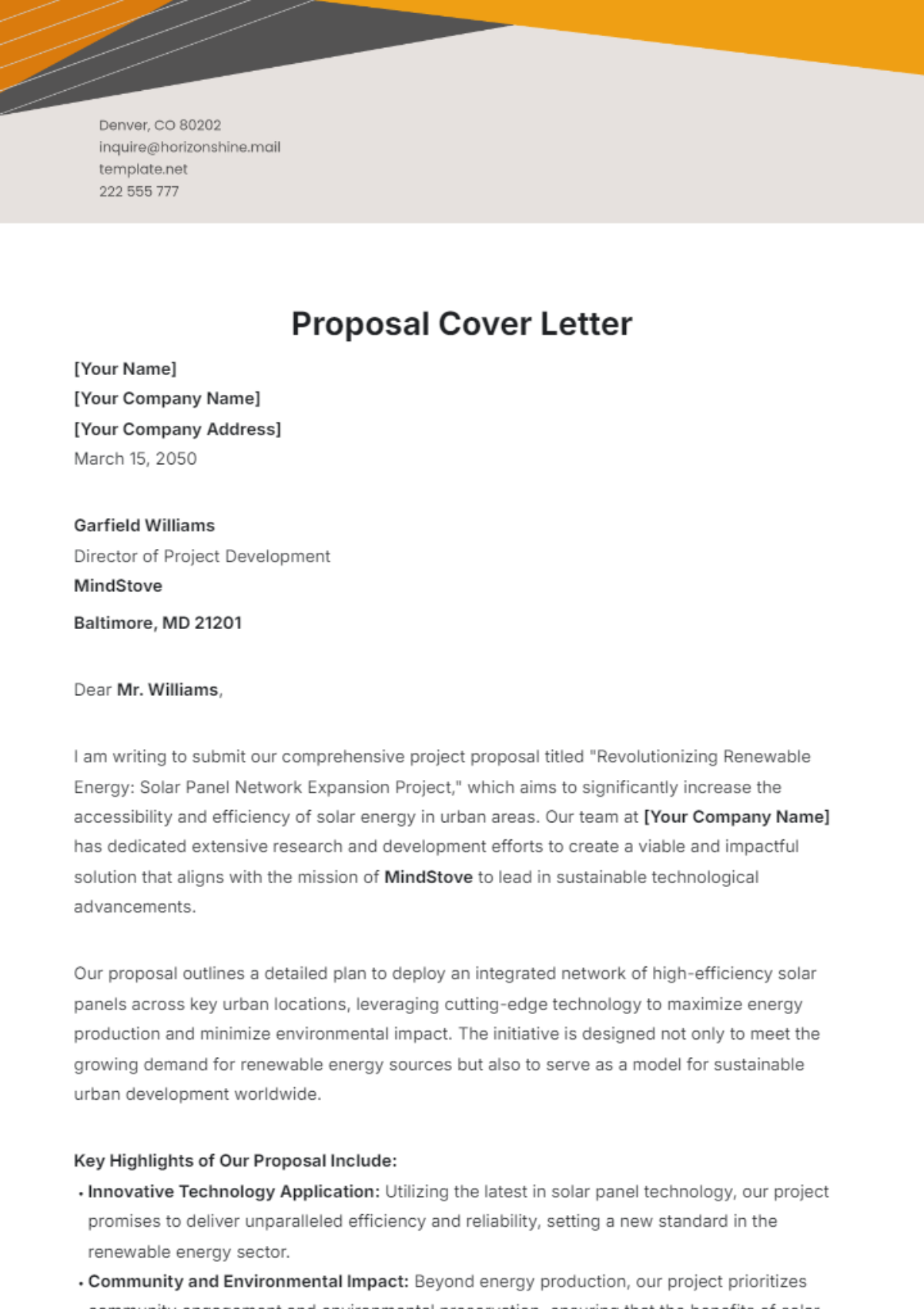
What Is a Digital Business Letter Template?
A digital business letter template is a reusable electronic document designed to provide the structure and formatting for a formal business letter. Instead of rebuilding the page each time, the writer replaces designated fields with the appropriate company, recipient, date, subject, message, and signature information.
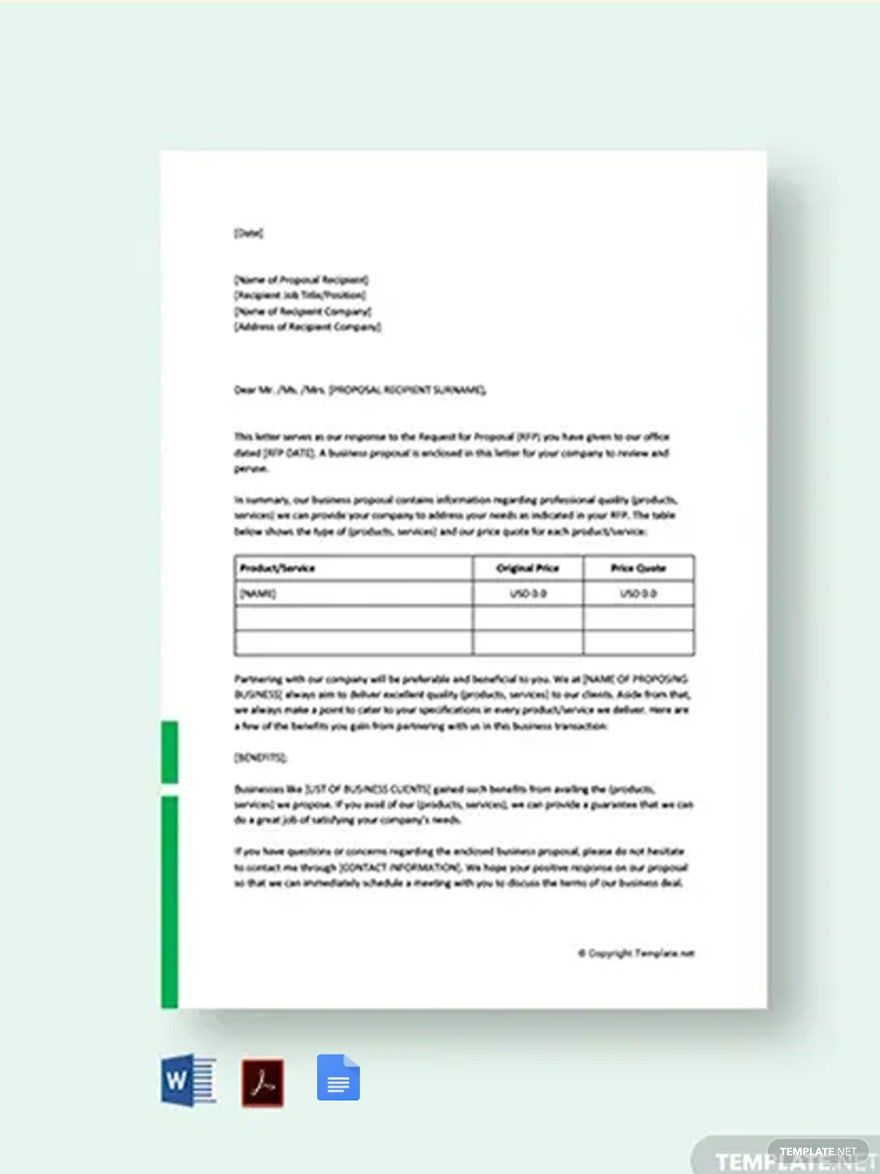
The template can exist in several practical formats. A Word document is convenient when users need extensive editing. A Google Docs version is useful when several people need to review or collaborate on a letter. A PDF is generally better for preserving a finished layout when the document is ready for distribution or printing.
The distinction between a template and a completed letter is important. A template contains reusable structure and placeholders, while a finished letter contains the specific facts and language relevant to one recipient and one purpose. Treating a reusable template as a final document without customization can result in generic or inaccurate communication.
A professional template should therefore balance standardization with flexibility. Company information can remain consistent, while recipient information, subject, body copy, call to action, attachments, and other variable details should be easy to edit.
Templates are particularly valuable for organizations that send similar categories of letters repeatedly. A sales team might maintain templates for introductions and follow-ups, while an operations team might maintain formats for notices, confirmations, and requests. The underlying structure stays stable while the content changes according to the situation.
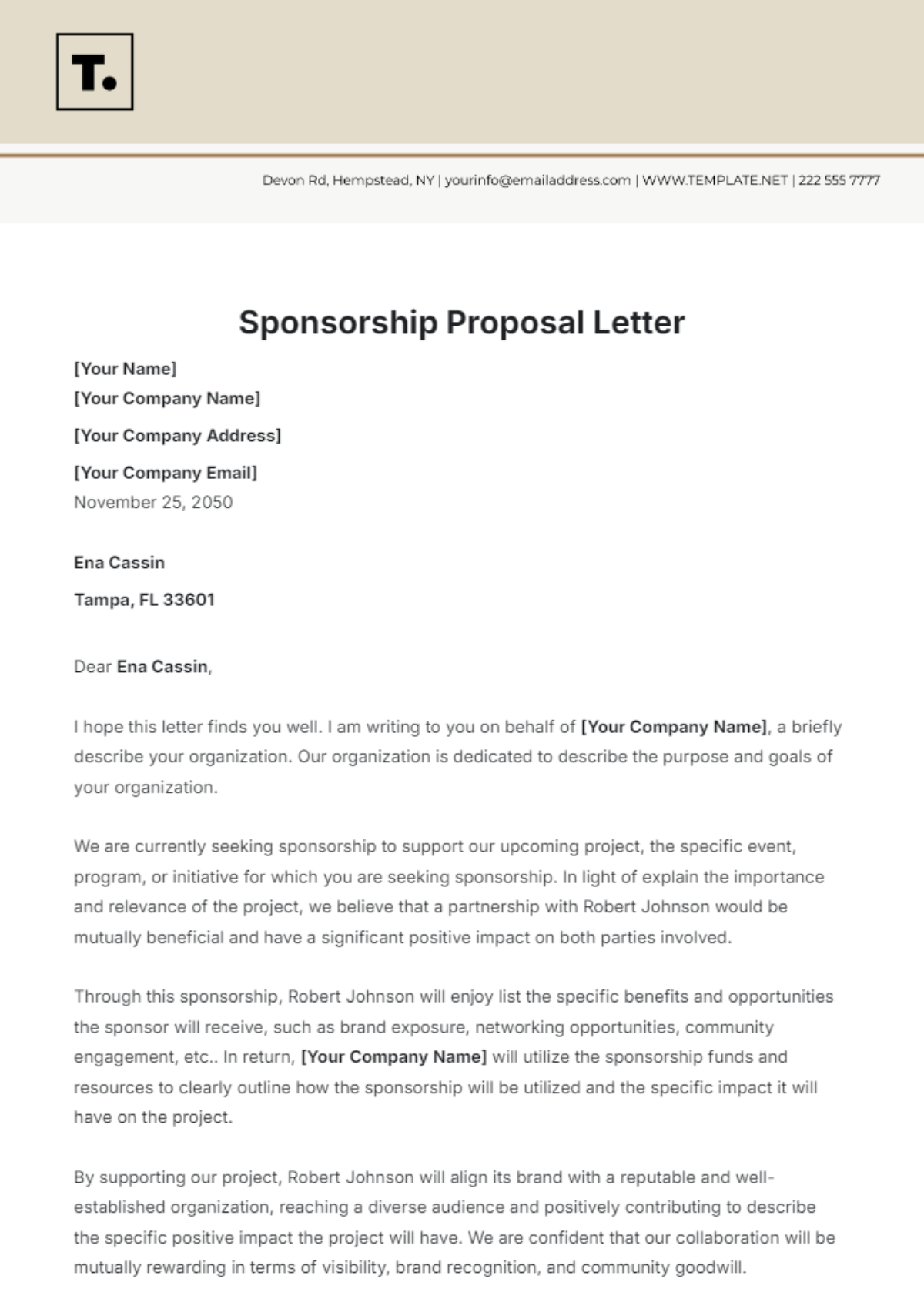
Why a Digital Business Letter Template Matters
Consistency is one of the biggest advantages of using a template. When multiple employees create business letters independently, formatting can vary widely. One document may use different margins, another may omit contact information, and another may use an inconsistent closing. A shared template establishes a common visual baseline.
Templates also reduce production time. Once the structure has been created, the writer can concentrate on the message rather than repeatedly deciding where to position the date, how much space to leave before the salutation, or how to format the signature.
Professional presentation can support credibility, particularly when the letter is sent to a new customer, business partner, supplier, institution, or executive. A clean document communicates that the sender has paid attention to details and understands the expectations of formal business communication.
Another advantage is easier review. If everyone uses a familiar structure, managers and colleagues can quickly find the purpose, supporting details, requested action, and closing. This is especially useful when letters pass through approval processes before being sent.
Finally, a template can improve recordkeeping. A standardized naming convention and document structure makes it easier to archive correspondence, identify versions, retrieve previous communications, and maintain a reliable history of formal business interactions.
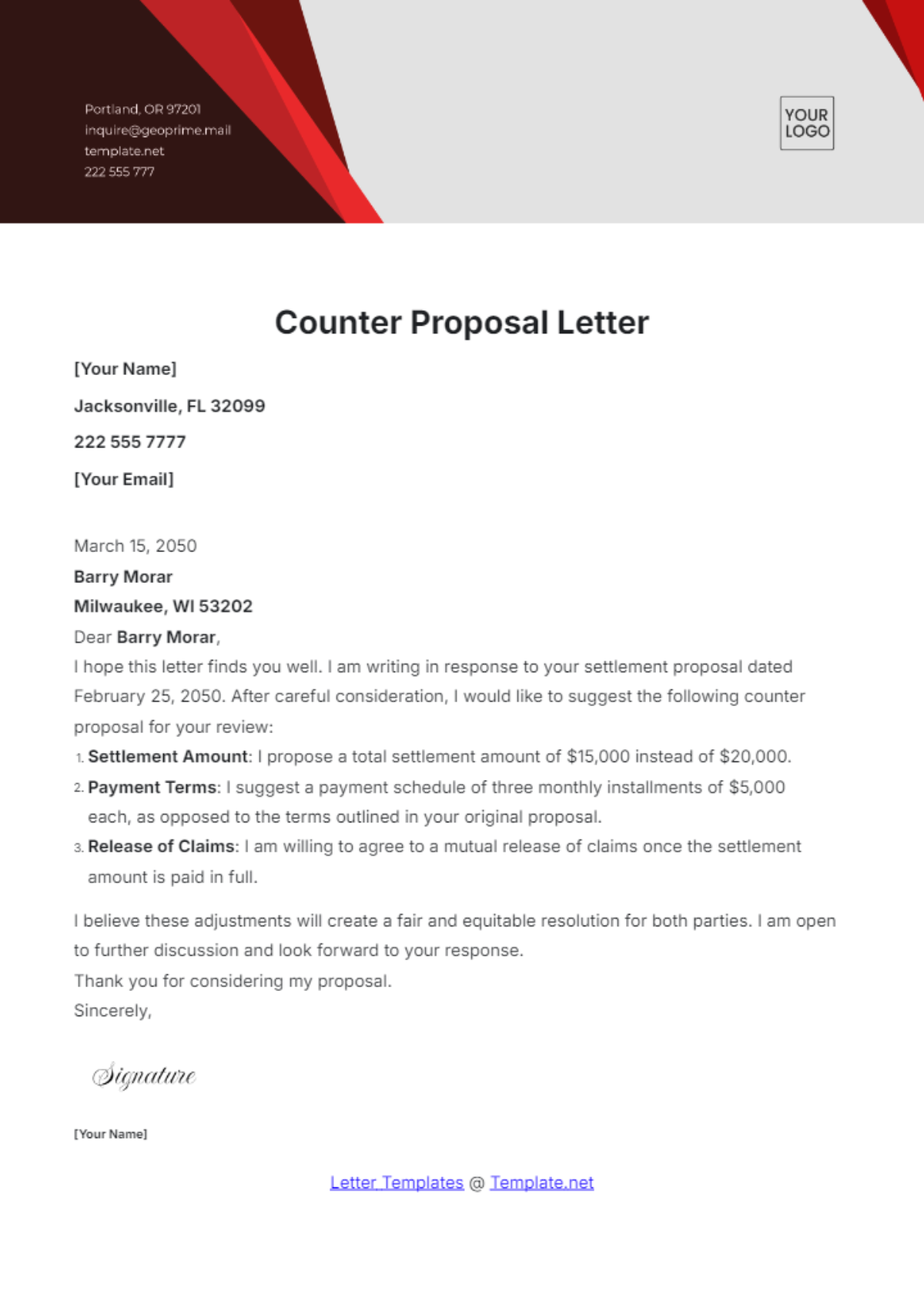
Core Components of a Professional Business Letter
A traditional business letter normally begins with sender information, followed by the date and recipient information. The exact arrangement can vary depending on the design, organization, country, and purpose, but the reader should always be able to identify who sent the letter and who is expected to receive it.
The salutation introduces the actual message. When the recipient’s name is known, using an appropriate name and title generally creates a more direct and professional opening. If the recipient is unknown, the writer should choose a neutral professional alternative rather than guessing a person’s identity or title.
The body should establish the purpose early. The opening paragraph can explain why the writer is contacting the recipient, the middle section can provide necessary context or supporting information, and the final paragraph can explain the desired next step.
The closing should be consistent with the tone of the letter. A formal communication may use a conventional closing such as “Sincerely,” while a somewhat less formal professional relationship may allow another appropriate business closing. The key is consistency between the greeting, body language, and closing.
The signature block identifies the sender and can include a job title, company, telephone number, email address, or other relevant contact information. If documents accompany the letter, an enclosure or attachment notation can also be useful so the recipient knows what should be included.
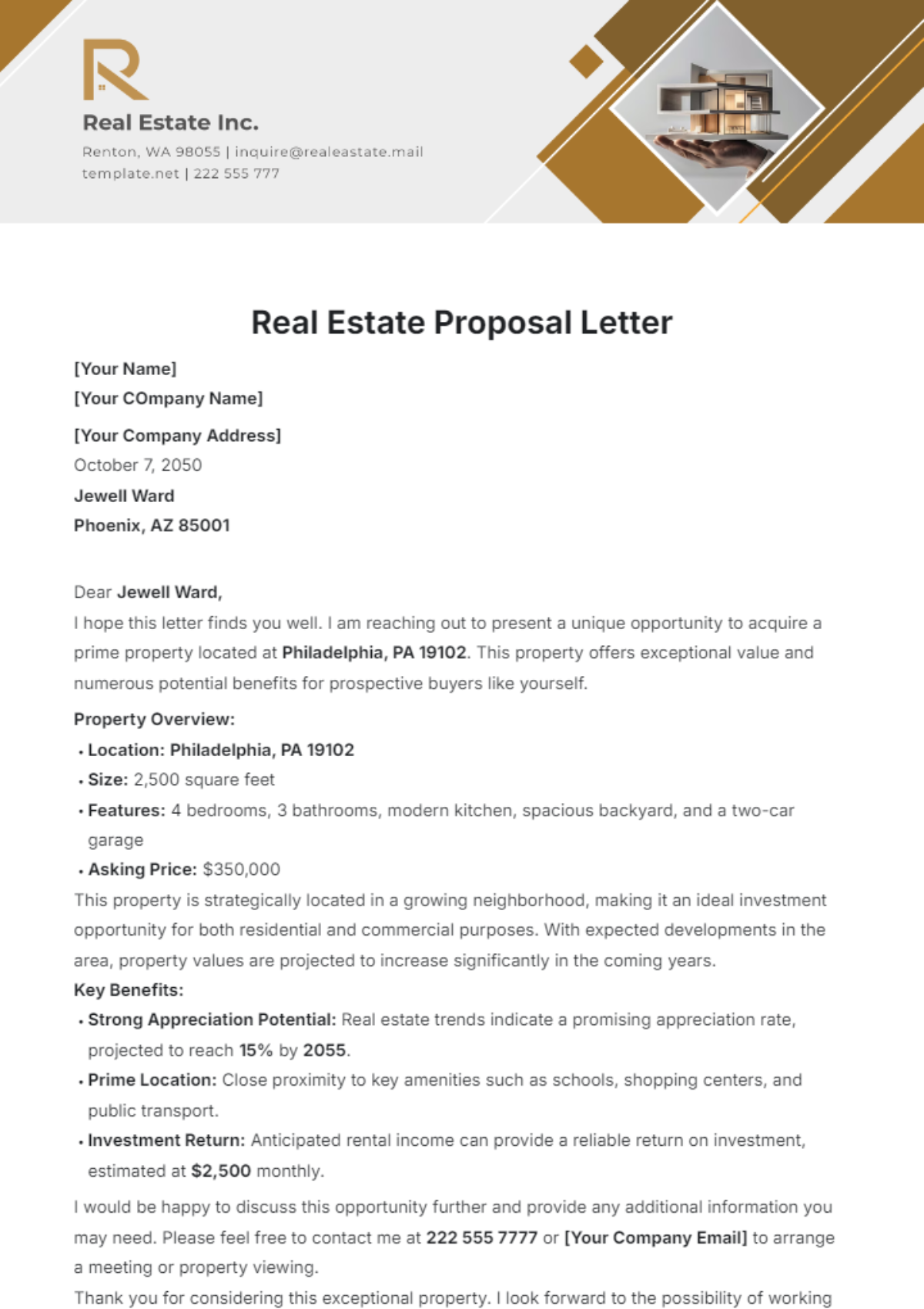
Choosing the Right Business Letter Format
Full Block Format
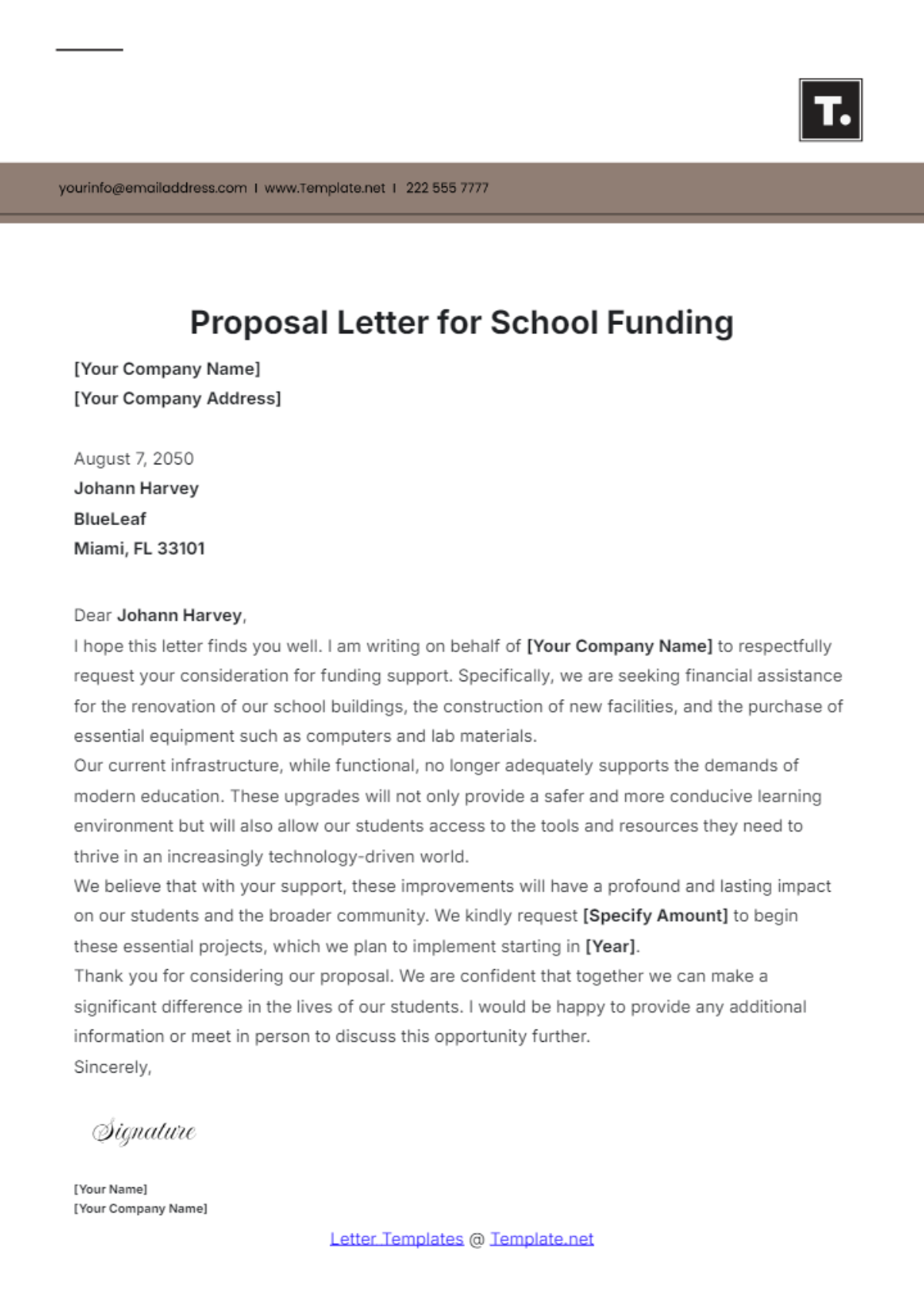
Full block formatting is one of the easiest approaches to maintain digitally. Text is aligned with the left margin, paragraphs are not normally indented, and blank space separates major sections. This makes the page straightforward to create in Word or Google Docs and easy to scan on a screen.
Block formatting also works well when letters need to be converted to PDF because the layout is relatively predictable. The writer can use consistent spacing between the sender block, date, recipient block, salutation, body, closing, and signature.
For most organizations creating a general-purpose digital business letter template, full block formatting is a sensible default. It avoids unnecessary complexity and gives writers a structure that can be adapted for many types of professional communication.
The format can also be combined with a modest letterhead. A logo, company name, website, email address, or telephone number may appear in the header if appropriate. The branding should remain secondary to the readability of the actual message.
Before choosing a decorative design, consider how the letter will be viewed. A layout that looks attractive in an editor may become crowded when printed, opened on a smaller screen, or converted to PDF. A restrained design usually creates fewer problems across different devices and workflows.
Modified Block and Semi-Block Formats
Modified block formats preserve the basic business-letter structure but position selected elements differently. For example, the date or closing may be placed toward the center or right side while the body remains left-aligned.
Semi-block formatting introduces paragraph indentation and can create a more traditional appearance. It can still be appropriate, but it requires more careful formatting because indentation, spacing, and page alignment need to remain consistent.
There is no universal requirement that every business letter use one layout. The safest choice is usually the format that fits the organization’s established communication style and the expectations of the intended audience.
For a new template library, however, simplicity has practical advantages. A full block format can be used as the master version, with specialized variants created only when a real business need exists.
Keeping the number of variants manageable also prevents employees from choosing between too many nearly identical templates. A small library of clearly named formats is easier to maintain than a large collection of designs with overlapping purposes.
How to Design a Digital Business Letter Template
Start by defining the purpose of the template before adjusting colors, fonts, or decorative elements. A client proposal letter may need different fields from an internal notification, but both should have a clear hierarchy and consistent identity.
Next, determine which information should be permanent and which should be editable. The company name, logo, standard contact information, and preferred typography may be fixed. The recipient name, date, subject, body, reference number, and call to action should remain easy to modify.
Use placeholders that are immediately understandable. Labels such as “[Recipient Name]” and “[Date]” are generally clearer than vague placeholders such as “[Insert Here].” If the document is used by several employees, descriptive placeholders reduce the risk of leaving incorrect information in the final version.
Typography should prioritize readability. A professional business document usually benefits from a familiar font, sufficient contrast, reasonable line spacing, and a size that remains comfortable on screen. Avoid using several decorative fonts simply to make the template appear distinctive.
Spacing is equally important. Crowded sections can make a letter feel difficult to read, while excessive blank space can make a short message look unfinished. Establish consistent spacing rules and test the template with both short and long paragraphs before approving it for repeated use.
How to Create a Digital Business Letter Template in Word
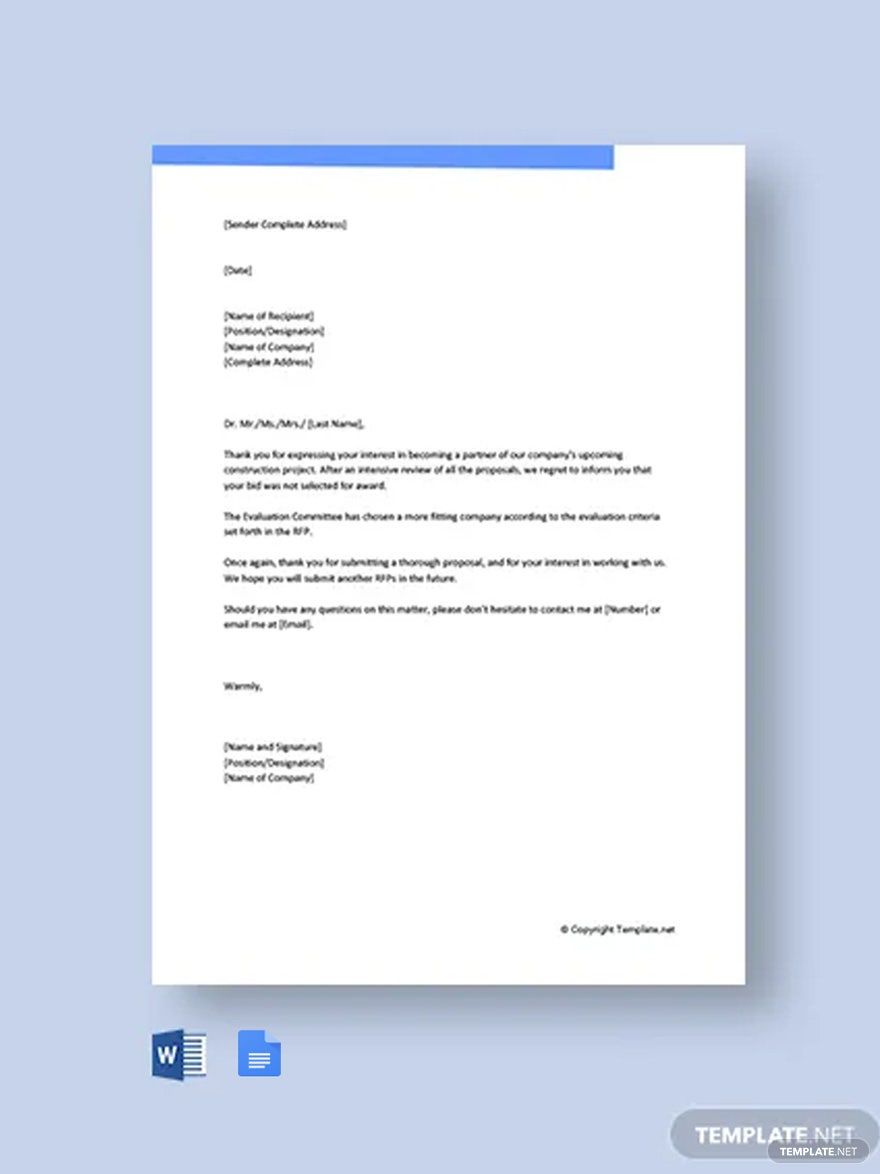
Microsoft Word is a practical choice when the organization wants editable files that can be stored locally or in a shared document environment. Microsoft currently provides pre-formatted letter templates and explains that Word templates can be opened, customized, saved, shared, printed, or exported as PDF.
To create a reusable template manually, begin with a blank document or an appropriate existing letter template. Set the page size and margins, establish the preferred font, and create the sender and recipient sections before writing any sample body copy.
Use consistent paragraph spacing rather than manually pressing the Enter key many times. This makes the template easier to modify and reduces formatting problems when text is added or removed.
Save the master version separately from completed letters. If your organization uses Word’s template functionality, a controlled master can serve as the foundation for future documents. Otherwise, maintain a clearly named master file in a shared folder and instruct users to create a copy before editing.
Before distributing the template, test it with realistic content. Replace short placeholders with long company names, longer recipient titles, several body paragraphs, and an attachment note. The goal is to confirm that the document still looks professional when real information replaces the sample content.
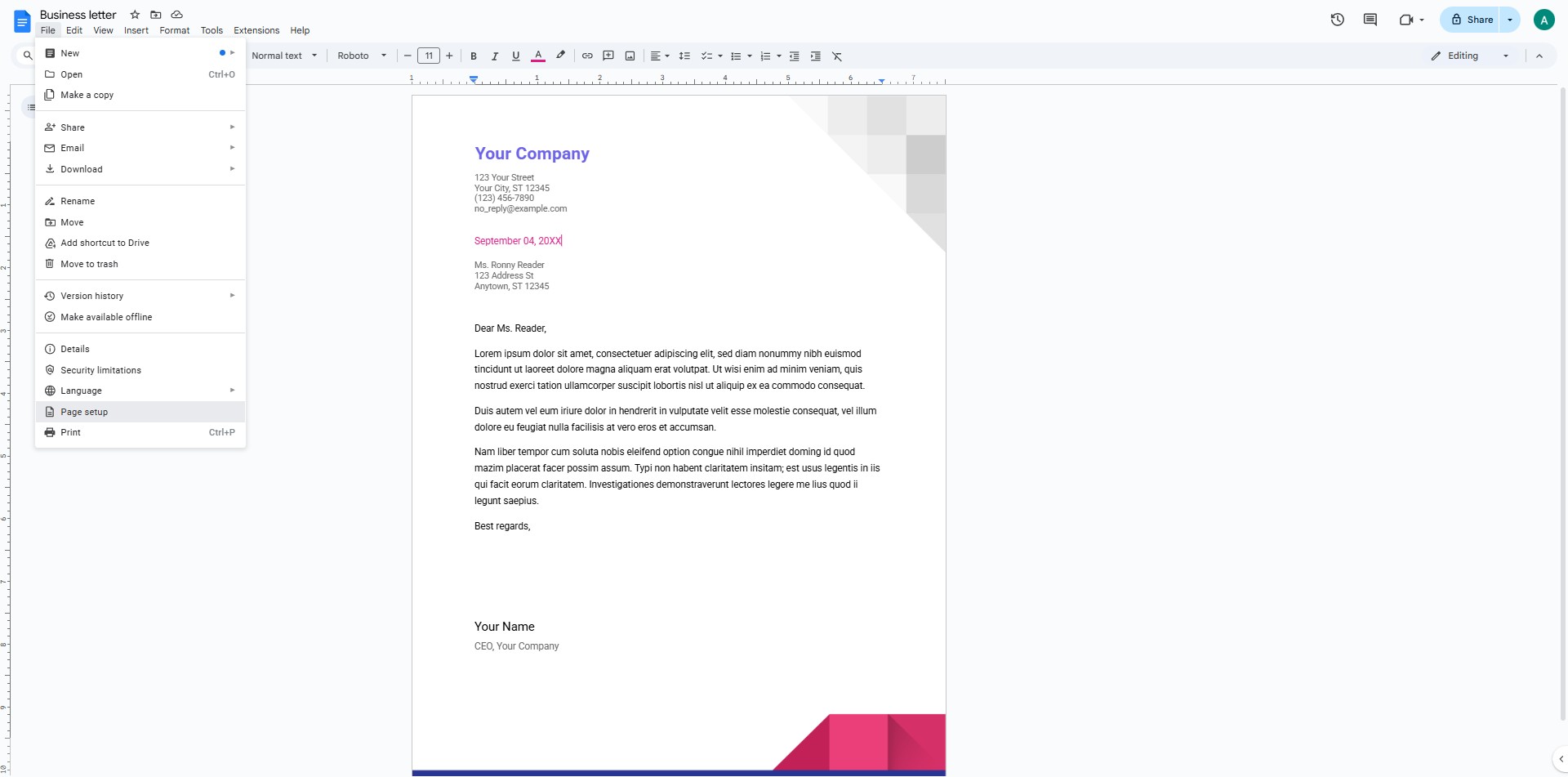
Using Google Docs for Digital Business Letters
Google Docs can be useful when several people need to collaborate on the same template. A team can maintain a master document, make copies for individual letters, review drafts through comments, and keep documents available through a shared cloud workspace.
A Google Docs workflow is especially useful for organizations that have distributed teams. Rather than emailing multiple versions of a Word file, users can work from a controlled source and create individual copies when they begin a new letter.
Permissions should be considered carefully. A master template should normally be protected from casual editing, while individual working copies can remain editable. This distinction helps prevent accidental changes to the standard layout.
Google Docs also makes it easy to export a completed document when a fixed-format version is required. A writer can draft and review the letter collaboratively, then produce a PDF for distribution when the content and formatting have been approved.
When designing a template for Google Docs, test how logos, headers, page breaks, tables, and signatures behave after copying. A design that depends heavily on unusual formatting may not behave consistently across different documents or editing environments.
When to Use PDF, Word, or Google Docs
Word is usually strongest when the document needs ongoing editing. It is appropriate for a master template, detailed revisions, reusable document structures, and workflows in which employees need to change the letter extensively before sending it.
Google Docs is particularly useful when collaboration is important. It can reduce version confusion because reviewers can work from a shared document and leave comments without creating multiple local copies.
PDF is generally most useful after the content has been finalized. Its primary advantage is preserving the intended visual presentation. This makes PDF suitable for sending a final letter to a client, attaching a signed document, or maintaining a stable copy for records.
A useful workflow is therefore to draft in an editable format, review the content, verify all recipient information, approve the final wording, and then export the finished document to PDF when a fixed version is appropriate.
The correct format depends on the stage of the workflow. Treating PDF as the editable master can make future changes inconvenient, while sending an editable Word file to an external recipient can expose information or formatting that was never intended for distribution.
Creating a Digital Business Letter Template for Clients
Client-facing letters require particular attention because the document represents the organization directly. A client should not have to interpret internal terminology, incomplete placeholders, or formatting that looks unfinished.
A client-oriented template should make the purpose obvious within the opening paragraph. Whether the letter concerns a proposal, update, confirmation, request, apology, or follow-up, the reader should quickly understand why the organization is writing.
Client letters should also use language that reflects the relationship. A long-term customer may receive a warmer tone than a first-time prospect, but both communications should remain professional and clear.
Calls to action deserve special attention. Instead of ending with a vague statement such as “Please contact us if needed,” the letter can specify what the recipient should do, who should respond, and when a response would be helpful.
Finally, confirm that the contact details are current. A beautifully formatted letter loses practical value if it contains an obsolete telephone number, old address, incorrect employee title, or outdated website.
Writing the Content Inside the Template
Formatting cannot compensate for unclear writing. The first paragraph should generally establish the reason for the communication instead of delaying the purpose through unnecessary background information.
The middle section should contain only information that helps the reader understand, evaluate, or act on the matter. If several details are necessary, group them logically and consider short sections or lists when they improve readability.
The closing paragraph should bring the message toward a useful conclusion. It can summarize the main point, express appreciation, state the requested next step, or explain how the recipient can continue the conversation.
Professional tone does not mean using complicated vocabulary. Direct sentences are often more effective than elaborate language. Replace vague statements with specific information whenever the reader needs to make a decision or complete an action.
Proofreading should cover both language and data. Check names, titles, dates, amounts, reference numbers, contact information, attachments, and links in addition to spelling and grammar. A correctly formatted letter can still create problems if one factual detail is wrong.
Common Types of Digital Business Letters
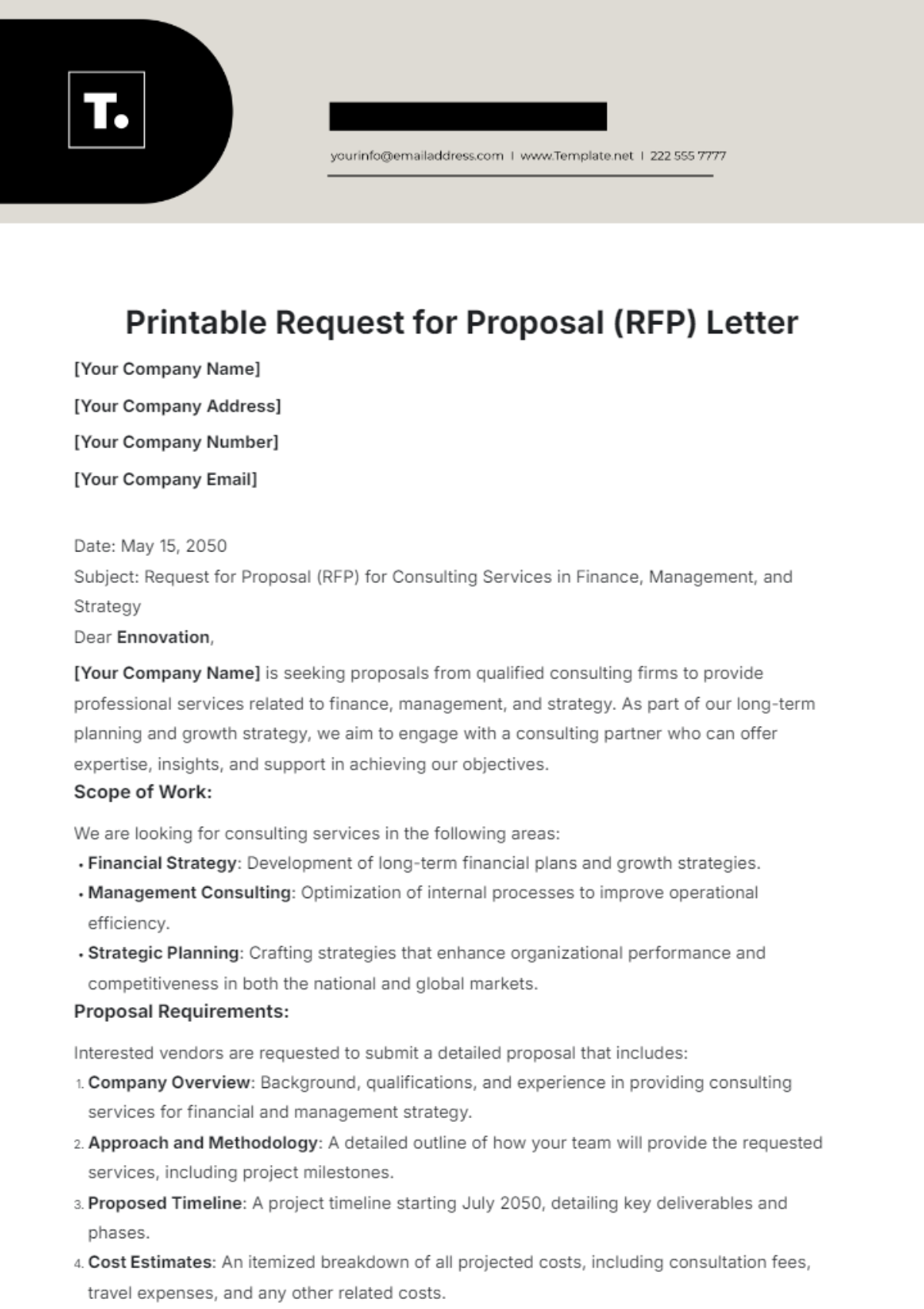
An inquiry letter requests information, clarification, availability, pricing, documentation, or another response. The template should provide enough space for the writer to explain the request while keeping the requested information easy to identify.
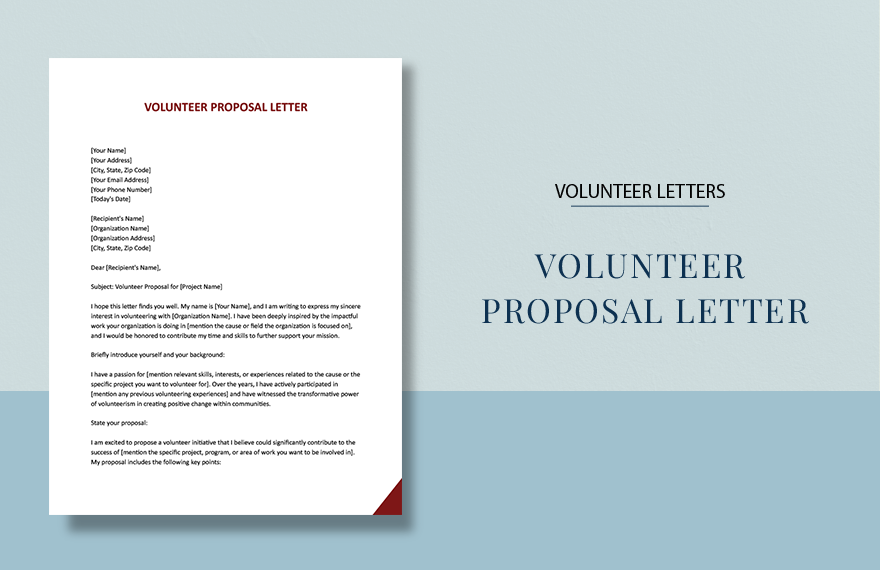
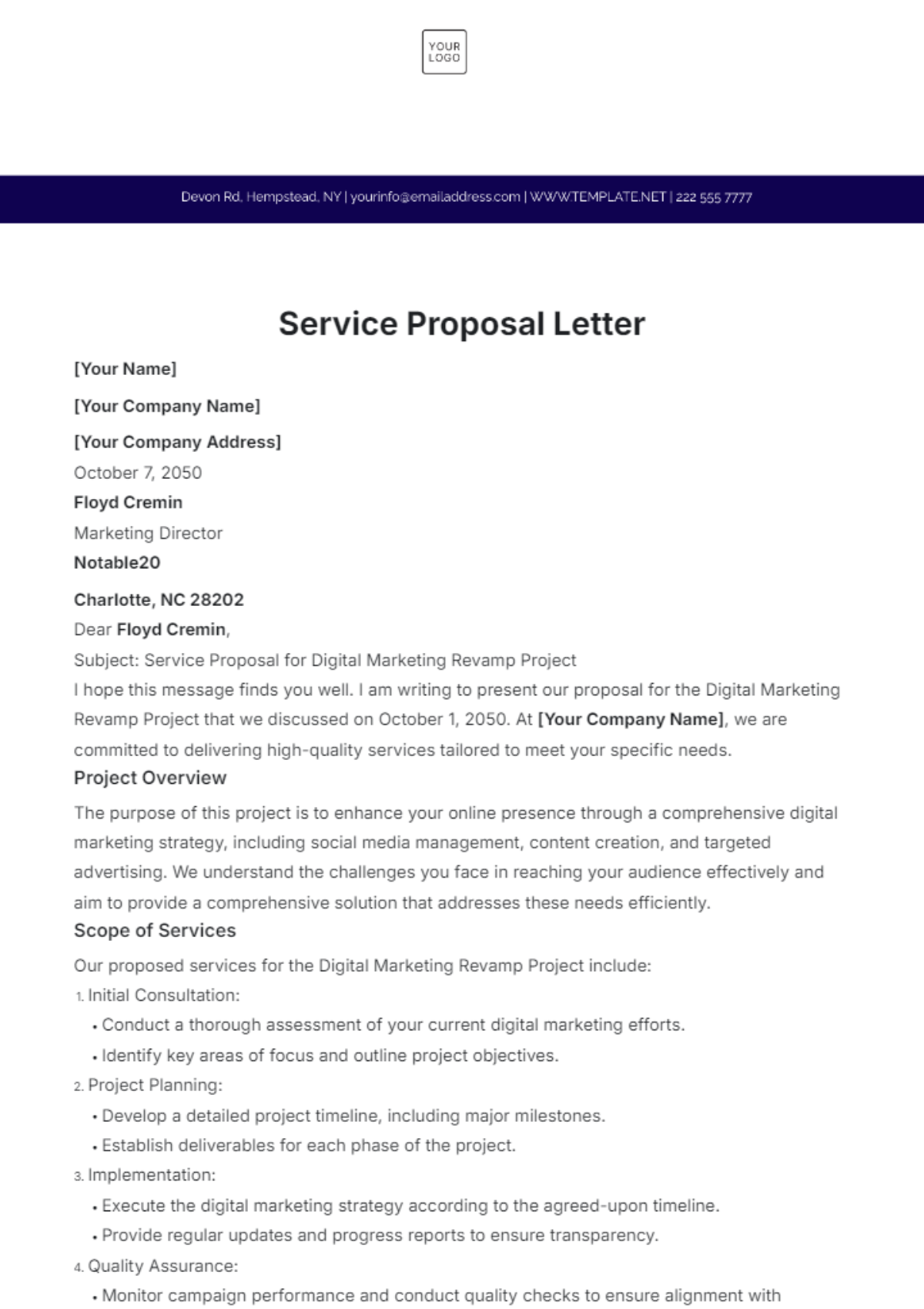
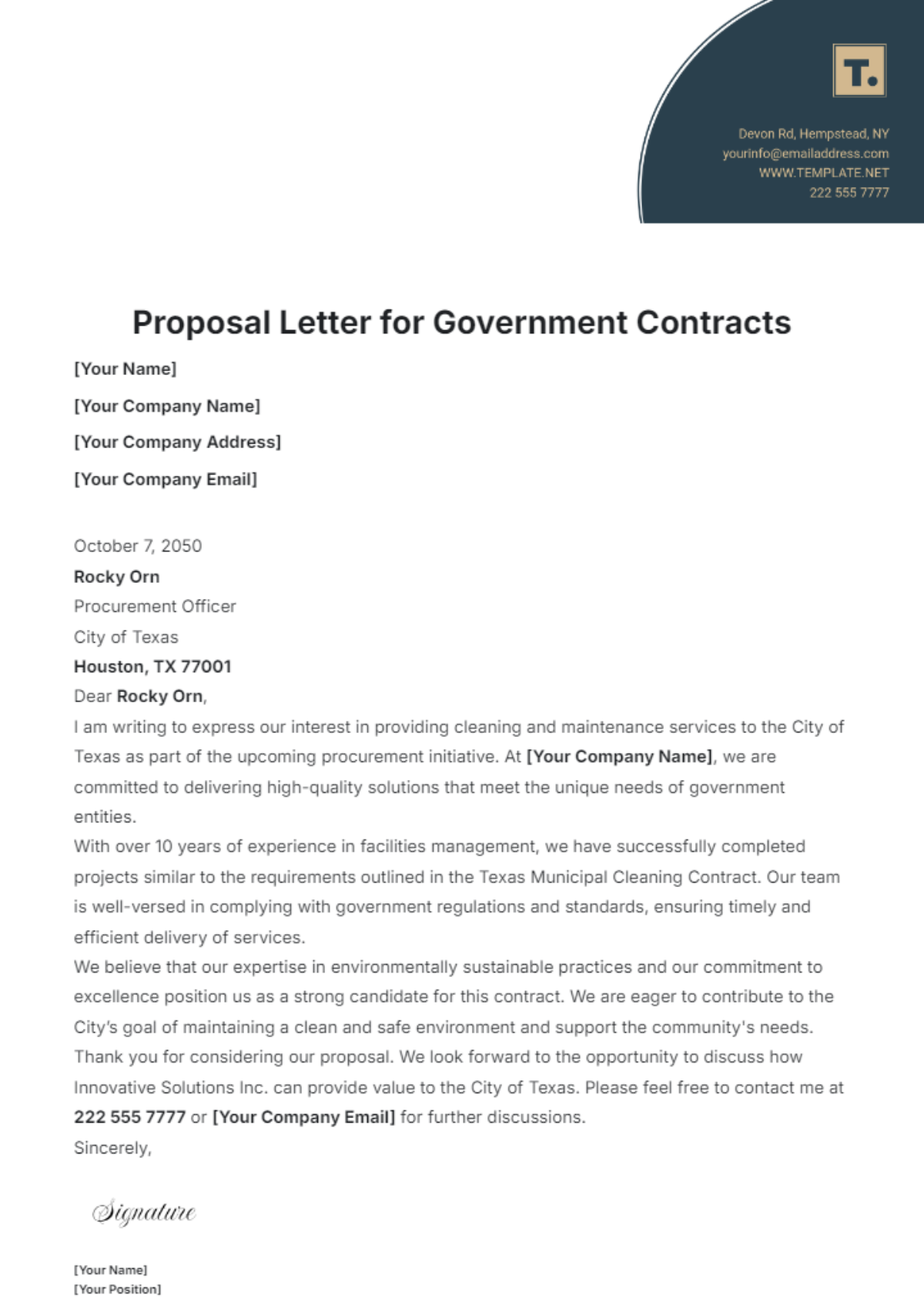
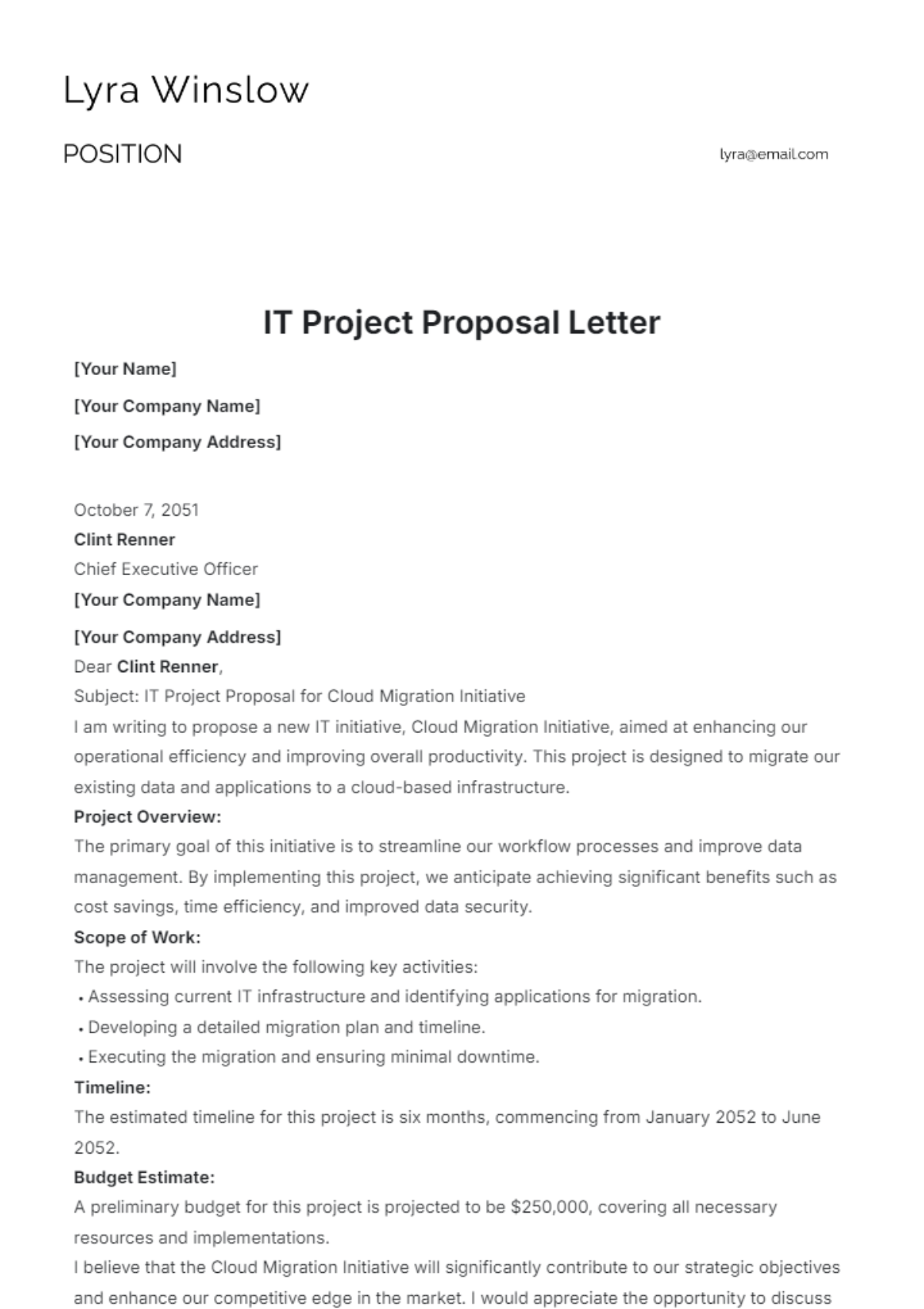
A proposal letter introduces an offer, project, partnership, or service. Its structure can be more detailed because the recipient may need to understand objectives, benefits, scope, timing, or next steps.
A complaint or response letter requires a particularly careful tone. The template should support factual writing, identify the matter clearly, acknowledge relevant concerns, and explain the proposed resolution without using unnecessarily emotional language.
A recommendation letter focuses on credibility and evidence. It should identify the relationship between writer and subject, provide specific observations or examples, and explain why the recommendation is meaningful.
An announcement letter communicates information to a defined audience. It can benefit from a prominent subject line and a concise opening that makes the announcement immediately understandable.
How to Build a Reusable Template System
Organizations that send many letters should avoid maintaining dozens of unrelated files. Instead, create a small template library organized around real communication needs. Examples might include client introduction, proposal, inquiry, follow-up, notification, recommendation, complaint response, and thank-you correspondence.
Each template should have a clear file name. A useful naming system might identify the audience, purpose, and format, such as “Client Proposal Letter – Master” or “Business Inquiry Letter – Word Master.” Avoid names like “Letter New Final Updated 2,” which become difficult to manage over time.
Maintain a master version that users do not edit directly. Employees can copy the master into a working location and customize that copy. This simple separation protects the approved structure from accidental changes.
Assign responsibility for template maintenance. Someone should periodically review contact information, logos, legal disclaimers where applicable, brand elements, formatting, and document compatibility. A template that was correct several years ago may no longer reflect current organizational information.
Version control is also useful. If a major change is made, record the effective date or version number somewhere in the internal management system rather than cluttering the customer-facing letter. This makes it easier to determine which format was used for a particular communication.
How to Customize a Template Without Losing Consistency
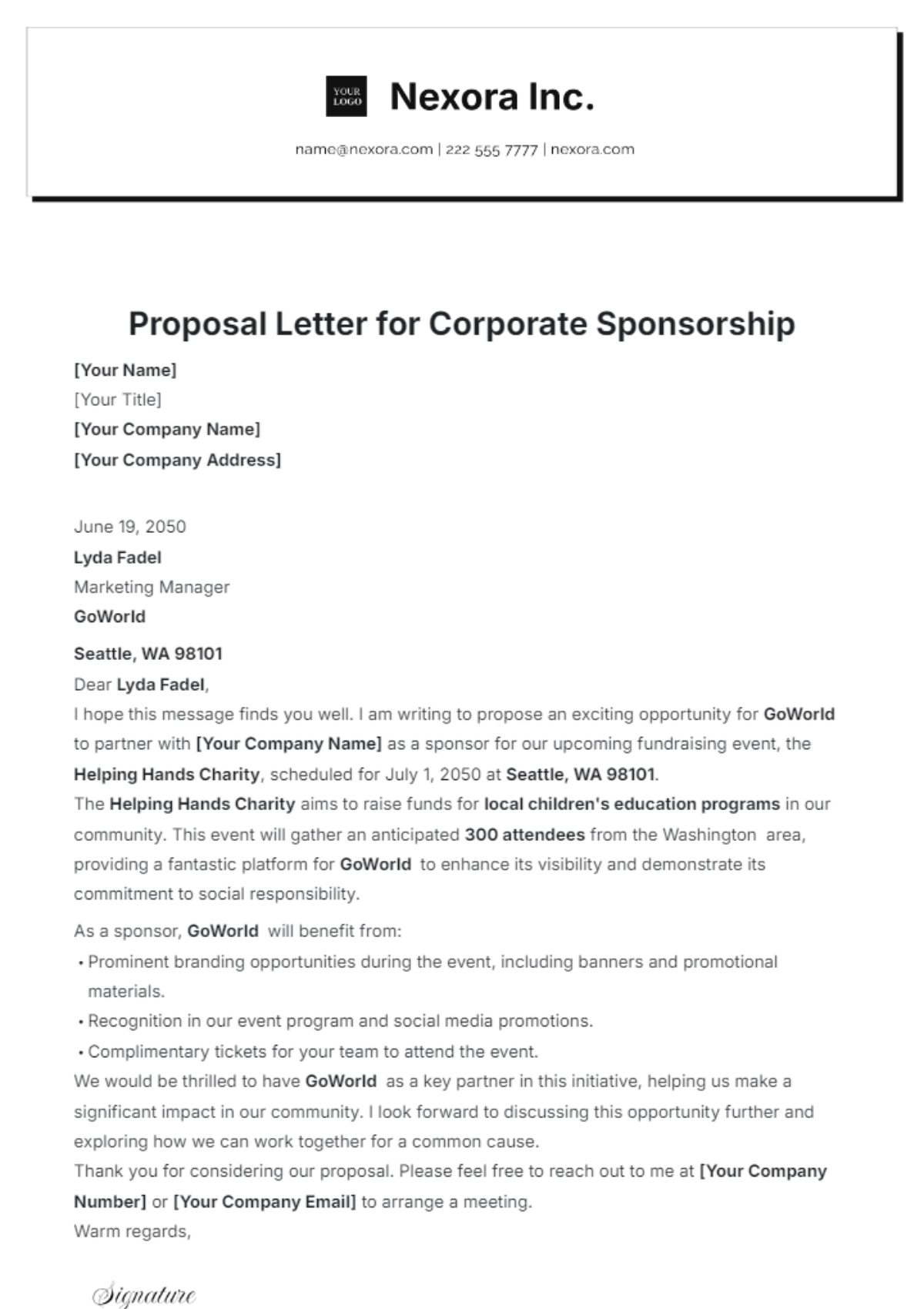
Customization should focus on content and appropriate branding rather than changing every visual element. The organization can allow certain fields to vary while keeping the core typography, margins, spacing, logo placement, and signature structure stable.
For example, a technology company might maintain the same letterhead and body typography for client proposals, service notices, and follow-up letters. The differences would come primarily from the subject, body content, and specific call to action.
Do not overload a template with optional sections that rarely apply. A letter containing ten possible fields can become difficult to use. It is often better to maintain a few specialized templates than one enormous document full of conditional placeholders.
Color should also be used carefully. Brand colors can strengthen identity, but large colored areas may reduce the professional feel of a formal document or create printing problems. Small accents are usually easier to reproduce and maintain.
Before releasing a customized template, ask someone unfamiliar with the document to use it. If that person cannot quickly determine which fields to replace or which sections are optional, the template needs clearer structure.
How to Create a Professional Digital Signature Area
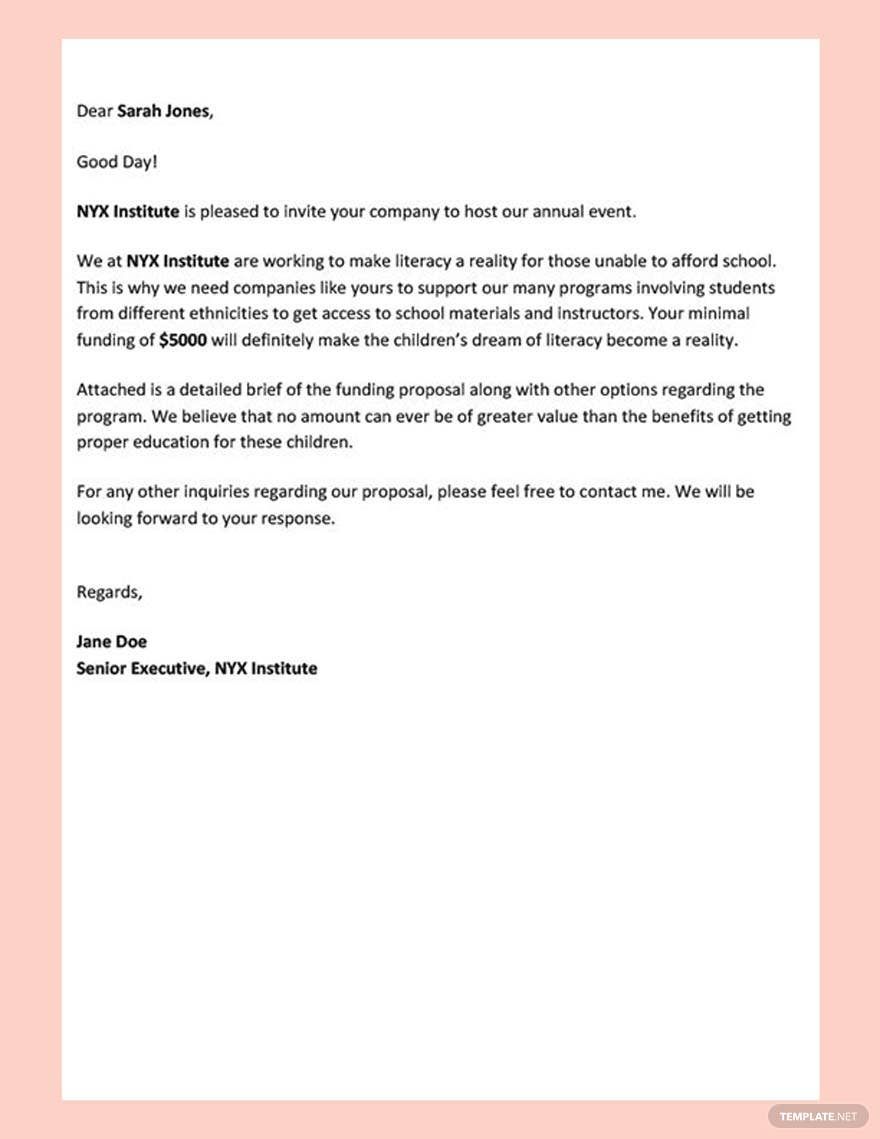
A digital business letter should provide a clear location for the sender’s name and professional identity. For an electronic document, the signature can be typed, inserted as an approved image where appropriate, or handled through an authorized electronic-signature workflow.
The signature block should not become visually disconnected from the closing. Leave enough space for the recipient to understand who is responsible for the communication and how that person can be contacted.
When a company uses electronic signatures, follow the organization’s established approval and security procedures. The presence of an image that resembles a signature should not automatically be treated as equivalent to a formal electronic-signature process.
For routine correspondence, a typed name and job title may be sufficient when no special signature requirement exists. For documents with contractual, regulatory, or other formal implications, the applicable organizational process should determine the correct signing method.
Whatever approach is chosen, the template should make the signature area predictable. Consistency helps recipients recognize where the sender’s identity and role are established.
Researching and Evaluating Business Letter Templates
Template research should begin with the intended use rather than the visual design. Search for formats that match the actual communication task, then compare their structure, editability, file type, and suitability for your workflow.
Reliable research sources include software providers, universities, professional organizations, established business-writing resources, and reputable template publishers. For example, Microsoft provides current information about business letter templates in Word, while professional writing resources describe common letter components and formatting approaches.
When evaluating a template, inspect the entire document rather than only the preview image. Check whether the download format is genuinely supported, whether the document is editable, whether the license permits the intended use, and whether the layout survives ordinary editing.
Do not assume that a template advertised as free is automatically appropriate for commercial use. “Free to download,” “free for personal use,” and “free for commercial use” can describe different permissions.
Research should also include a practical test. Download or copy the template only from a trustworthy source, enter realistic business information, edit several paragraphs, export the result if needed, and inspect the final document before adopting it as a standard.
What to Check Before Downloading a Template
First, verify the file format. If your team works primarily in Word, an editable Word file may be preferable to a PDF. If collaboration is central, Google Docs compatibility may matter more than a particular visual style.
Second, check whether the template contains hidden or unnecessary elements. Some documents may include decorative objects, tables, text boxes, or embedded content that becomes difficult to edit. Simpler structures are generally easier to maintain.
Third, review the licensing terms. A template can be visually perfect but unsuitable for your business if its usage restrictions do not permit the intended distribution or modification.
Fourth, inspect the source’s credibility. Prefer established providers and official software ecosystems over unknown websites that offer files without clear information about their origin.
Finally, never enter confidential business or customer information into an unfamiliar online editor simply to test a template. Test with fictional information first, then move to approved business systems once the document has been evaluated.
Common Mistakes in Digital Business Letter Templates
One common mistake is designing the template before defining the content structure. A visually impressive header cannot compensate for a letter that lacks a clear recipient section, purpose, body hierarchy, or closing.
Another problem is excessive branding. A logo should help identify the organization, not dominate the page. Oversized graphics can push important content downward and may make the document look more like marketing collateral than formal correspondence.
Hard-coded sample information is another risk. A template containing a fictional address, old telephone number, previous employee name, or sample date can easily be sent without being fully customized.
Inconsistent spacing also reduces quality. Manually inserting spaces or repeated line breaks may look acceptable in the master file but can create awkward gaps when the content changes.
Finally, many teams fail to test their templates outside the environment in which they were created. A document should be reviewed after copying, editing, exporting to PDF, printing when relevant, and opening on another device or application.
Digital Business Letter Template Quality Checklist
Check the sender information before every important communication. Confirm the company name, address, telephone number, email address, website, and sender title. If a standardized header is used, verify that it reflects the organization’s current identity.
Check recipient information carefully. Names and titles should be spelled correctly, and the recipient’s organization should be accurate. A correct recipient block demonstrates attention to detail before the reader reaches the first paragraph.
Review the purpose statement. A reader should be able to understand why the letter was sent without searching through several paragraphs. If the purpose is unclear, revise the opening rather than relying on formatting to solve the problem.
Review the requested action and timing. If the recipient needs to approve something, provide information, schedule a meeting, sign a document, or respond by a particular date, make that requirement clear.
Finally, inspect the finished document visually. Look for orphaned lines, awkward page breaks, inconsistent headings, excessive white space, missing signatures, and attachment references that do not match the actual files being sent.
Practical Examples of Template Use
Imagine a consulting firm needs to contact a potential client after an introductory meeting. The template can provide the firm’s identity and contact information, while the writer adds the meeting date, recipient, summary of the discussion, proposed next step, and contact details.
In a second example, a software company needs to notify customers about a service change. A reusable letter structure can contain the company header, subject line, customer address, explanation of the change, effective date, support contact, and closing.
A supplier might use another variation to request information about delivery schedules. The structure can remain consistent while the body explains the order reference, requested dates, relevant questions, and expected response.
A professional services firm might also create a recommendation-letter template. The structure would emphasize the relationship between writer and subject, specific strengths, examples of performance, and the reason the writer is willing to recommend the individual or organization.
These examples show why a template library should be organized around communication purposes rather than merely visual styles. The most useful template is the one that makes the next real business task easier.
Practical Solution: Build a Reliable Digital Business Letter Workflow
Start by listing the recurring letter types your organization actually sends. Do not begin with dozens of designs. Identify the most frequent and important communications, then create one master template for each distinct purpose.
Next, define the standard fields. Include the organization name, sender identity, recipient information, date, subject, message structure, closing, signature, and optional attachment or enclosure information. Decide which fields are fixed and which are editable.
Choose the editing environment that matches the workflow. Word is useful for controlled editable documents, Google Docs is useful for collaborative drafting, and PDF is useful for finalized versions whose layout should remain stable.
Create a master version and protect it from routine editing. Users should work from copies rather than changing the master. Give the files clear names and store them in an approved shared location.
Test each template with realistic but non-confidential information. Use long names, multiple paragraphs, different recipient titles, and attachment notes to expose layout weaknesses before the template is adopted.
Establish a review process. Before a letter leaves the organization, verify recipient information, purpose, requested action, dates, contact details, attachments, spelling, and formatting. A short checklist can prevent many avoidable mistakes.
When the letter is approved, save the editable version according to the organization’s recordkeeping process and create a PDF when a fixed-format copy is appropriate. Use a meaningful file name that makes the document easy to retrieve later.
Finally, review the template library periodically. Remove obsolete versions, update branding and contact information, and make sure employees know which master files are current. A template system becomes more valuable when it remains controlled and easy to use.
Reference Examples
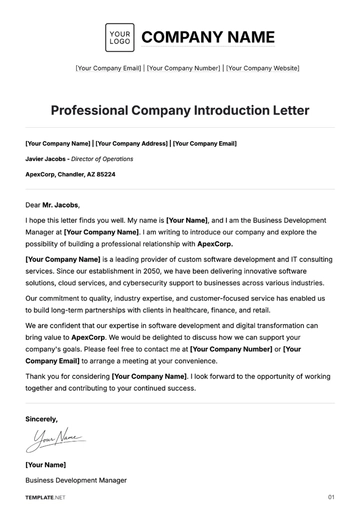
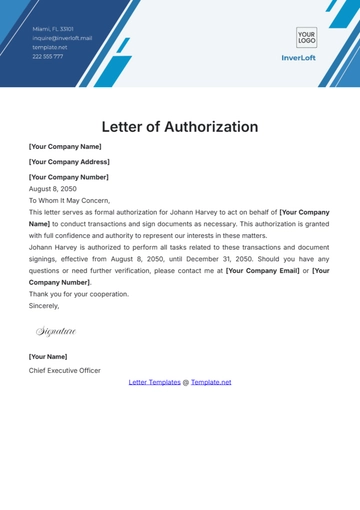
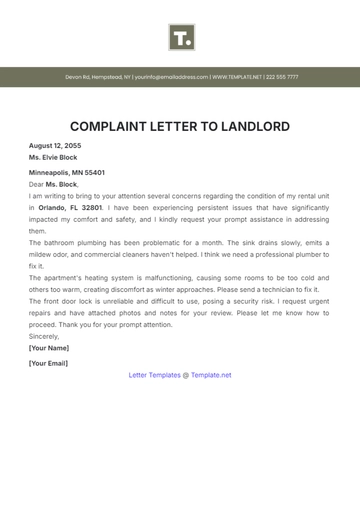
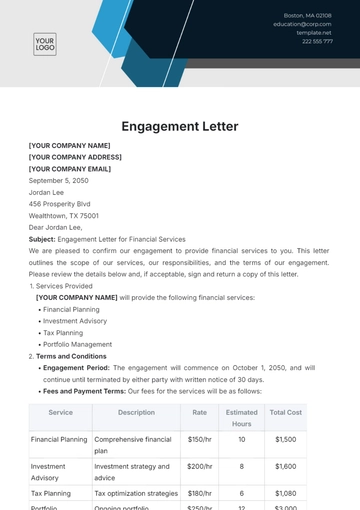
The following reference examples illustrate different approaches to business-letter structure, digital editing, PDF-oriented layouts, Word-compatible designs, client communication, and reusable professional correspondence. They are visual examples rather than universal requirements.
digital business letter template free
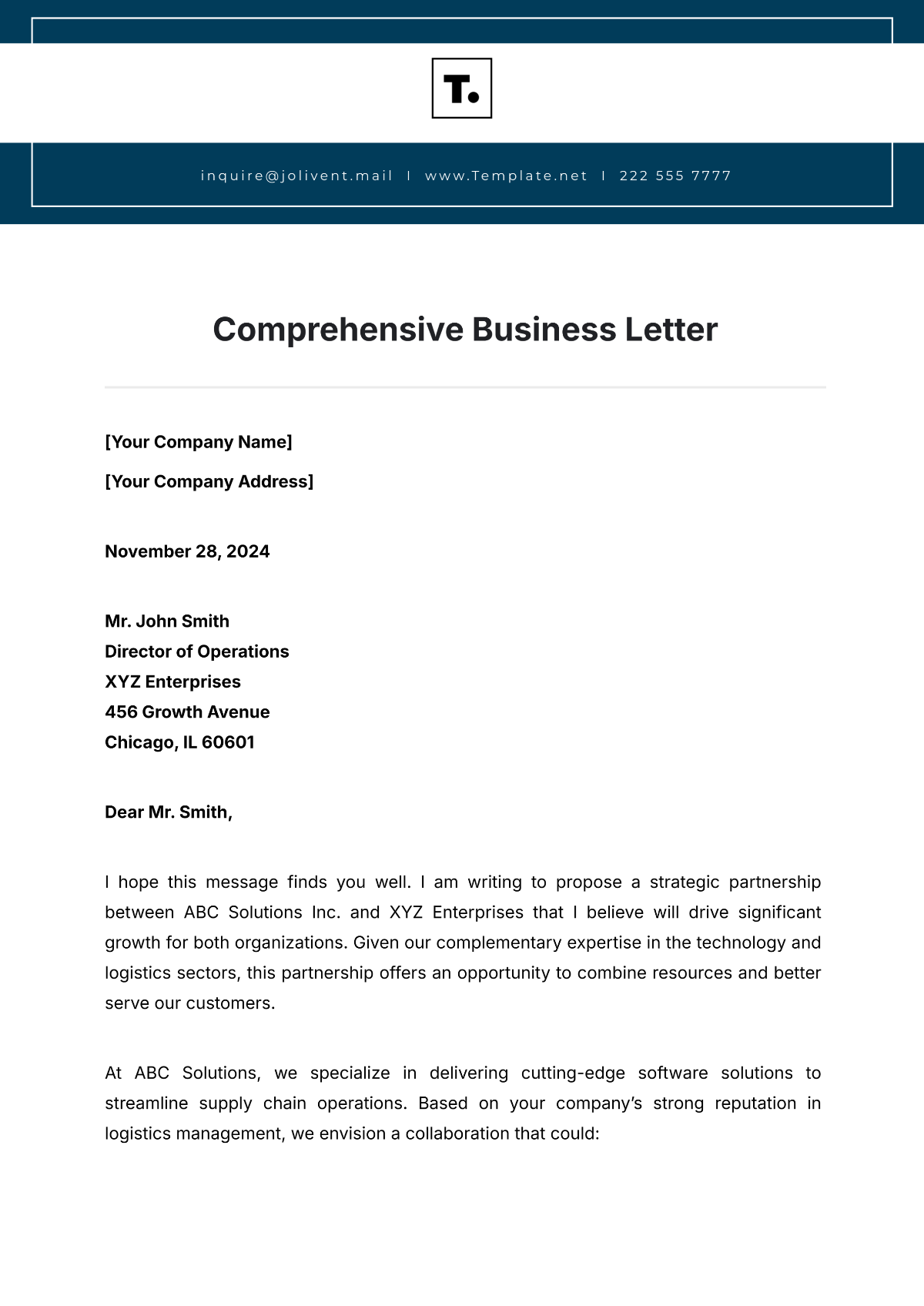
Source: Template.net
digital business letter template pdf
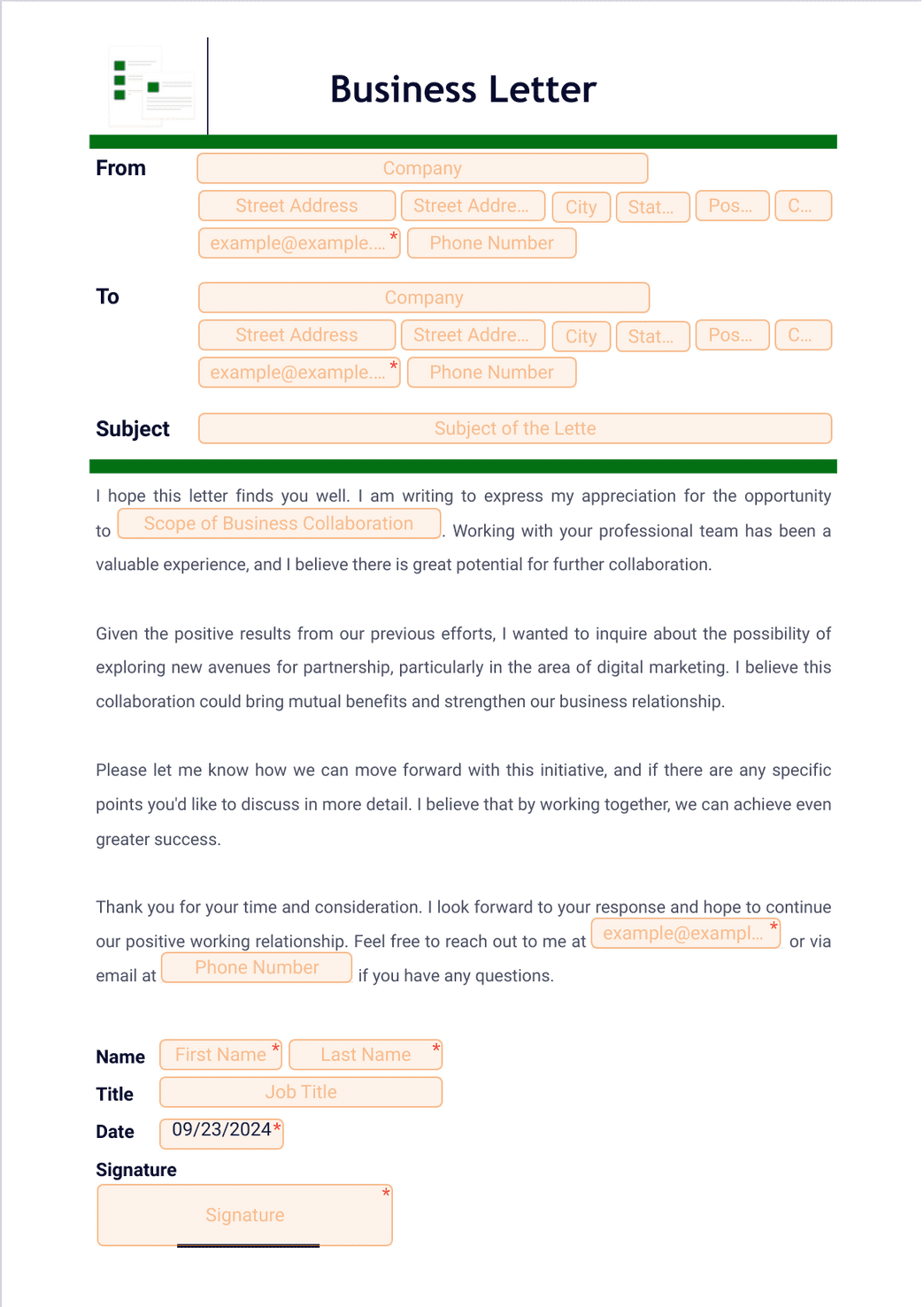
Source: Jotform
digital business letter template free download
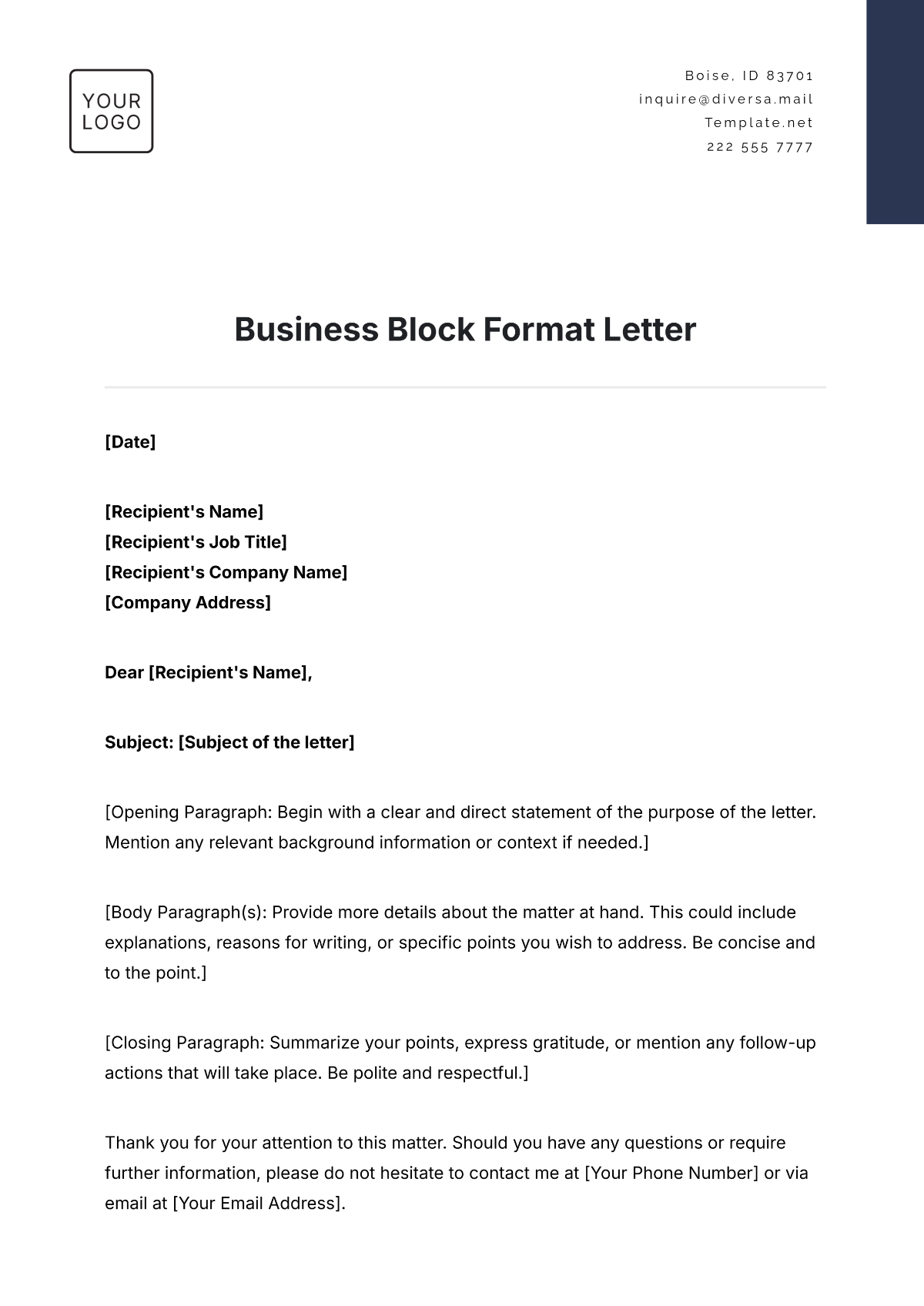
Source: Template.net
digital business letter template for clients
Source: Template.net
digital business letter template google docs
Source: Layerpath
digital business letter template word
Source: Template.net
digital business letter template download
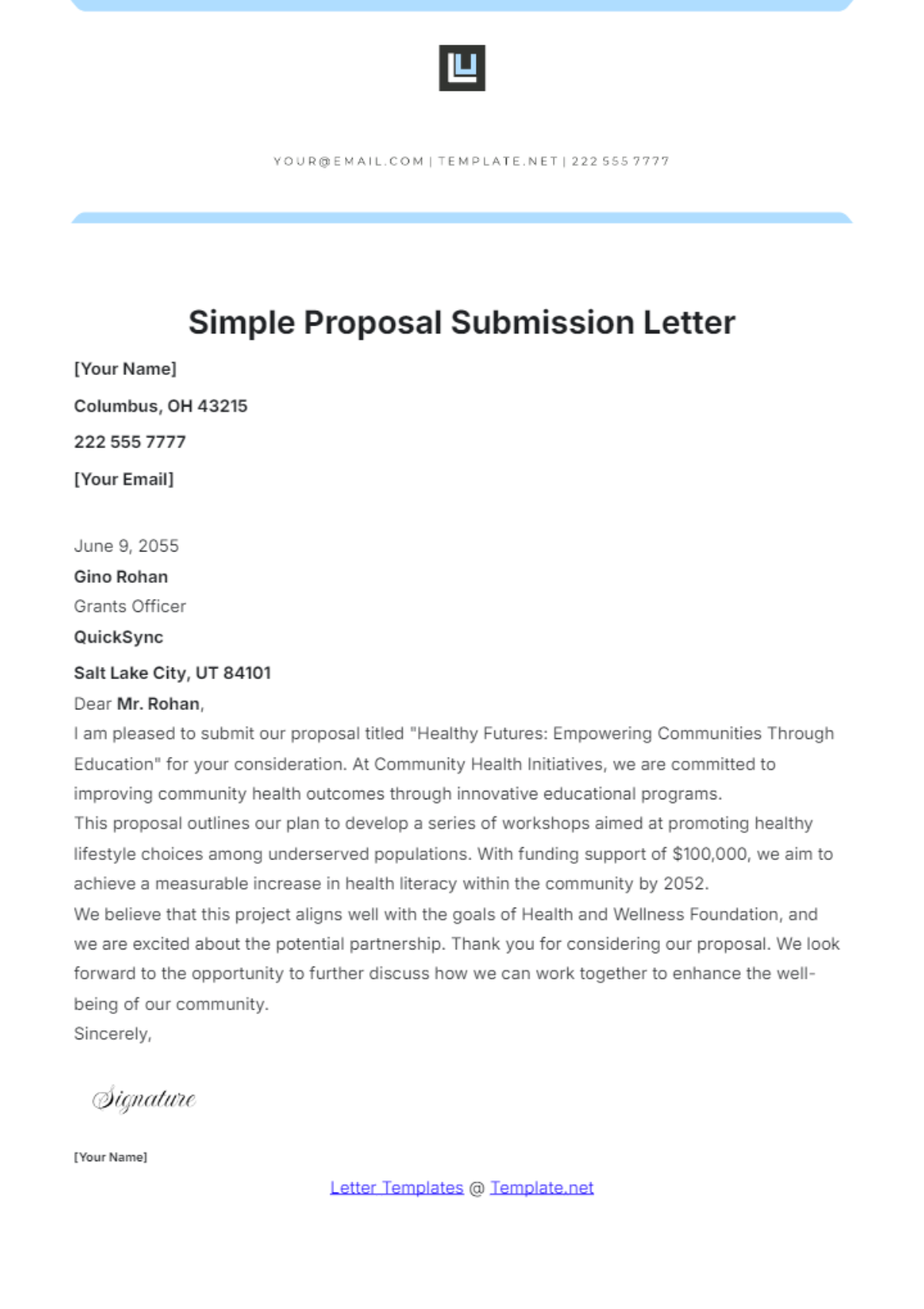
Source: Template.net
business letter template download
Source: Template.net
business letter template free download
Source: Template.net
business letter templates free pdf
Source: Template.net
free template business letter
Source: Template.net
download business templates for letter
Source: Template.net
Frequently Asked Questions
What is the best format for a digital business letter template?
For most general business correspondence, a clean full-block format is a practical choice. It keeps sections left-aligned, makes the document easy to scan, and is relatively simple to maintain in Word, Google Docs, and PDF workflows.
Should a digital business letter be sent as Word or PDF?
Use an editable format when the recipient or internal team needs to modify the document. Use PDF when the content is finalized and preserving the intended appearance is important. Many workflows use Word or Google Docs for drafting and PDF for final distribution.
Can a business letter template be used for clients?
Yes. A template can be especially useful for client communication because it keeps company identity, contact information, spacing, and document structure consistent. The actual message should always be customized to the client’s situation.
What should a digital business letter include?
A standard letter commonly includes sender information, date, recipient information, salutation, body, closing, and signature. Depending on the purpose, it may also include a subject line, reference number, enclosure note, or additional contact information.
Is a free template automatically suitable for business use?
No. Check the source, file format, editing capabilities, and licensing terms before adopting a template. Free access does not necessarily mean unrestricted commercial use or redistribution rights.
How can I make a business letter template reusable?
Separate permanent elements from editable fields, use clear placeholders, maintain a protected master copy, establish a naming system, and test the template with realistic content. Periodic review also helps keep the template accurate.
How long should a business letter be?
The appropriate length depends on the purpose and complexity of the communication. Many routine letters can be kept to one page, but a longer document may be justified when the recipient needs substantial background, explanation, or supporting information.
Can I create a business letter template in Google Docs?
Yes. Google Docs can be used to create a reusable document that team members copy and customize. It is particularly useful when collaboration and shared access are important.
What is the difference between a template and a sample letter?
A template is designed for repeated use and normally contains placeholders or reusable sections. A sample letter is an example of completed content. A sample can help demonstrate tone and structure, while a template provides the operational framework for creating new letters.
Conclusion
A well-planned digital business letter template can turn formal correspondence from a repetitive formatting task into a consistent, efficient business process. The most useful templates combine clear structure, readable typography, accurate contact information, editable fields, appropriate branding, and a workflow that separates drafting from final distribution. Whether the working document lives in Word or Google Docs and the finished communication is delivered as a PDF, the goal should remain the same: make professional correspondence easier to create, review, understand, and maintain.
