A well-structured digital marketing agency document version Template gives an agency a reliable way to identify, review, approve, revise, and archive important client-facing documents. In digital marketing, the same brief, strategy, report, proposal, or campaign plan may pass through account managers, strategists, writers, designers, analysts, and clients. Without a clear version system, teams can easily work from different copies, overlook revisions, or send an outdated document for approval. A strong template turns version control from an informal habit into a repeatable workflow that is easier to understand and maintain.
The purpose is not simply to place a version number on a page. Effective document control connects the document name, revision number, date, owner, status, reviewer, approval record, and change summary. Microsoft Word, for example, provides tracked changes and document comparison features that can help teams inspect revisions rather than relying only on filenames. Google Docs also provides version history, allowing editors to review earlier states and restore a previous version when appropriate. :contentReference[oaicite:0]{index=0}
For agencies, the best system is one that remains understandable when a project becomes busy. A practical template should make it obvious which document is current, why it changed, who made the revision, and whether the client has approved it. This article explains the structure, workflow, naming logic, format choices, implementation process, and common mistakes surrounding a professional document version template for digital marketing agencies.
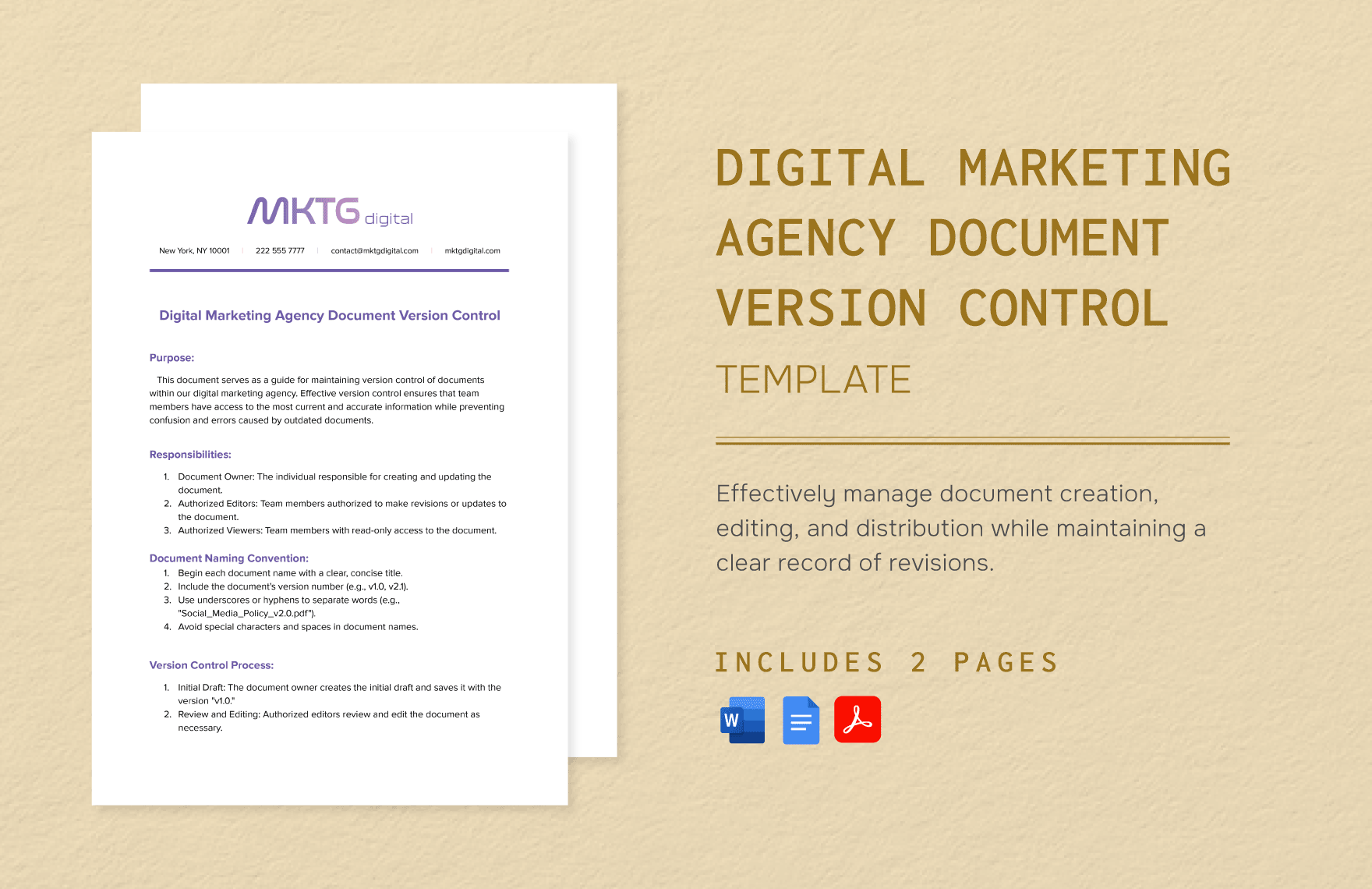
What a digital marketing agency document version Template should accomplish
The central function of a document version template is to create a shared reference point for document status. An agency may have a campaign strategy that begins as an internal draft, moves to client review, receives comments, returns to strategy, and then becomes an approved version. Each stage can produce meaningful changes. A version system records those changes so the team does not have to reconstruct the history from email messages, chat conversations, or memory.
A useful template should also separate content status from revision identity. A document can be version 1.3 while still being under internal review, whereas version 2.0 might represent a major strategic revision that requires renewed client approval. The exact numbering convention can vary by agency, but the logic should be documented and used consistently. The important principle is that everyone interprets the labels in the same way.
Another important purpose is accountability. A document record can identify the person responsible for maintaining the master copy, the people authorized to edit it, and the person responsible for approval. This is especially valuable when multiple departments contribute to one deliverable. Instead of asking which file is correct, a team can look at the version record and determine which revision is authoritative.
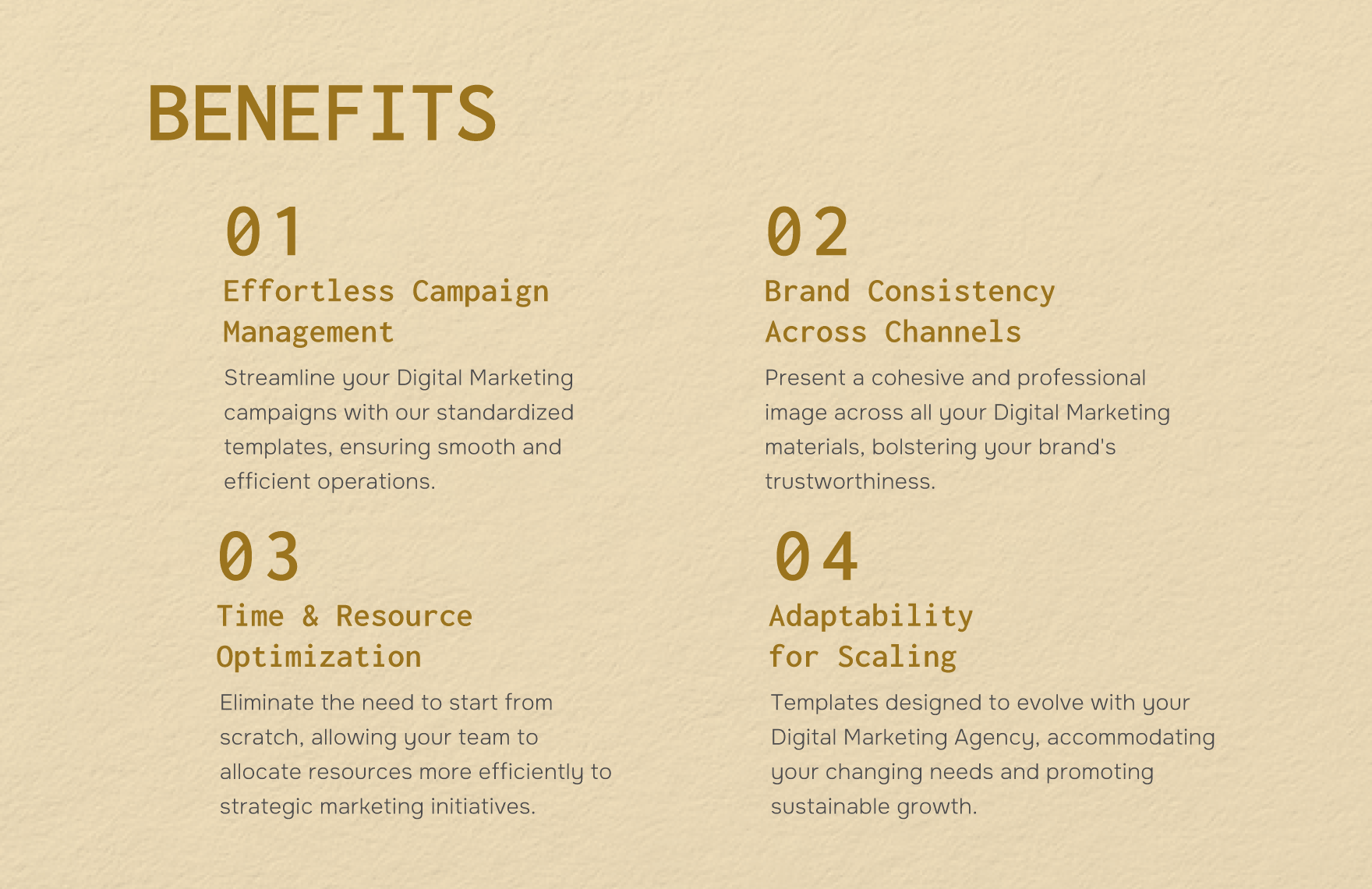
The difference between a document template and a document control system
A template establishes the structure, while the control system establishes the behavior around that structure. A document can contain fields for version, date, author, reviewer, and approval, but those fields have little value if employees update them inconsistently. The agency therefore needs both a standard document layout and a repeatable procedure for creating, revising, reviewing, approving, and archiving versions.
For example, a client strategy document might begin as v0.1 during internal planning. After strategic review it could become v0.2. Once the account lead considers it ready for client review, it could move to v1.0-review. After client comments are incorporated, the agency might create v1.1. The exact sequence is an example rather than an industry-mandated standard; each organization should define its own rules based on how its projects operate.
This distinction matters because teams sometimes believe that saving multiple copies is enough. It is not. Several files named “final,” “final-new,” and “final-approved” do not create dependable control. A useful version system gives every meaningful revision a recognizable identity and preserves the reasoning behind the change.
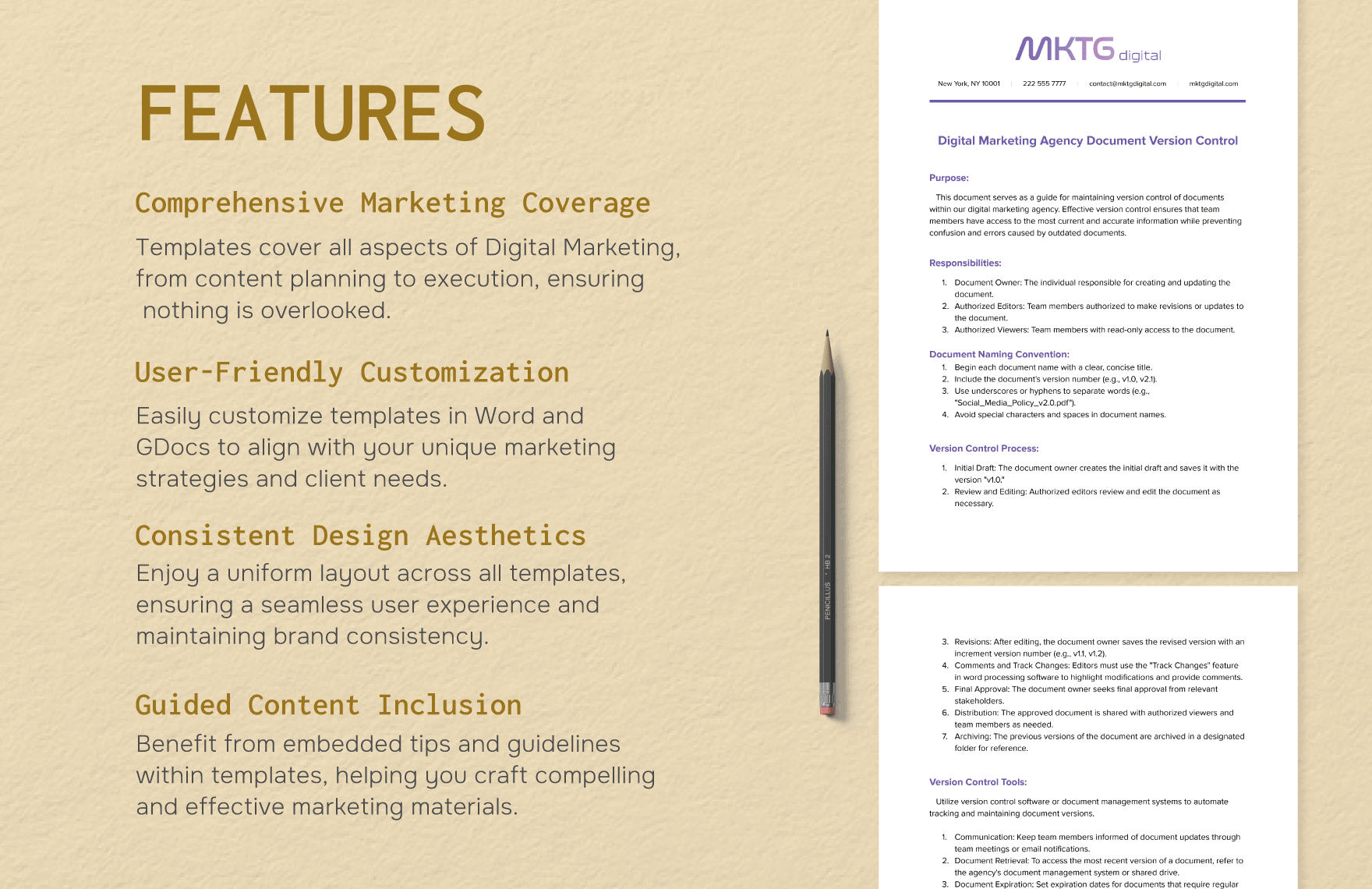
Core fields to include in the template
A strong digital marketing agency document version Template should begin with a compact control block. The control block should be visible enough that someone opening the document for the first time can understand its status without reading every page. It can appear on the first page, in a header, or in a dedicated document information section depending on the agency’s design system.
The most useful fields normally identify the document, project, client, owner, revision, date, status, reviewer, and approval state. Additional fields can be included when they genuinely improve traceability. A campaign strategy may require a client identifier and campaign period, while a recurring report may need a reporting period and publication date. The goal is not to create a complicated administrative form but to capture the information necessary to distinguish one controlled revision from another.
A practical control block can contain fields such as:
- Document name: the clear name of the deliverable.
- Client: the organization or account associated with the work.
- Project: the campaign, initiative, or engagement.
- Version: the current revision identifier.
- Status: draft, internal review, client review, approved, superseded, or archived.
- Owner: the person accountable for maintaining the document.
- Last revised: the date of the latest meaningful change.
- Reviewed by: the person who checked the revision.
- Approved by: the decision-maker who authorized the relevant stage.
- Change summary: a short description of what changed and why.
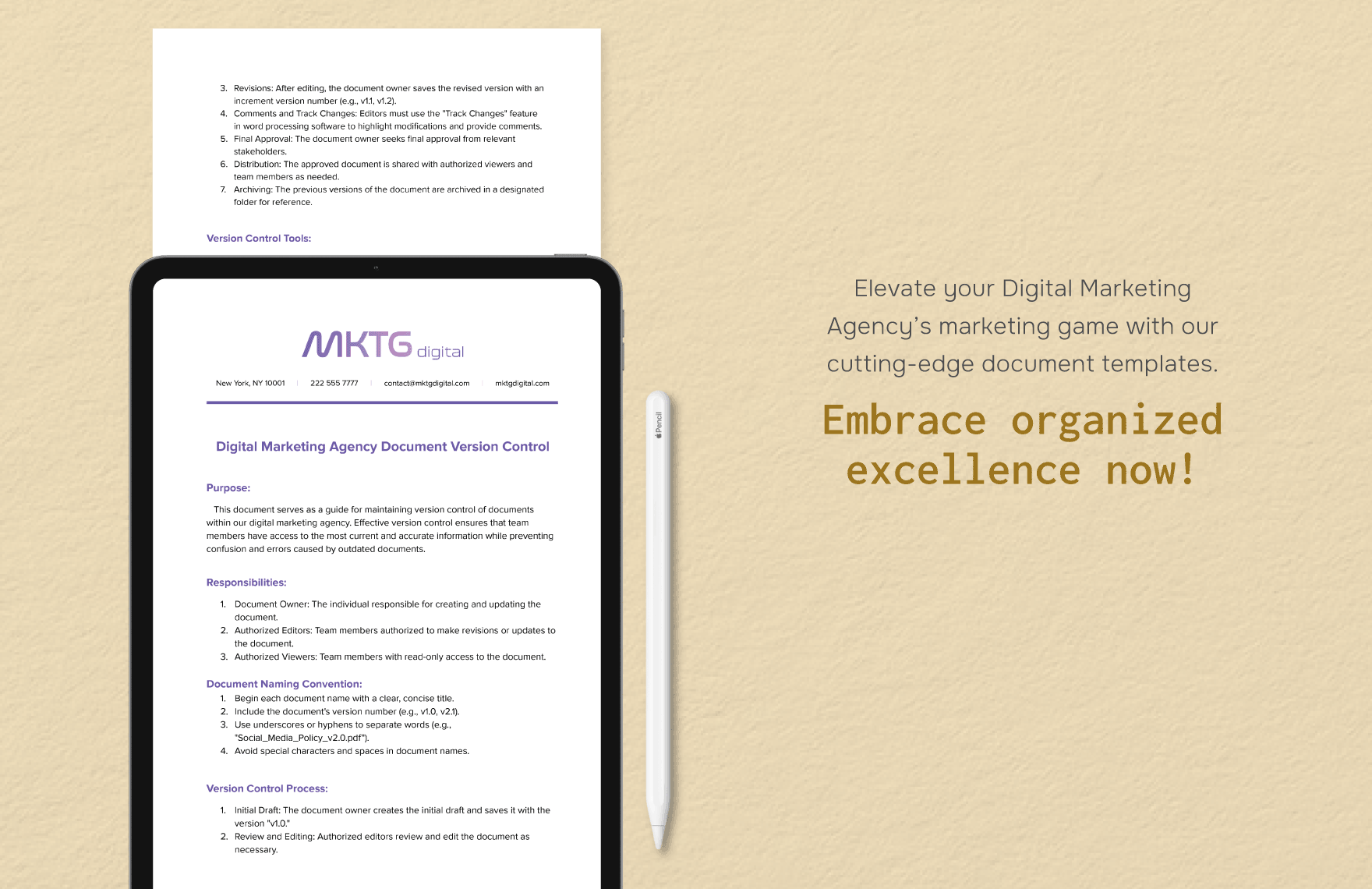
How to design a clear version numbering system
Version numbering should be predictable. One practical approach is to use major and minor revisions. A major revision can indicate a substantial change to the strategy, scope, structure, or approved direction. A minor revision can indicate smaller corrections, clarifications, or content adjustments that do not fundamentally change the approved direction. This is an example convention rather than a universal requirement.
Another useful distinction is between working revisions and approved revisions. A working document might use labels such as v0.1, v0.2, and v0.3, while the first client-approved version becomes v1.0. If the client later requests a significant strategic change, the agency could move to v2.0. This approach helps readers understand whether they are looking at an exploratory document or an approved baseline.
Whatever numbering method is chosen, it should be written into the agency’s internal procedure. Employees should not have to guess whether a formatting correction deserves a new version, whether client comments create a new revision, or whether a new campaign phase requires a new document. The template can include a short versioning rule near the control fields to reinforce the convention.
Example revision logic
Imagine an agency preparing a search campaign strategy. The strategist creates v0.1 with initial objectives, audience assumptions, keyword themes, and measurement requirements. The account lead identifies missing commercial context, so v0.2 adds scope clarification. The strategy director reviews the document and requests changes to the measurement framework, producing v0.3. The revised document then goes to the client as v1.0-review.
If the client requests a new target audience and changes the campaign objective, the agency may reasonably treat that as a major strategic revision and create v2.0-review. If the client merely corrects a company name or requests a wording adjustment, a minor revision such as v1.1 may be more appropriate. These examples show why the version number should communicate meaningful document history rather than simply counting every save operation.
The record should also preserve superseded versions where retention is appropriate. An older version can be important when a client asks why a recommendation changed, when an internal reviewer needs to reconstruct a decision, or when an agency must verify which information was approved at a particular point in the engagement.
Document naming conventions that support version control
Version numbering works best when the filename follows the same logic. A practical filename can include the client, document type, campaign or project, version, and status. For example, a hypothetical filename could be “Northwind_SEO_Strategy_v1.2_Client-Review.” The example is illustrative and should be adapted to the agency’s own naming standards.
Consistency matters more than the exact syntax. A team might prefer dates in ISO format, such as 2026-09-14, because chronological sorting becomes easier. Another agency may prioritize the project code first because it organizes documents around internal account identifiers. Whichever method is chosen, special characters, unnecessary abbreviations, and ambiguous words such as “latest” should be avoided when they can create confusion.
A good naming system should also make archived material distinguishable from current material. When a new approved version replaces an earlier one, the earlier document can be marked as superseded rather than deleted immediately. The organization should define its own retention rules based on contractual, operational, and legal considerations rather than assuming that every old document must be kept forever.
Using Word, Google Docs, PDF, Excel, and presentation formats
The best format depends on the stage and purpose of the document. A working strategy document often benefits from an editable word-processing format because stakeholders may need to revise paragraphs, add comments, and review changes. Microsoft Word includes Track Changes for showing additions and deletions, and it can compare two versions of a document to identify differences. :contentReference[oaicite:1]{index=1}
Google Docs can be useful when multiple authorized collaborators need a shared working document. Its version history allows editors to inspect earlier versions, see who made changes, restore an earlier state, and create named versions. Google also notes that access to earlier versions depends on having the appropriate editing permission. :contentReference[oaicite:2]{index=2}
A PDF is often better suited to a locked presentation or final client record because its visual layout is less likely to shift between editing environments. Excel is useful when the document contains structured datasets, budget calculations, campaign inventories, KPI records, or reconciliation fields. PowerPoint can be appropriate when the same strategic information must be presented as a concise executive narrative. The important principle is that the master revision remains identifiable regardless of the output format.
Searchers looking for digital marketing agency document version template free download may actually be trying to solve a broader workflow problem: they need a practical document structure that can be adopted quickly. Similarly, the phrase digital marketing agency document version template free signals interest in a readily accessible starting point, while digital marketing agency document version template google docs suggests a collaborative editing environment.
Other format-oriented searches reveal the same underlying need. Someone searching for digital marketing agency document version template pdf may want a fixed presentation or record, while digital marketing agency document version template word points toward iterative editing. A spreadsheet-oriented workflow may lead to digital marketing agency document version template excel, and a broader resource search may use digital marketing agency document version template download. These phrases describe format and access preferences rather than separate document-control concepts.
Regional and community-oriented searches can also reveal different expectations. A reader searching digital marketing agency document version template reddit may be looking for practitioner opinions, whereas digital marketing agency document version template uk or digital marketing agency document version template australia may reflect a desire for regionally familiar business documentation. A user asking for a digital marketing agency document version template doc may simply prefer a conventional word-processing file, while digital marketing agency document version template powerpoint indicates a presentation-led workflow.
How version control applies to common agency documents
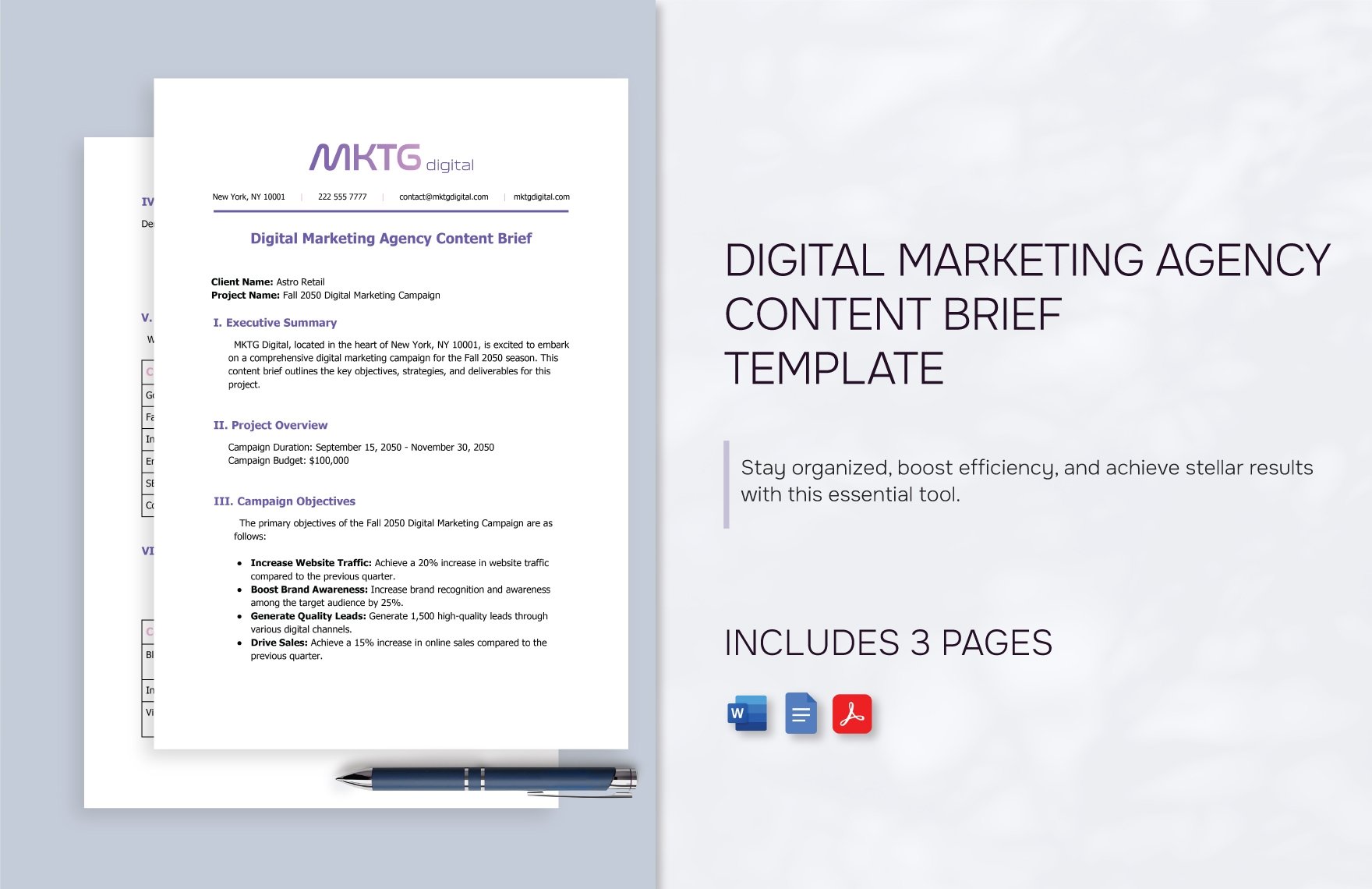
Client briefs are among the most important documents to control because they define the starting assumptions for later work. A brief can establish objectives, audience, deliverables, channels, timing, constraints, and success criteria. If those assumptions change after creative or media work begins, the change should be visible rather than silently replacing the original brief.
Strategy documents require similar discipline. A marketing strategy may contain research findings, positioning, channel recommendations, content priorities, measurement criteria, and implementation stages. Because strategic documents influence many downstream deliverables, a change in one section can affect campaign plans, creative briefs, media plans, and reporting frameworks. Version history therefore provides useful context for why later deliverables look different from earlier ones.
Reports also benefit from controlled revisions. A monthly performance report may begin with preliminary data, receive analyst review, incorporate corrections, and then reach a client-facing state. Instead of overwriting the earlier version, the agency can retain the revision record and indicate which version was reviewed or presented. This is particularly useful when data sources are updated after an initial report draft.
Briefs and campaign plans
A campaign brief should identify the problem to solve, business objective, target audience, core message, required deliverables, channels, constraints, timeline, and approval owner. A version field becomes especially valuable when stakeholders continue refining these elements. The document should make it clear whether a statement is a confirmed decision, a working assumption, or an unresolved question.
Campaign plans often contain schedules, channel responsibilities, asset requirements, measurement criteria, and dependencies. When a deadline or deliverable changes, the revision record should explain the operational impact. This reduces the chance that a media specialist, designer, copywriter, or analyst continues working from an obsolete schedule.
A practical agency rule is to require a new controlled revision whenever a change affects scope, strategic direction, client approval, deliverables, deadlines, measurement requirements, or responsibilities. Minor spelling or formatting corrections can follow a lighter process if the agency’s policy permits it.
Reports and performance documents
Performance reports should distinguish between data preparation and client publication. Analysts may work with preliminary numbers, while the final client report should reflect reviewed information and agreed reporting definitions. A version field can show whether the document is still being checked or is ready for external distribution.
The change summary should be particularly useful for recurring reports. Instead of writing a long narrative, the team can record concise changes such as “updated conversion figures,” “corrected campaign grouping,” “added organic search commentary,” or “revised recommendation after client feedback.” The goal is to make the revision understandable without forcing a future reader to compare every page manually.
If the same report is produced every month, the template should preserve the control structure while allowing the reporting period to change. This is where reusable templates create operational value: the agency can maintain consistent document architecture while changing only the client-specific information, reporting data, analysis, and recommendations.
Approval workflows and responsibility
Version control becomes unreliable when everyone can approve everything. A clearer approach is to identify roles. The document owner maintains the working record, contributors provide changes, reviewers check quality or accuracy, and an authorized approver confirms the relevant stage. One person may hold several roles on a small project, but the responsibilities should still be understood.
The approval state should also be explicit. Useful statuses include draft, internal review, client review, approved, superseded, and archived. An approved document should not be silently edited and left with the same status. If material changes are required, a new revision should be created and the approval state should reflect that the new version requires review.
Microsoft Word’s review tools illustrate the value of distinguishing proposed changes from accepted content. Track Changes can identify additions and deletions by author, while comparison tools can show differences between document versions. :contentReference[oaicite:3]{index=3} This supports a workflow in which comments and revisions are reviewed before a controlled version becomes the new reference document.
Common mistakes that weaken document version control
The most common mistake is using ambiguous filenames. Terms such as “final,” “latest,” and “new version” do not explain the relationship between files. A document called “Strategy_Final_Final2” may look familiar to the creator but can be confusing to another team member several weeks later. A structured version number and status are much more informative.
Another problem is changing a document after approval without changing its revision identity. This creates an unreliable record because the document appears to be the same approved version even though its contents have changed. The remedy is simple: define which changes require a new revision and make that rule part of the agency workflow.
A third mistake is keeping version history without recording why the revision happened. Version numbers alone tell readers that something changed, but not necessarily what changed. A concise change summary solves much of this problem. The strongest records combine revision number, date, owner, reviewer, status, and a short explanation of the material change.
Practical Solution
The practical solution is to create one standardized document version template and then adapt it across briefs, strategies, reports, proposals, campaign plans, and internal procedures. Start with a compact control block containing client, project, document name, version, status, owner, date, reviewer, approver, and change summary. Keep those fields in the same location across documents so staff learn the pattern once and recognize it everywhere.
Next, define a simple revision policy. For example, internal working changes can use minor revisions, while substantial strategic changes can trigger a major revision. Establish which statuses require approval and who is authorized to approve them. Then connect the document to a controlled storage location where the current master version can be distinguished from superseded material. The exact storage method can vary, but the team should never depend on personal desktops or isolated email attachments as the only source of truth.
Finally, test the system on one real client workflow before expanding it across the agency. Choose a document that normally receives several rounds of review, record each meaningful revision, and ask a colleague who was not involved in the original drafting to identify the current version and explain the latest change. If that person can do so quickly, the structure is working. If not, simplify the naming, status, or revision record until the document history becomes immediately understandable.
A simple implementation workflow
- Step 1: Define the document type and assign a responsible owner.
- Step 2: Create the first working revision using the agency’s naming convention.
- Step 3: Record the document status and identify the intended reviewer.
- Step 4: Gather comments and revisions in the controlled working document.
- Step 5: Update the revision number when the change meets the agency’s versioning criteria.
- Step 6: Record a concise change summary.
- Step 7: Complete internal quality review before external circulation.
- Step 8: Record client approval when approval is required.
- Step 9: Mark replaced versions as superseded rather than confusing them with the current master.
- Step 10: Preserve the final approved record according to the agency’s retention policy.
How to adapt the template for different agency teams
Account management teams usually need strong fields for client, project, status, approval, and next action. Strategy teams may need additional fields for assumptions, objectives, research references, and strategic decisions. Creative teams may benefit from deliverable identifiers, review stages, required formats, and approval notes. Analytics teams may need reporting periods, data validation status, metric definitions, and revision notes.
The template should therefore be standardized at the control level while remaining flexible at the content level. The same version block can appear on a strategy document and a performance report even though the body of each document is very different. This balance prevents the agency from creating dozens of unrelated document-control systems.
For larger agencies, a document register can complement the template. The register can identify each active document, current version, owner, status, and location. The individual document remains the detailed record, while the register provides a high-level view of the agency’s controlled documentation. This is especially useful when many client engagements operate simultaneously.
Making the system easy for clients to understand
Client-facing documents should avoid internal jargon whenever possible. A client does not necessarily need to understand the agency’s entire revision taxonomy, but should be able to see whether the document is a draft, review copy, or approved version. A clean control area can communicate this without making the document look administrative.
When sending a revised document for review, the agency should identify what materially changed. A short revision note such as “updated audience definition and channel allocation following client feedback” gives the client a useful starting point. This is more efficient than expecting the client to compare every paragraph with the previous version.
For final records, the agency can distinguish the approved document from earlier working copies. The approved version should contain the final agreed content and status. If a later request changes the scope, the new request should initiate the next controlled revision rather than modifying the approved record invisibly.
Choosing the right level of complexity
A small agency does not necessarily need a complicated enterprise-style document management process. A concise template with version, status, owner, date, reviewer, and change summary may be enough. The objective is to eliminate ambiguity, not to create administrative work that overwhelms the project itself.
A growing agency may need stronger controls as the number of clients, contributors, and recurring deliverables increases. At that stage, additional fields for approval, document category, retention state, project code, and review cycle can become useful. The system should evolve when real operational problems appear rather than adding complexity simply because a larger system exists.
The best test is practical: can someone who did not create the document determine which version is current, what changed, who reviewed it, and whether it is approved? If the answer is yes, the document version system is doing its job. If the answer is no, adding more fields may not solve the problem; clearer naming, status definitions, or workflow rules may be more effective.
Why consistency matters across an agency
Consistency makes documentation easier to scan and maintain. When every client strategy uses a familiar control area, staff can immediately locate the revision and status. When reports use a different system, the learning curve increases and the risk of mistakes rises. A shared template language therefore becomes part of the agency’s operational infrastructure.
Consistency also helps when staff change roles or projects. A strategist moving to another account does not have to learn a completely new documentation method. The same principles can apply across industries, campaign types, and client sizes while allowing the substantive content to remain specific to each engagement.
Most importantly, consistent version control protects decisions. Digital marketing work often changes because new research appears, client priorities shift, performance data develops, or stakeholders refine the scope. A controlled document record makes those changes visible and explainable rather than allowing important decisions to disappear inside scattered copies.
Reference Examples
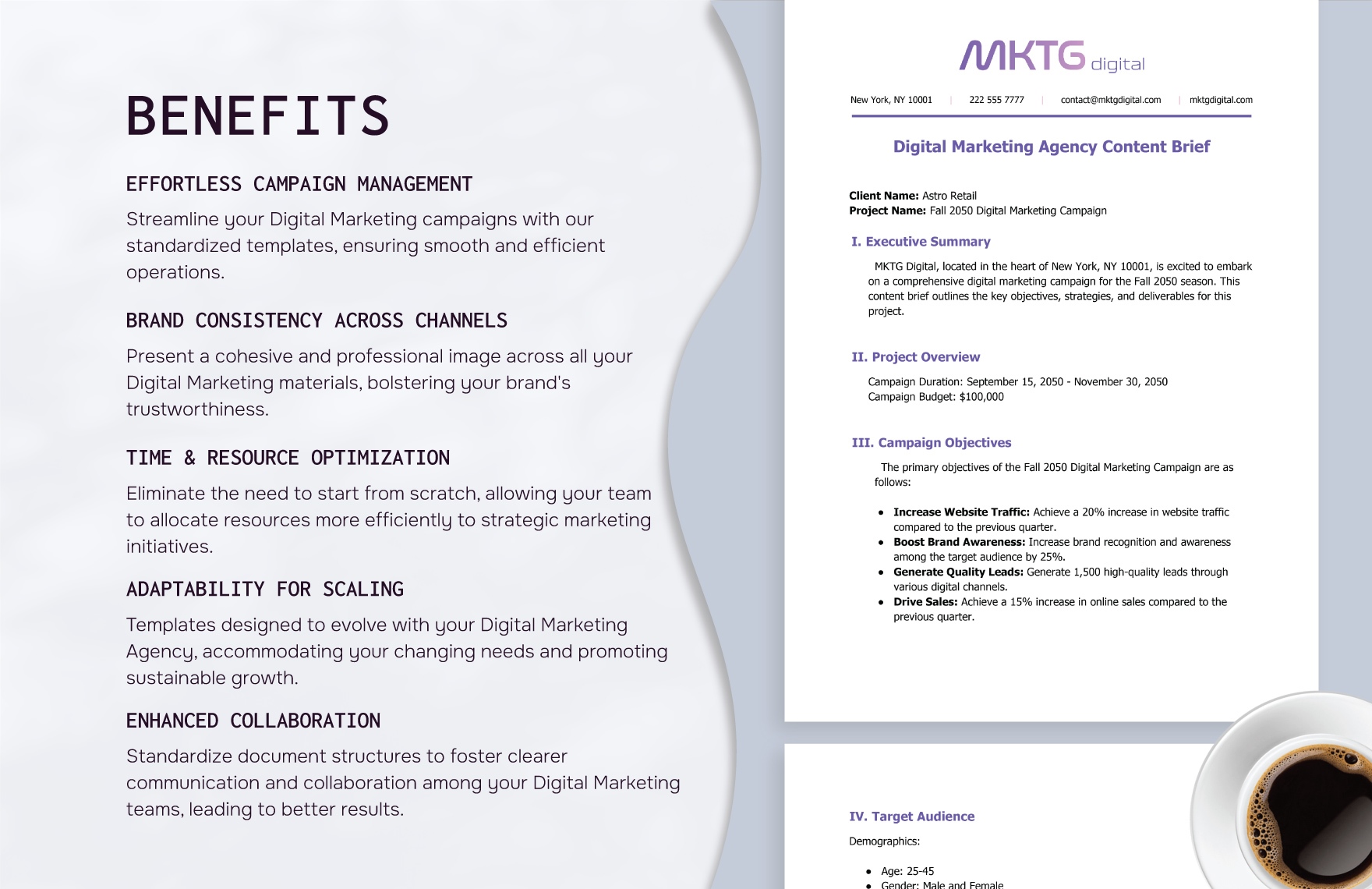
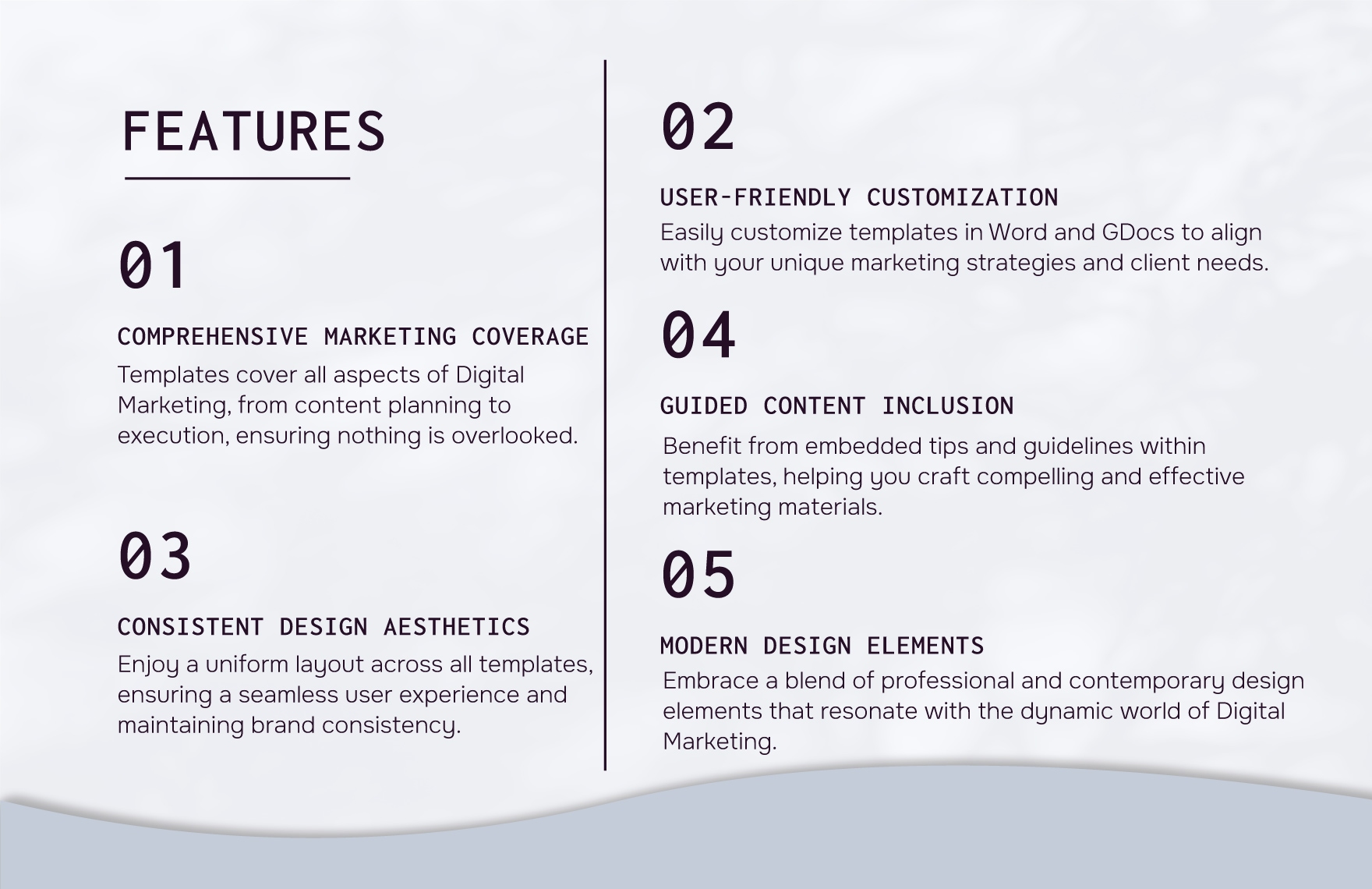
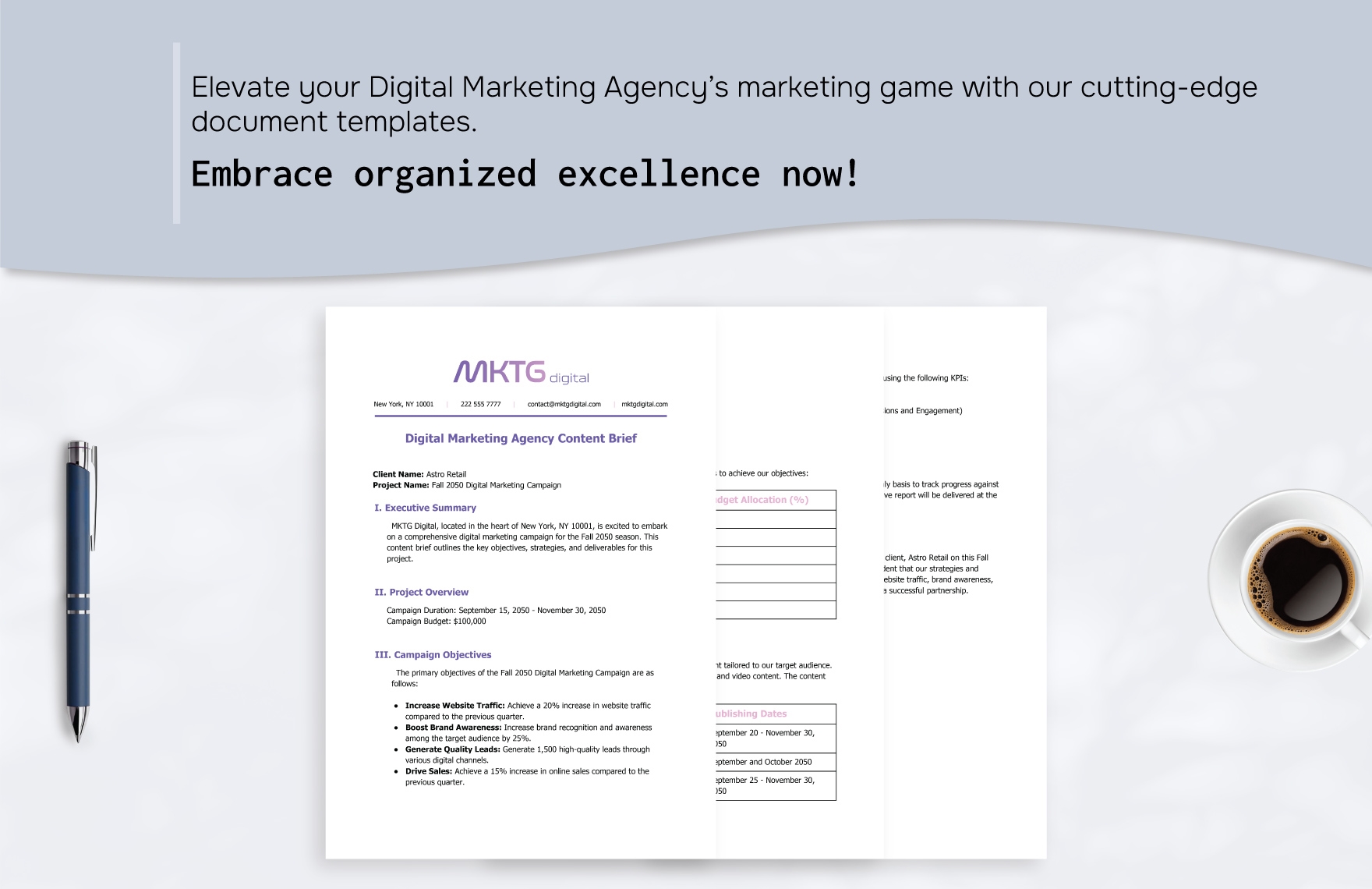
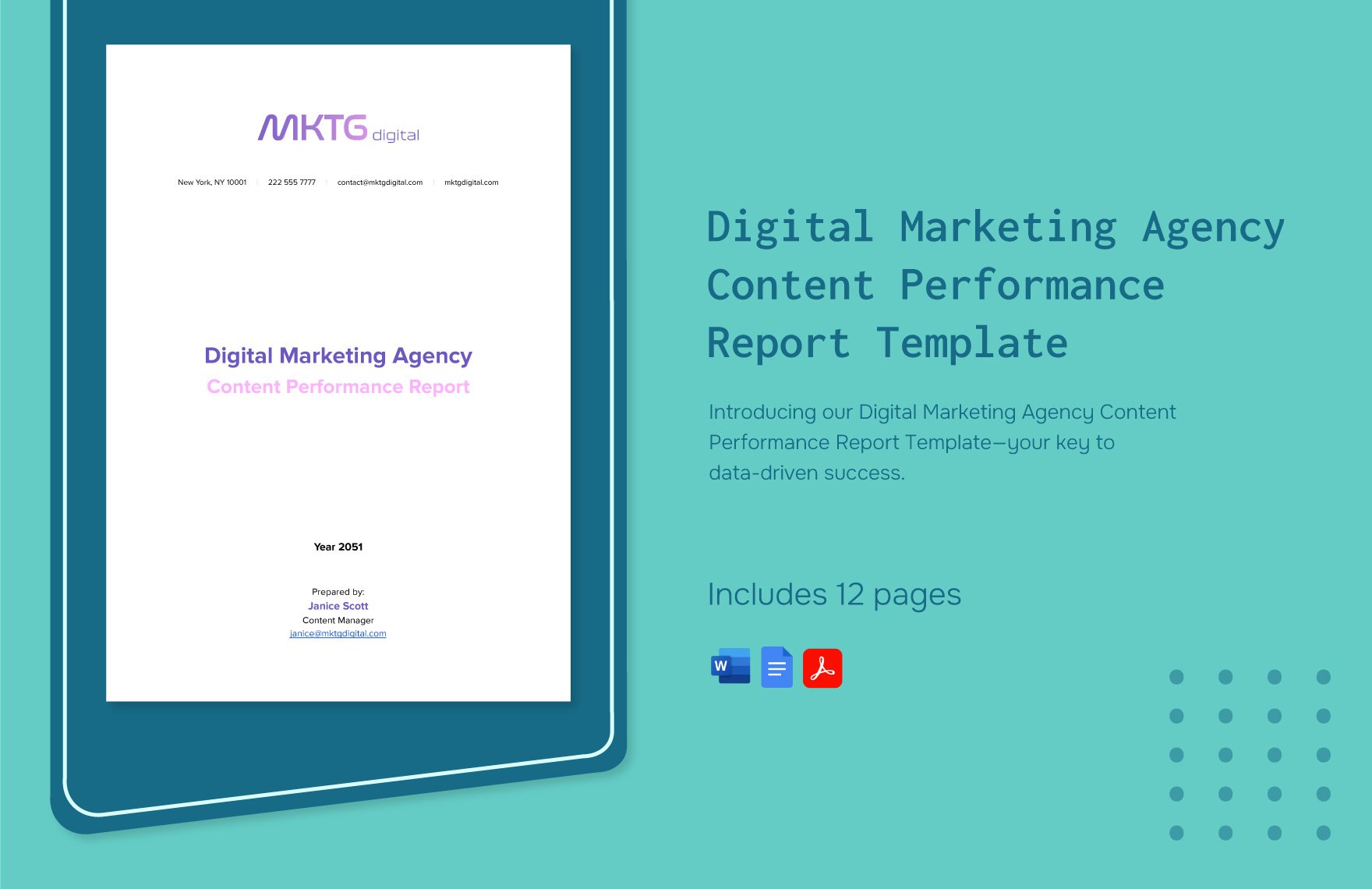
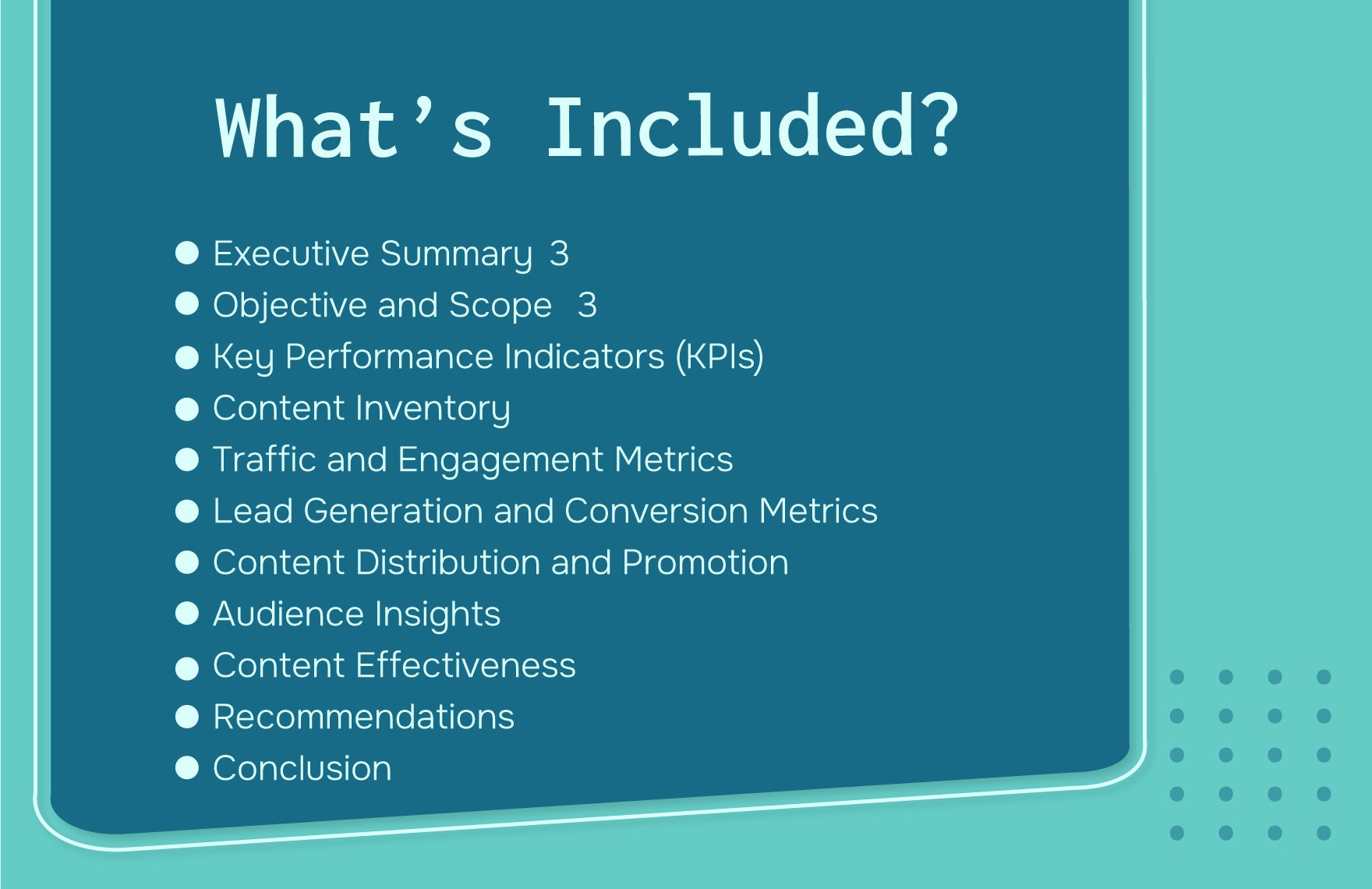
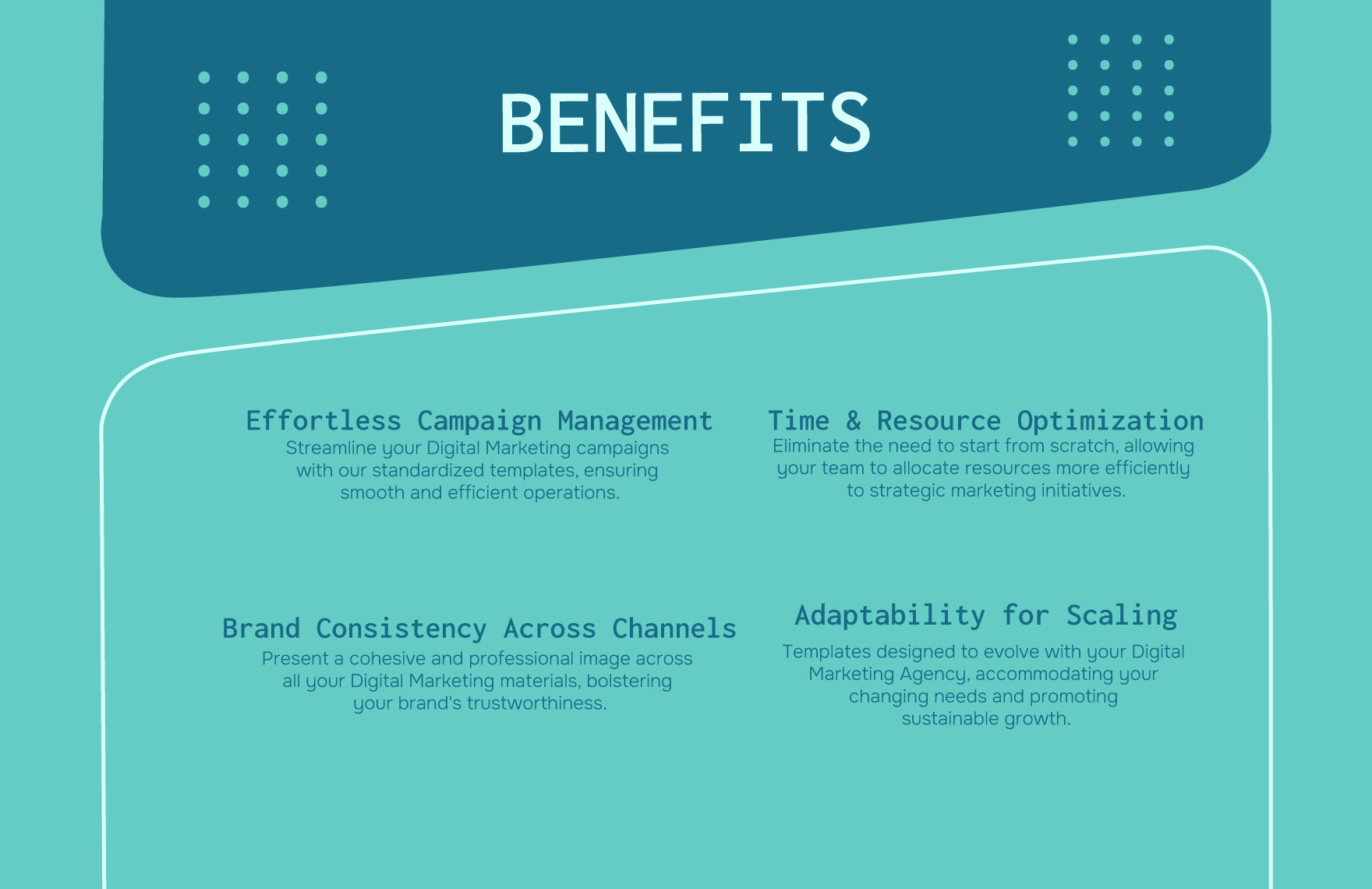
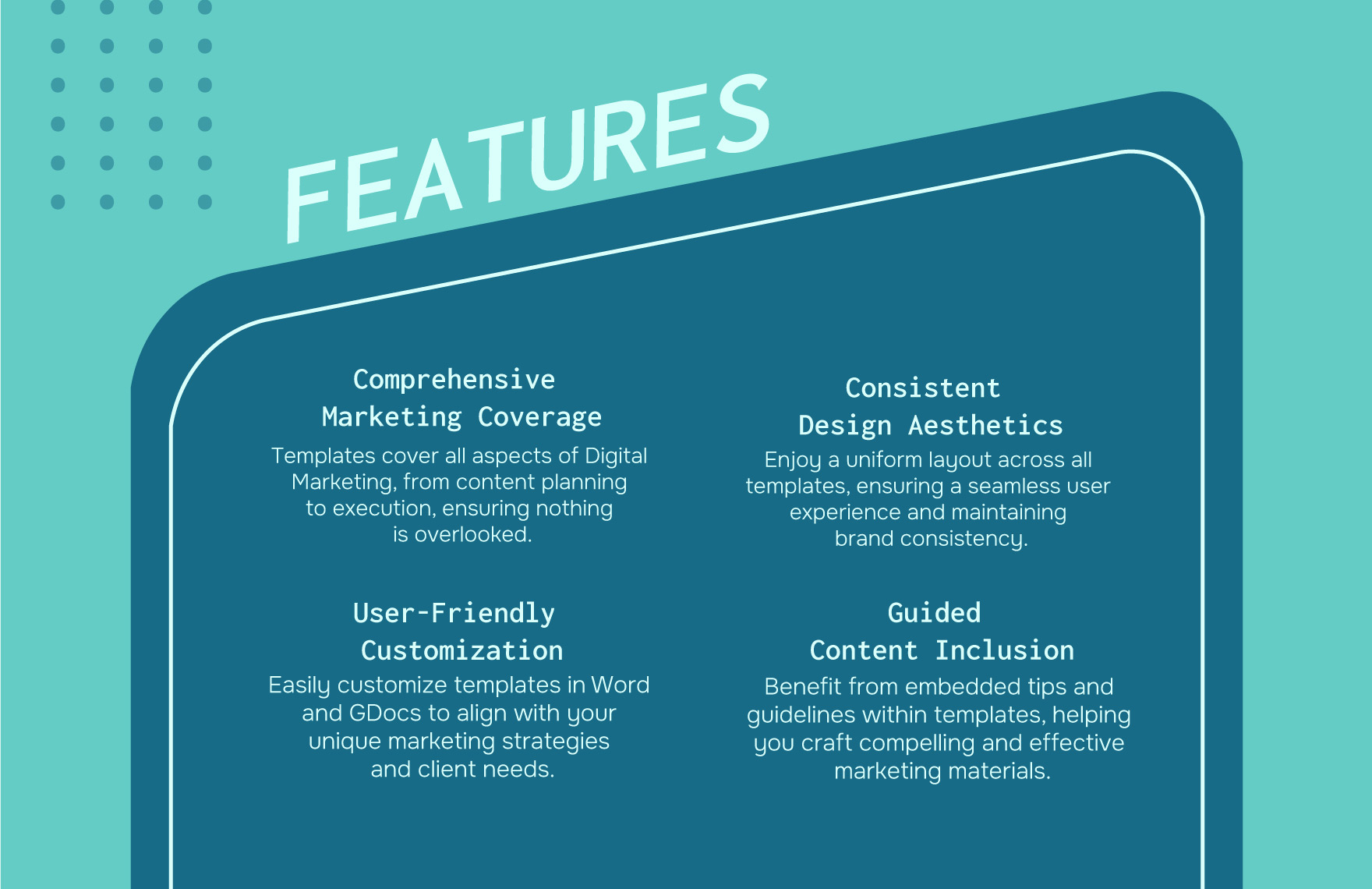
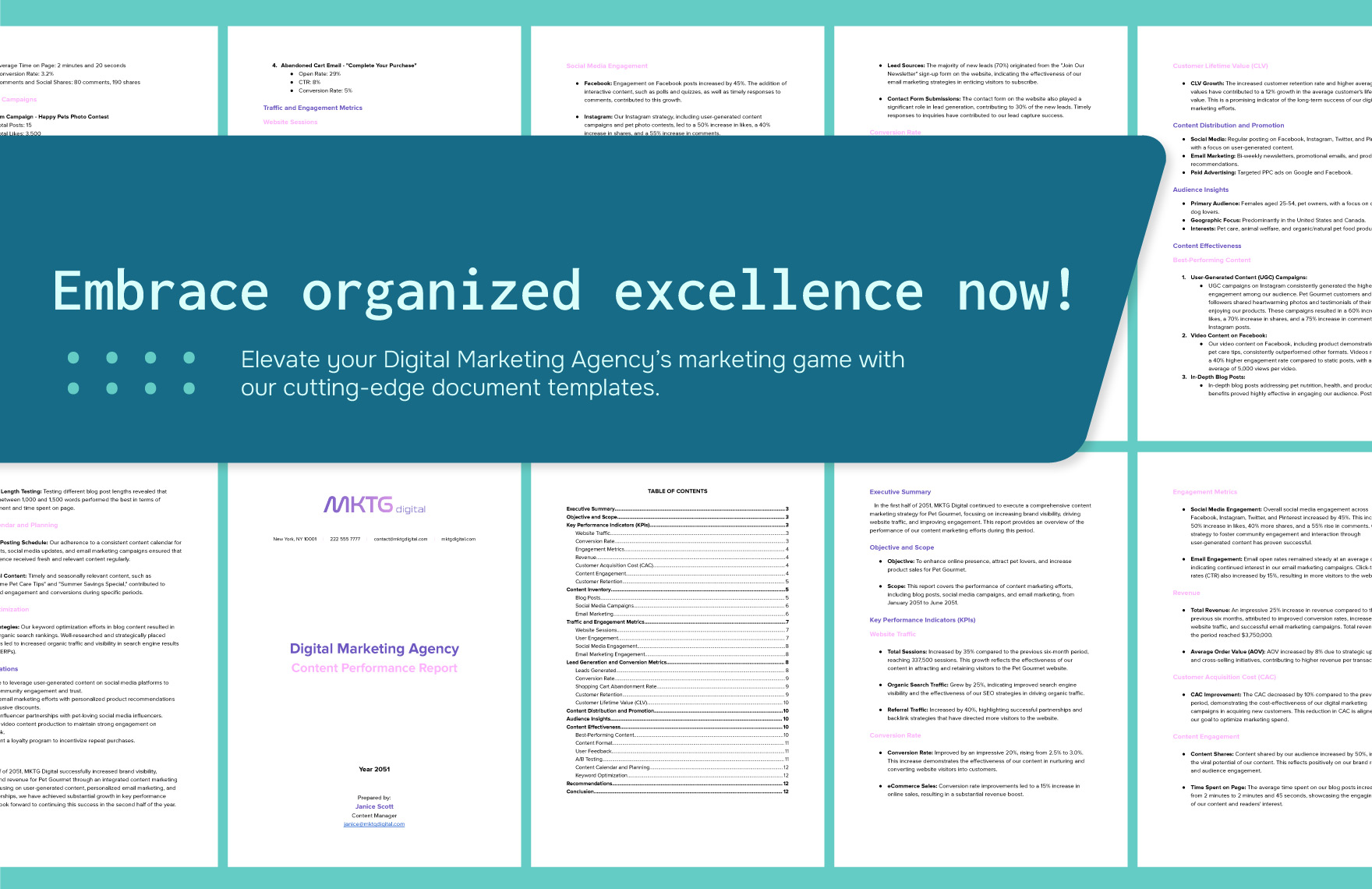
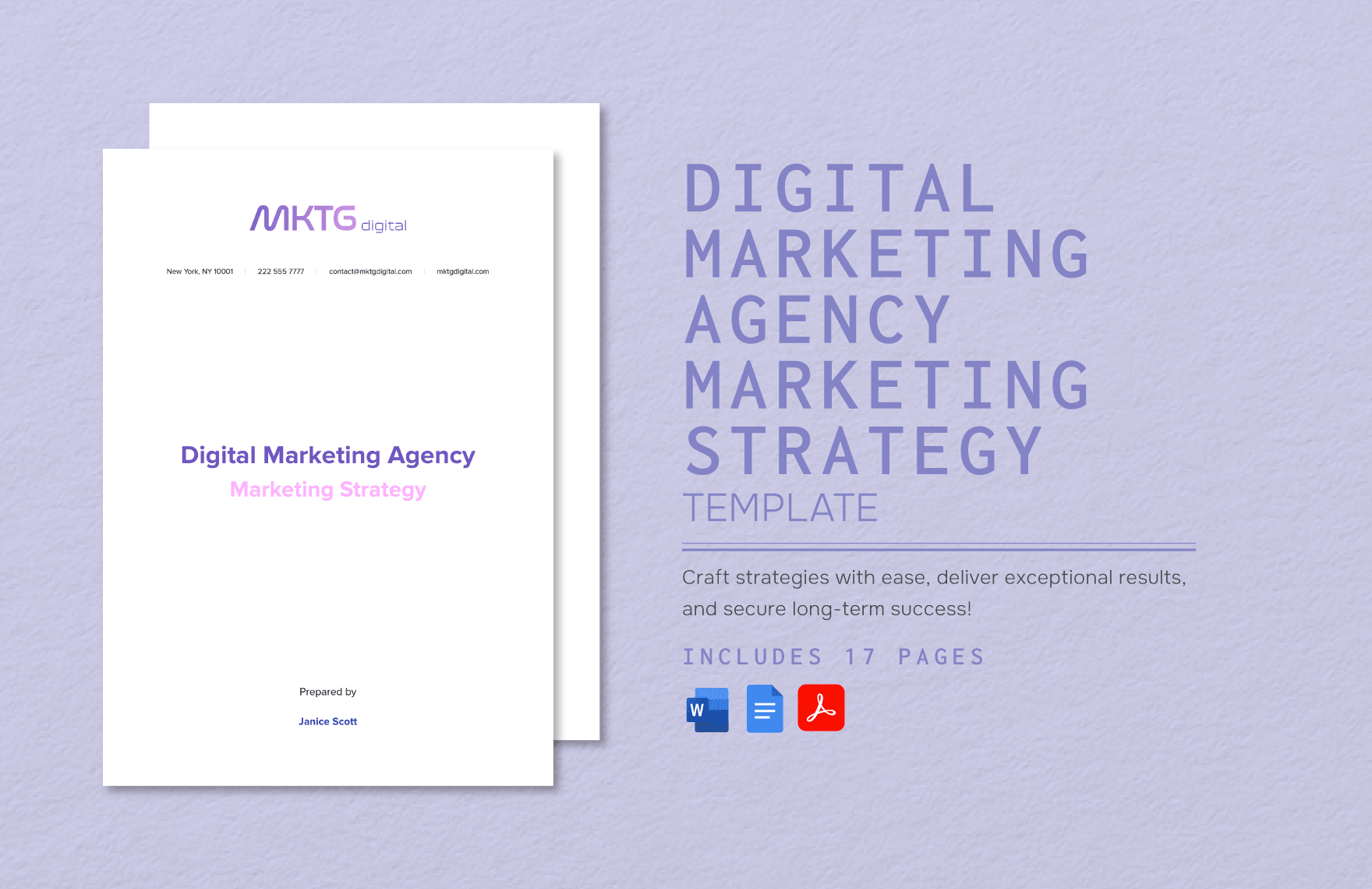
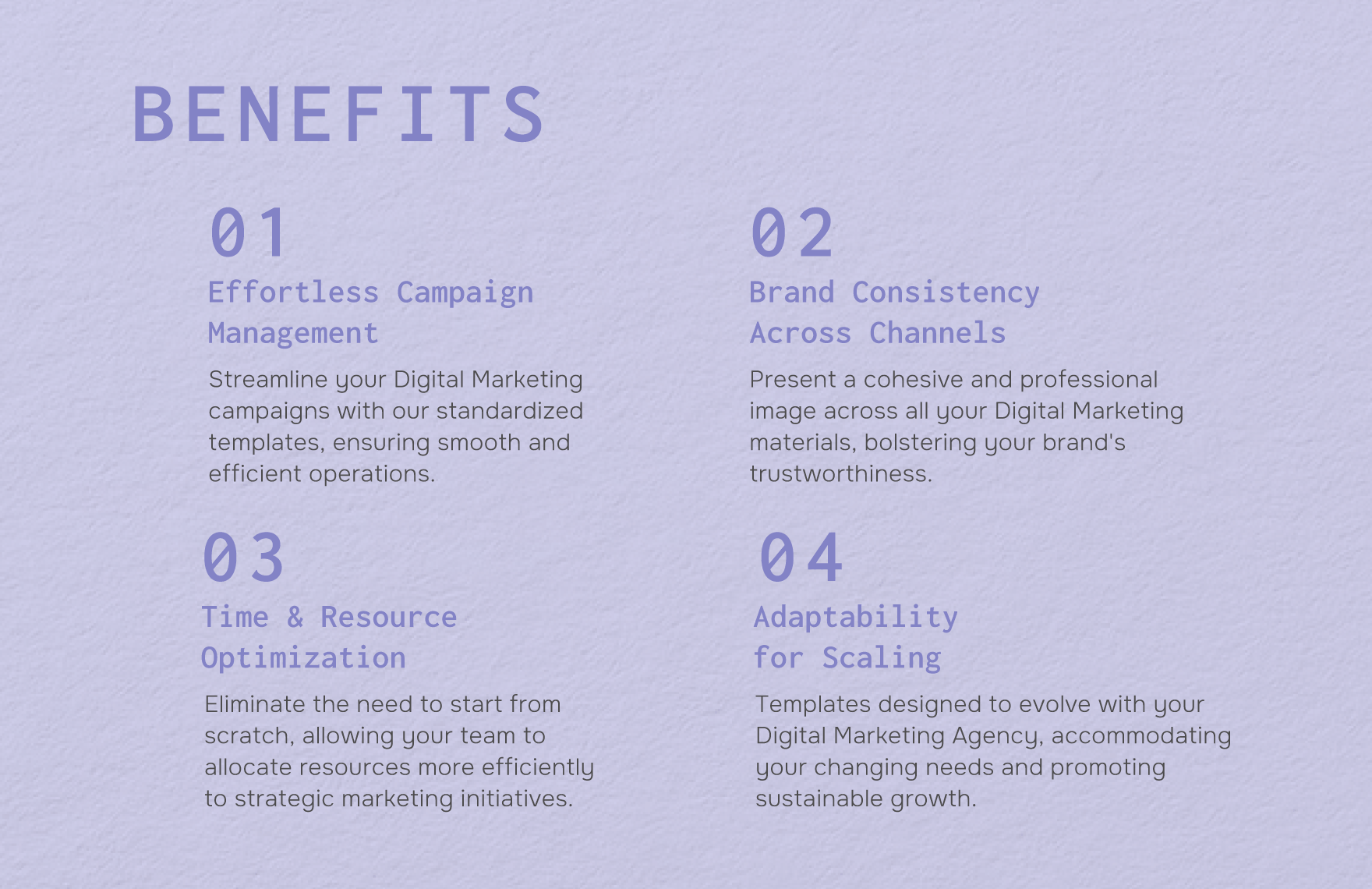
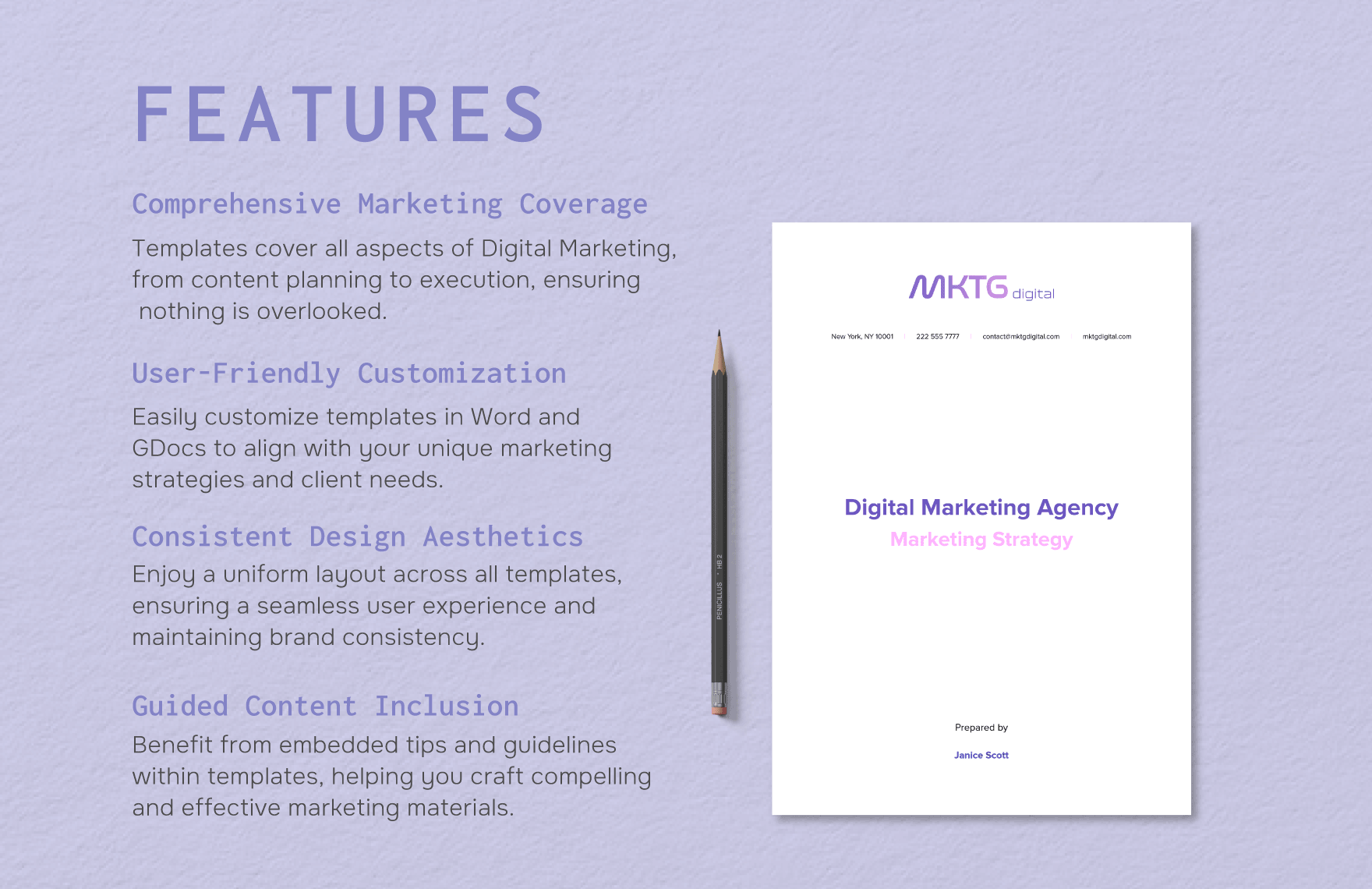
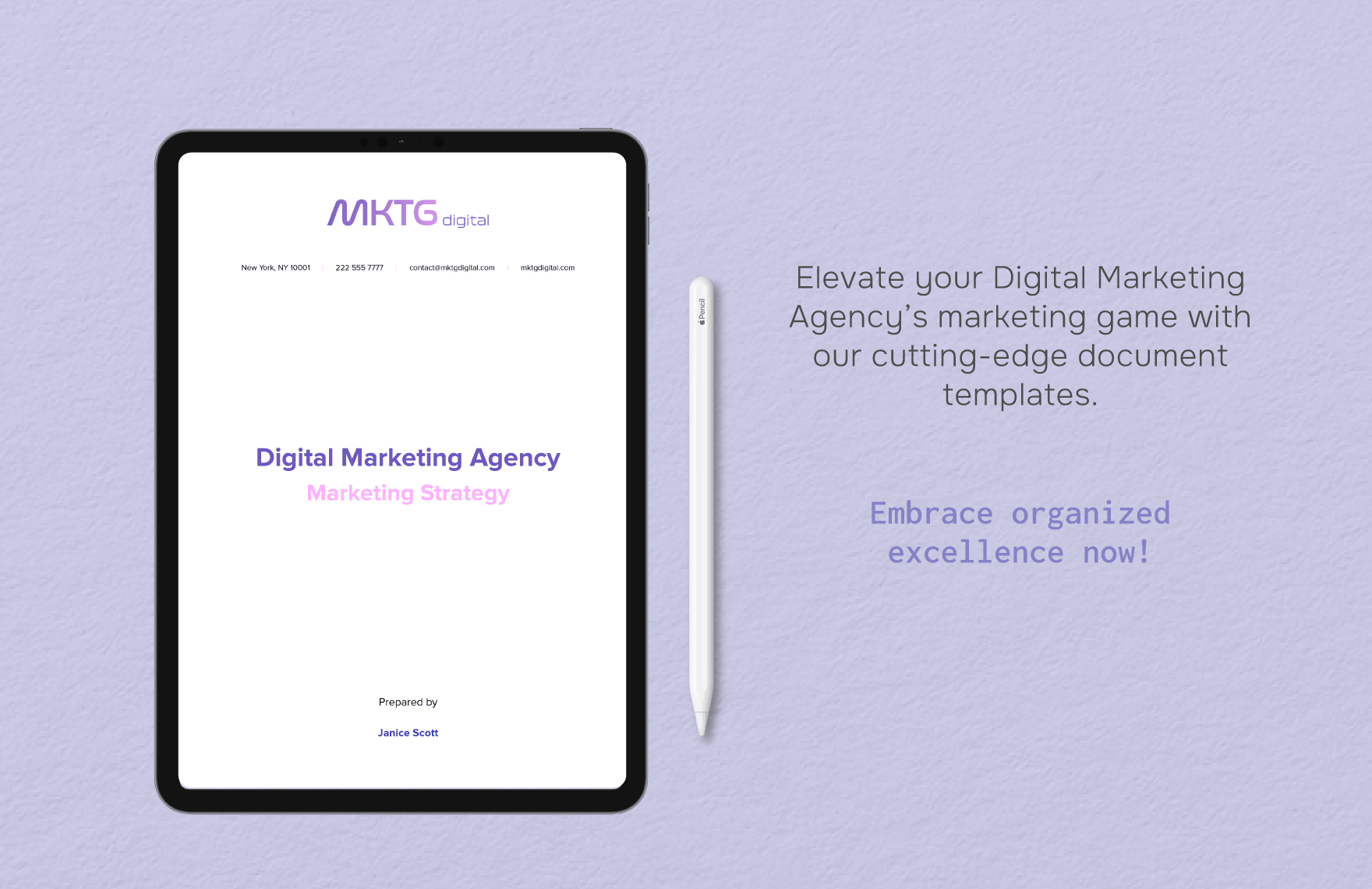
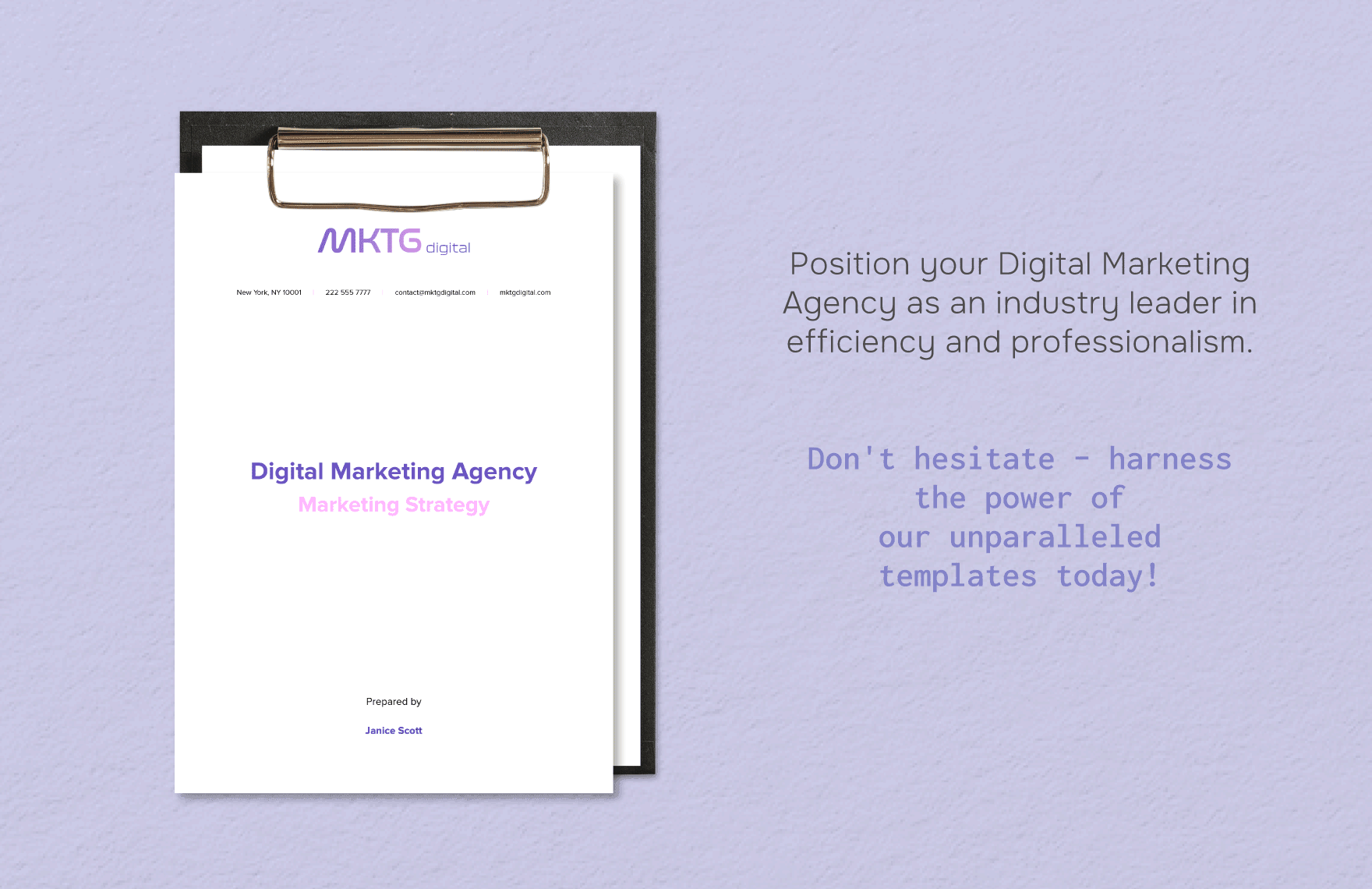
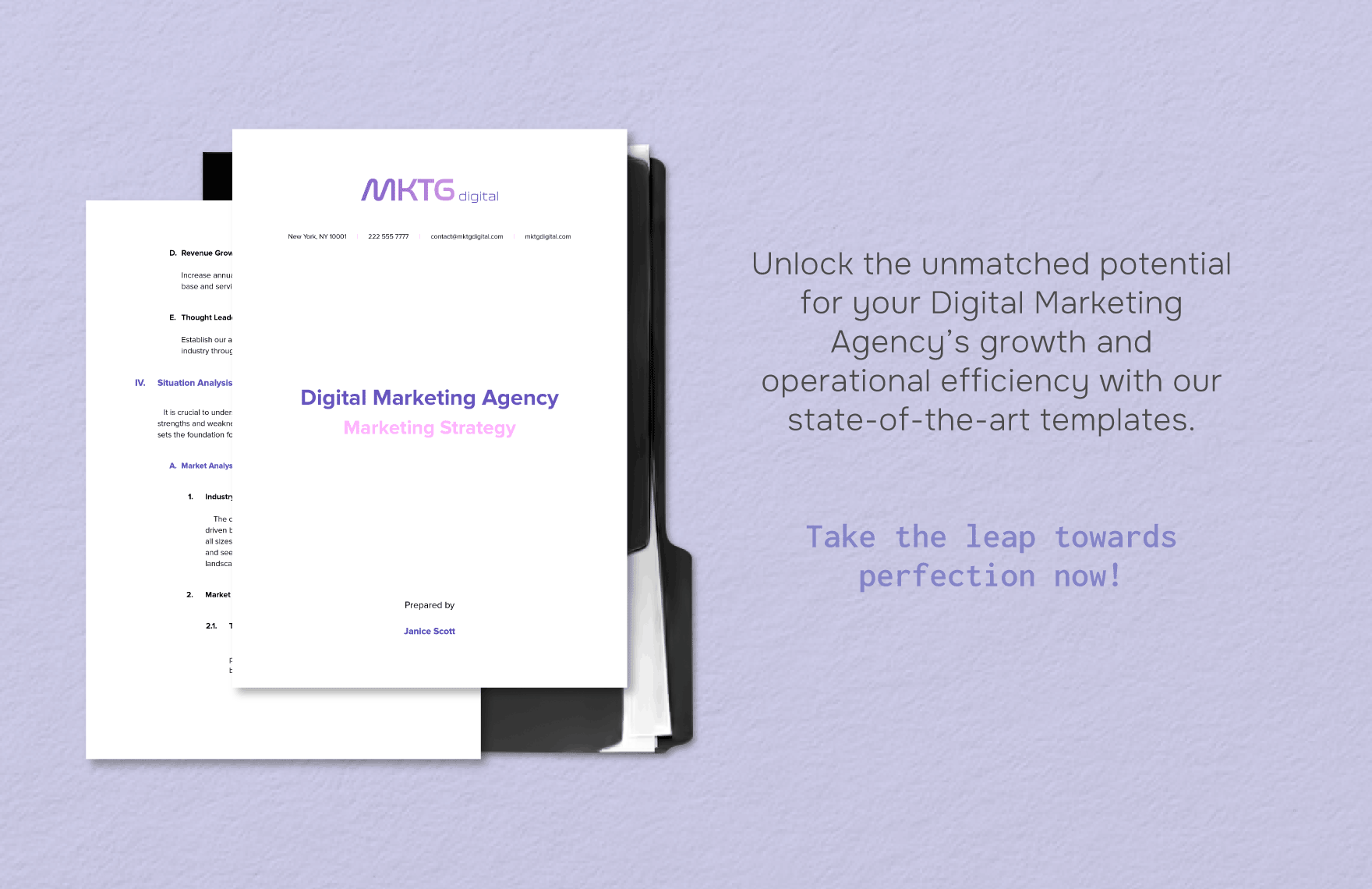
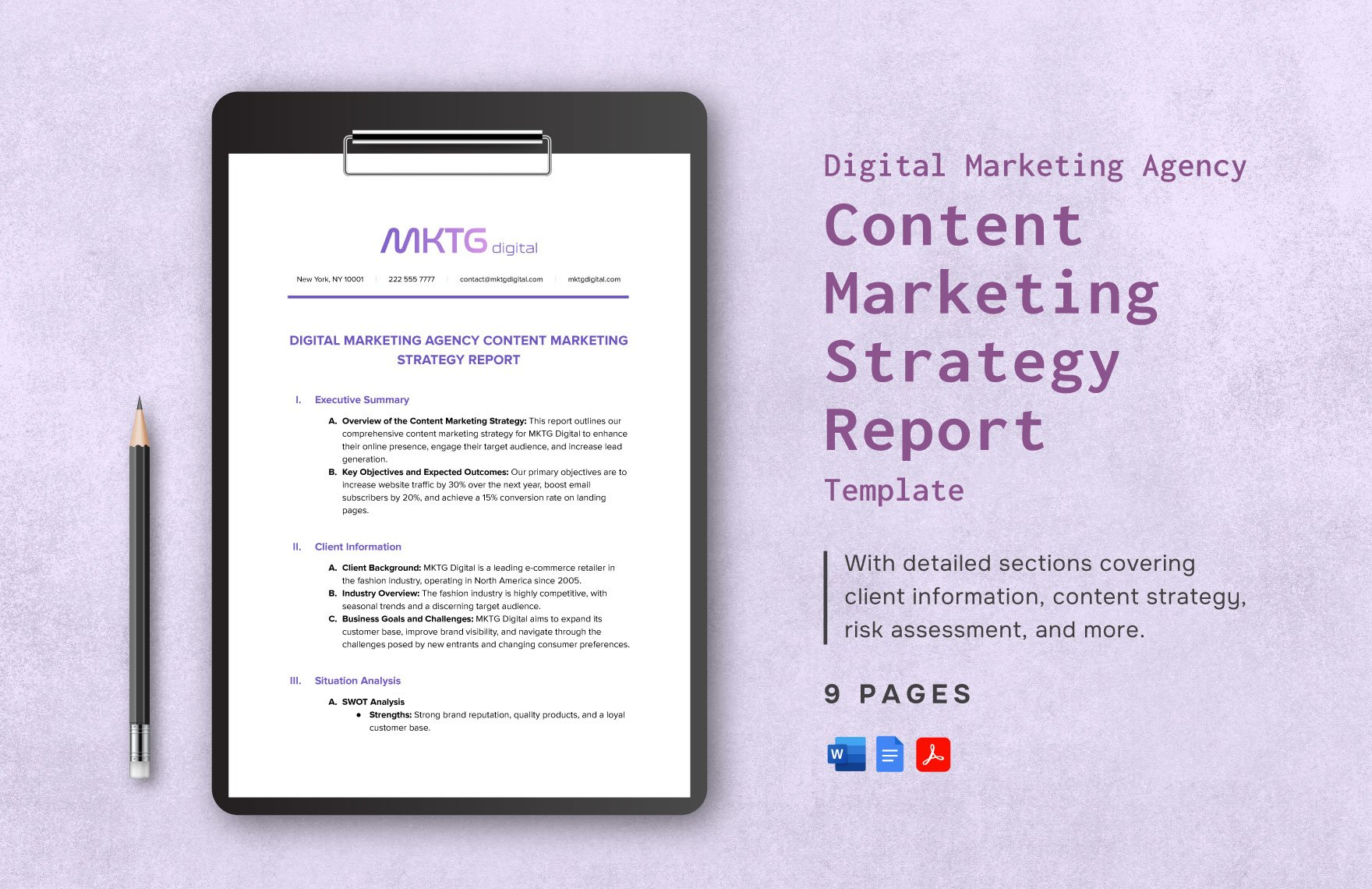
A digital marketing agency document version Template is easiest to evaluate when readers can see how a professional document combines structure, hierarchy, revision context, and practical content. The examples below show different visual approaches to agency documentation, including strategy reports, benefits pages, feature pages, structured campaign records, and multi-page client documents. They are useful as visual references rather than universal standards: the correct design for an agency depends on its workflow, client expectations, document purpose, and approval process.
These references also demonstrate why a strong template should balance presentation with operational clarity. A polished cover can establish document identity, while the interior structure should make objectives, responsibilities, metrics, approvals, and supporting information easy to locate. Comparing several layouts can help an agency decide whether its own version should emphasize concise executive communication, detailed reporting, campaign planning, or client onboarding while preserving a consistent revision-control structure across every document type.
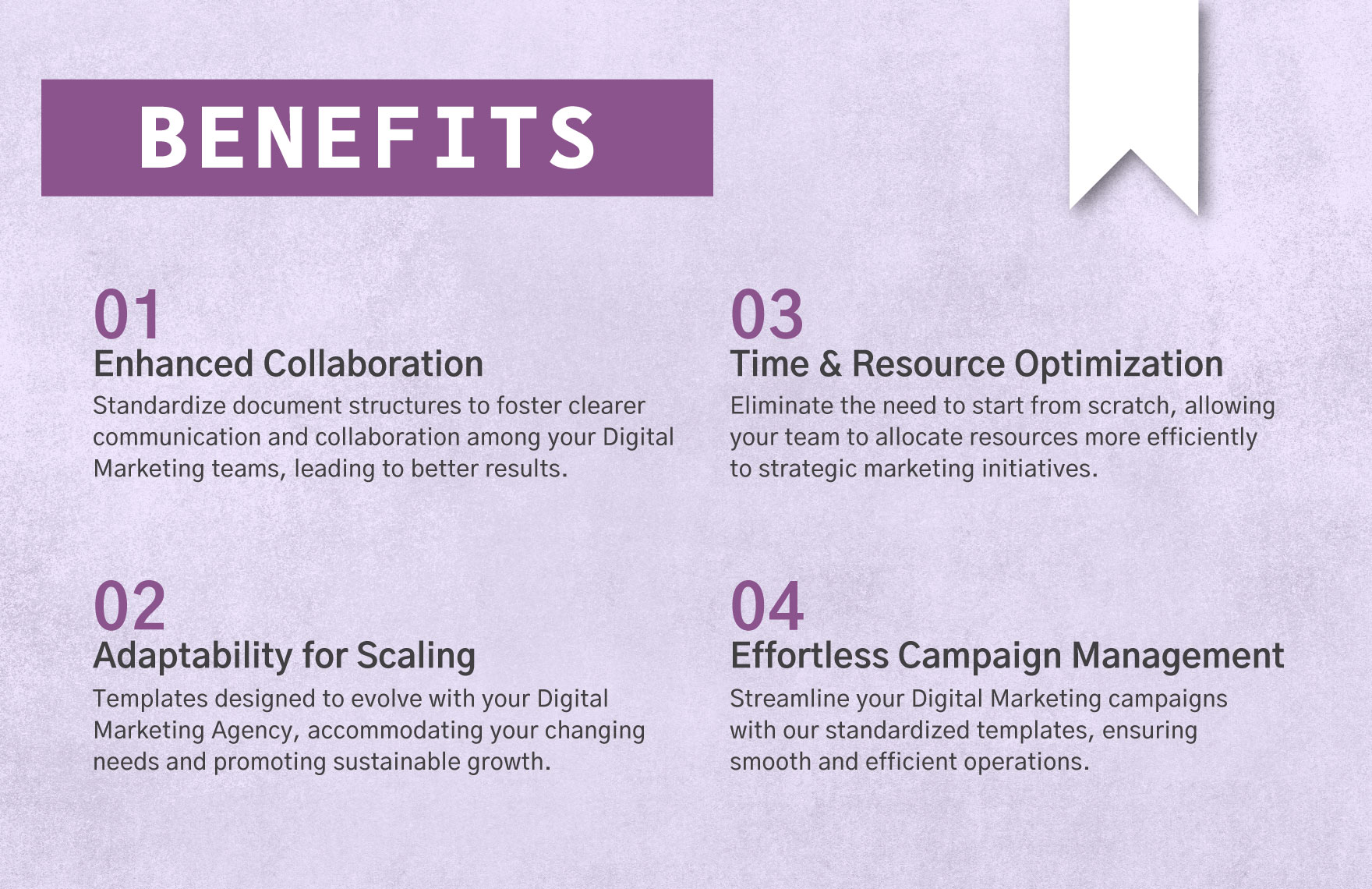
Digital Marketing Agency Content Marketing Strategy Report Template — Benefits
Source: Template.net
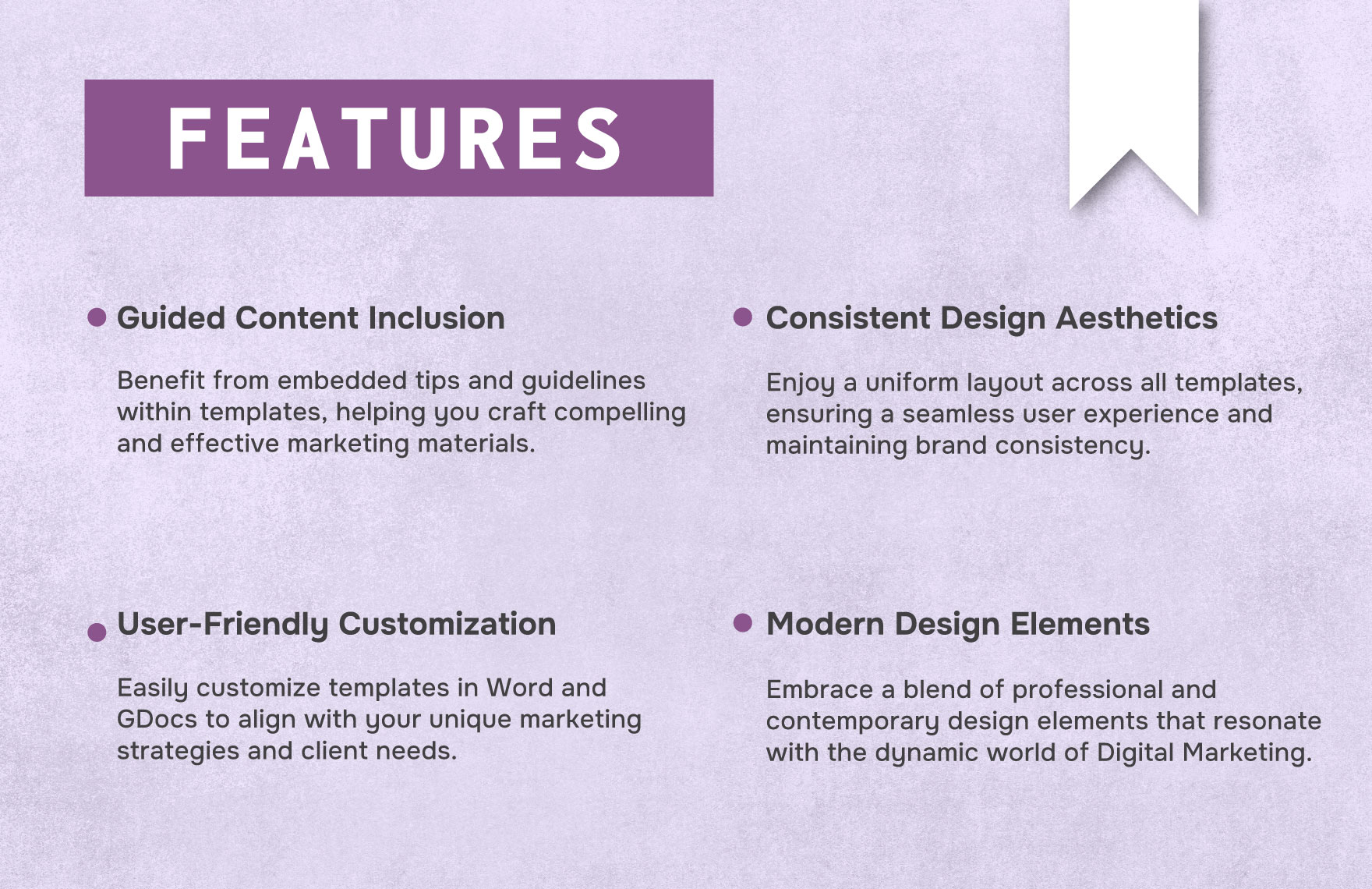
Digital Marketing Agency Content Marketing Strategy Report Template — Features
Source: Template.net
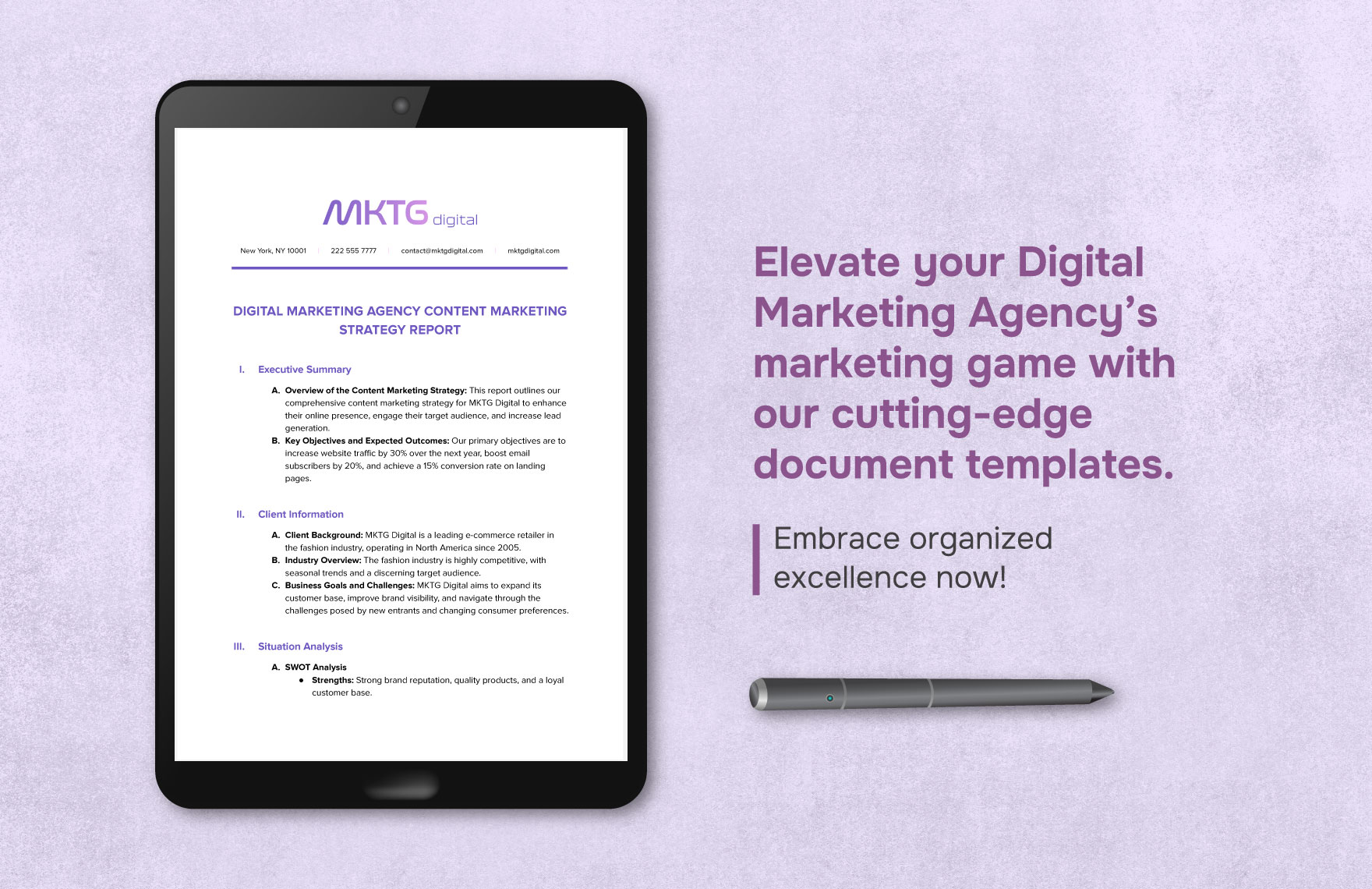
Digital Marketing Agency Content Marketing Strategy Report Template — Tablet Presentation
Source: Template.net
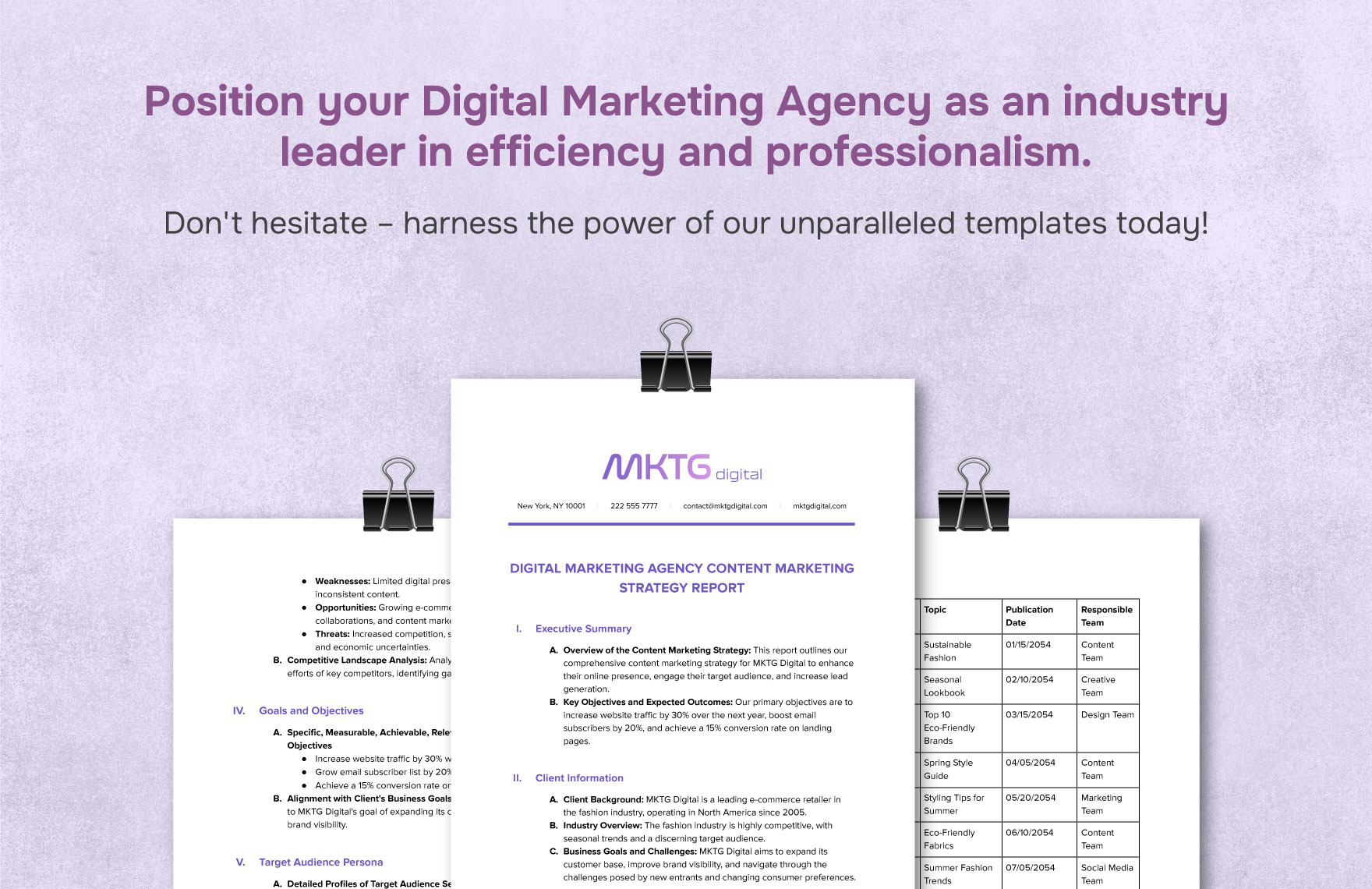
Digital Marketing Agency Content Marketing Strategy Report Template — Multi-Page Layout
Source: Template.net
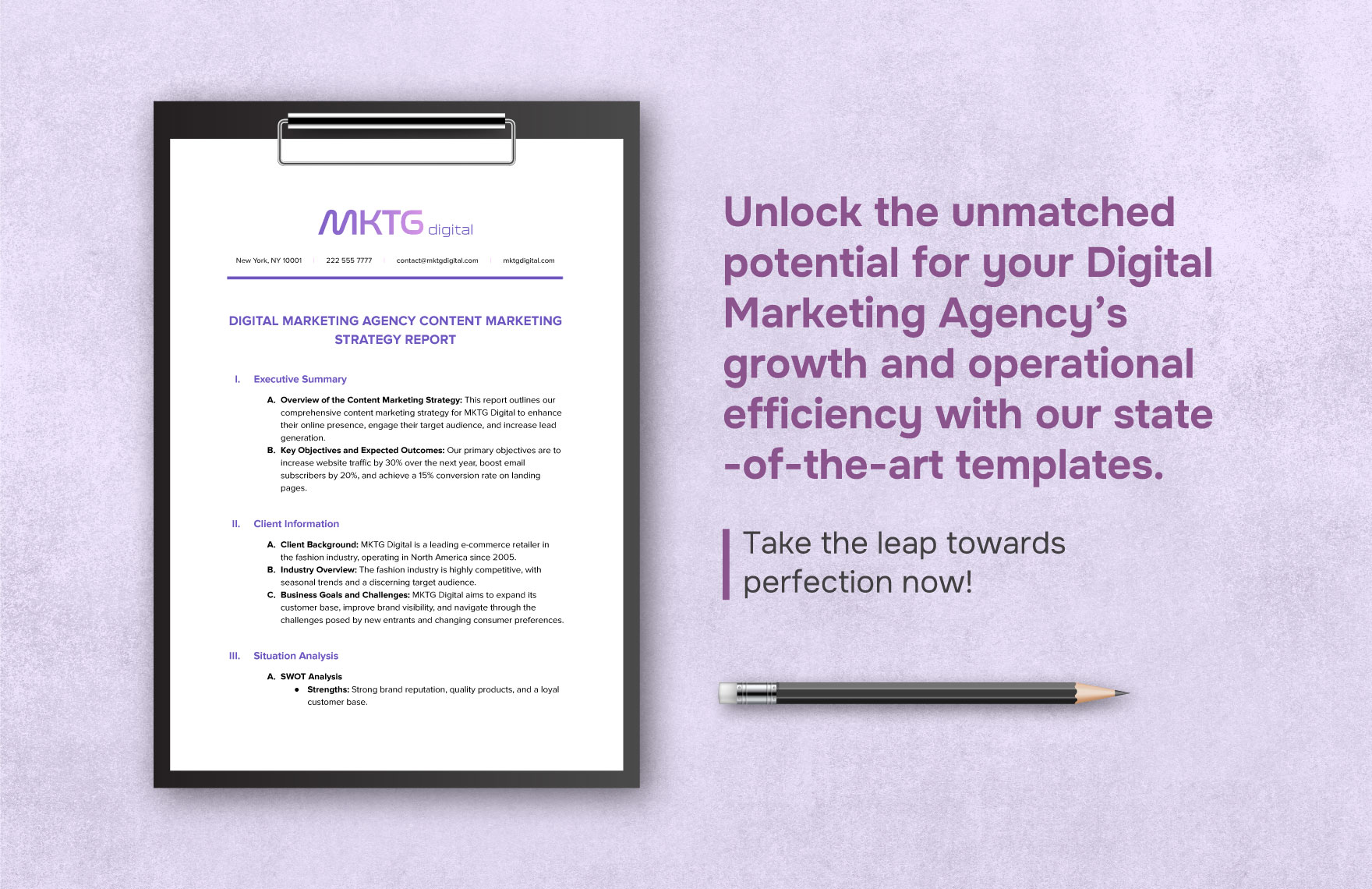
Digital Marketing Agency Content Marketing Strategy Report Template — Clipboard Layout
Source: Template.net
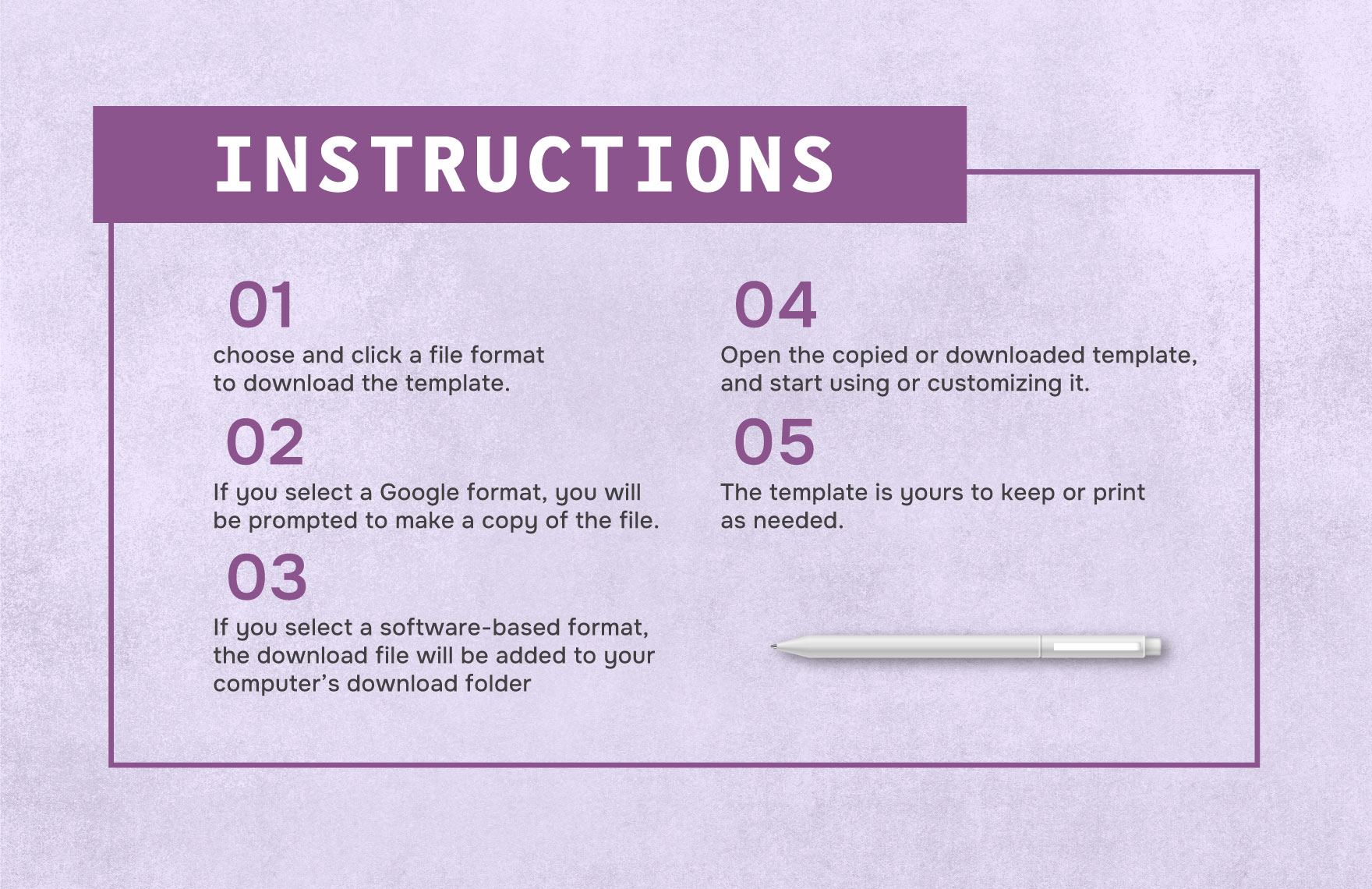
Digital Marketing Agency Content Marketing Strategy Report Template — Instructions
Source: Template.net

Digital Marketing Agency Client Onboarding and Strategy Report Template
Source: Template.net
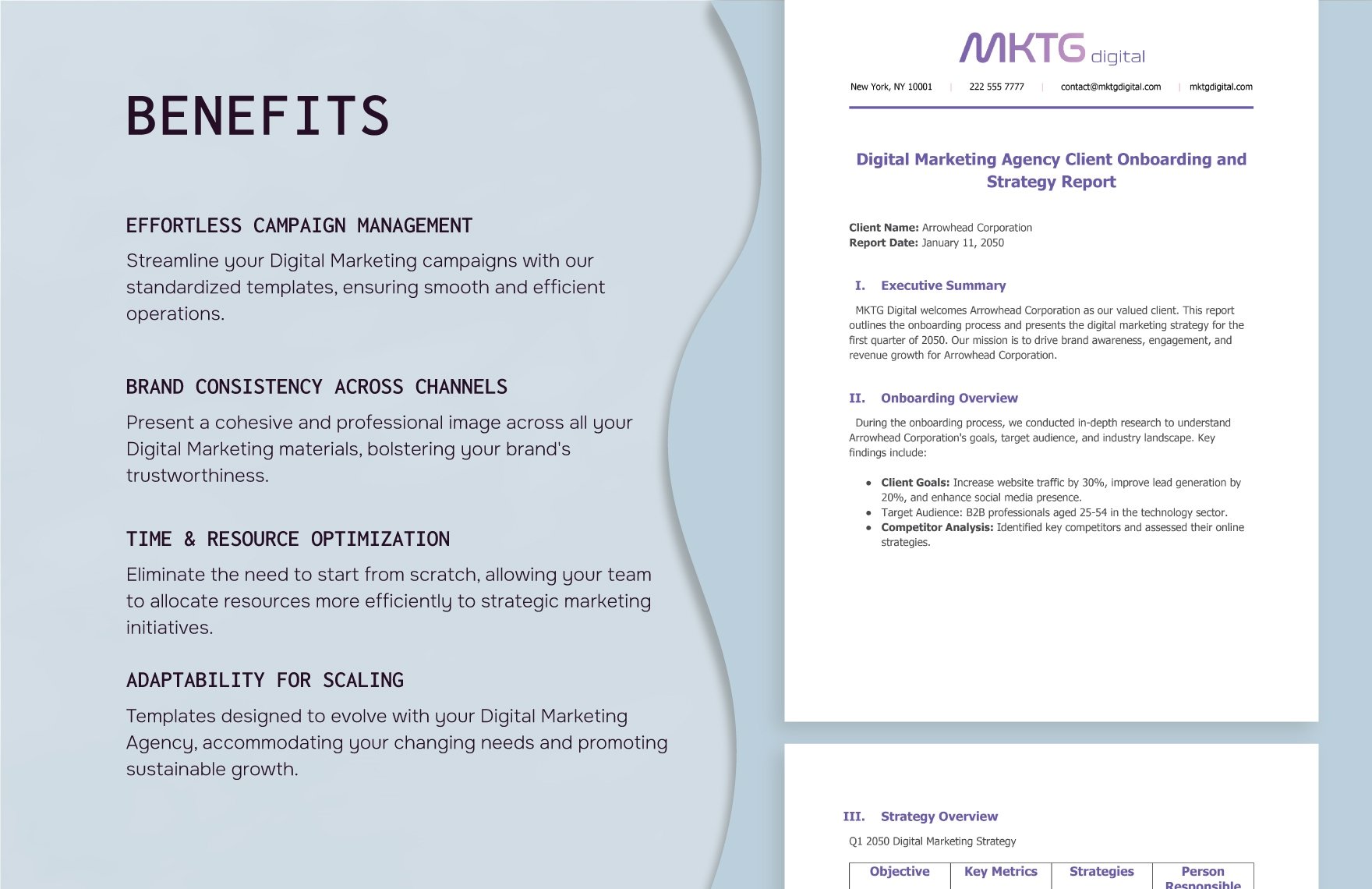
Digital Marketing Agency Client Onboarding and Strategy Report Template — Benefits
Source: Template.net
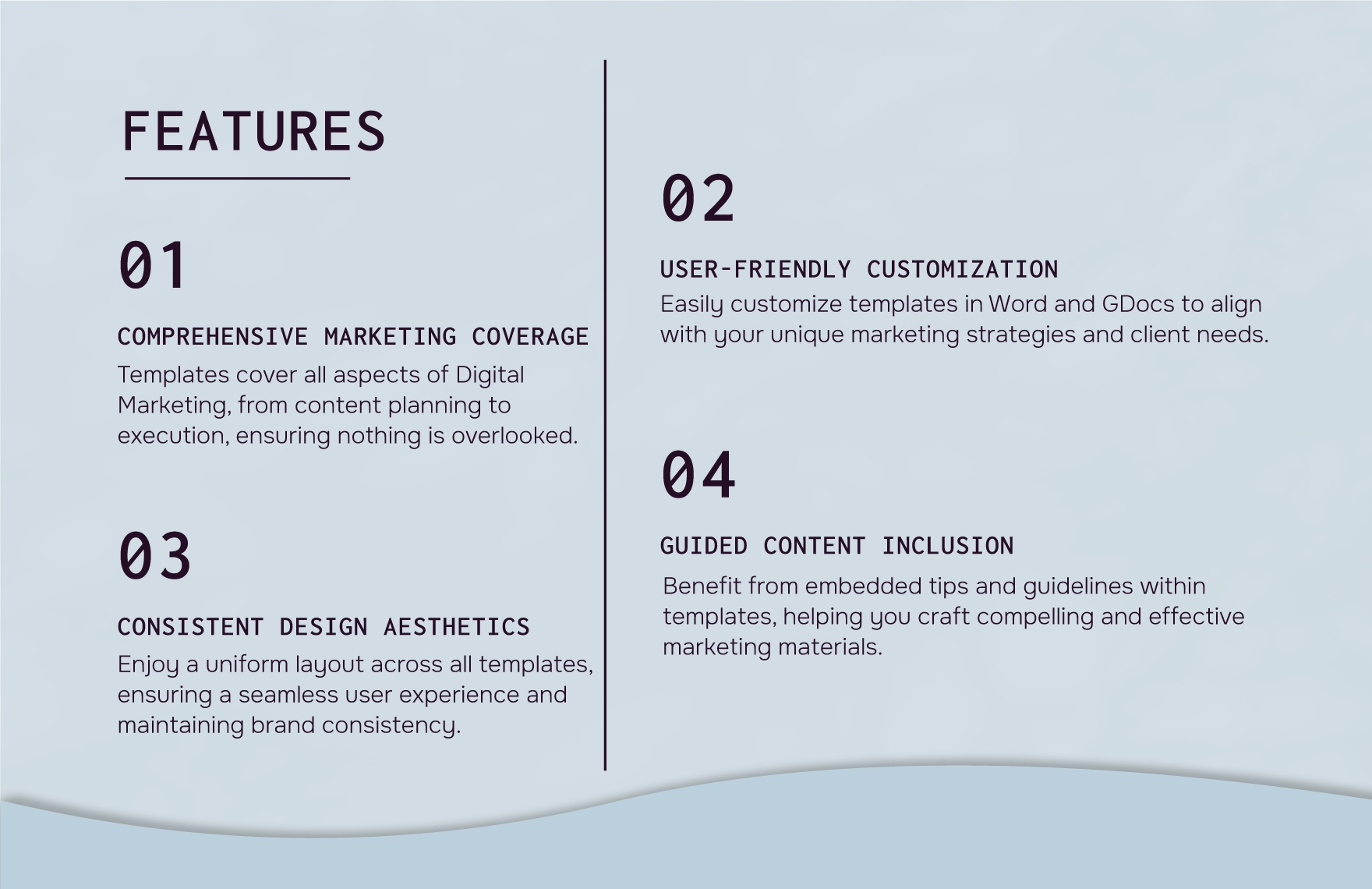
Digital Marketing Agency Client Onboarding and Strategy Report Template — Features
Source: Template.net
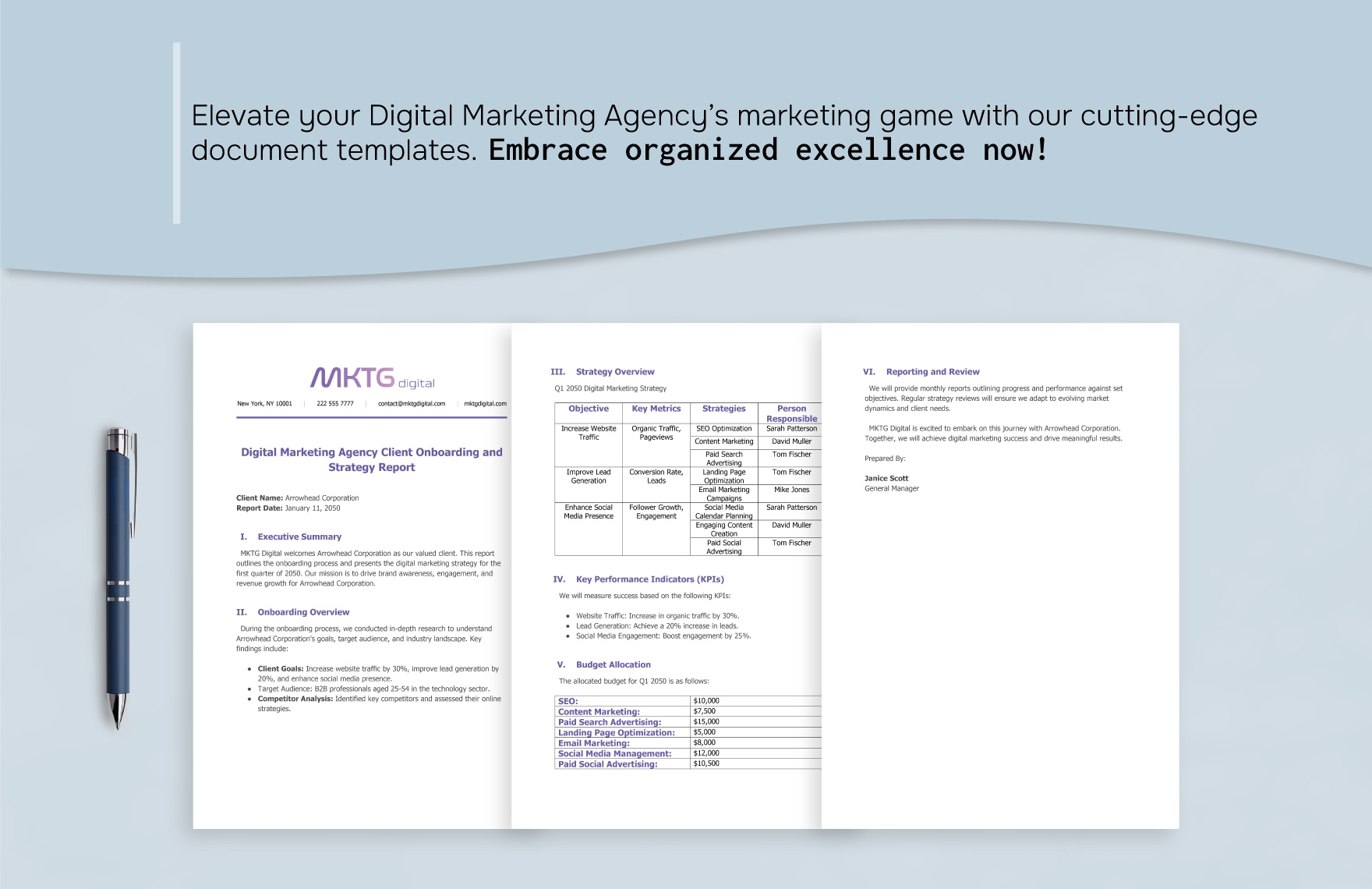
Digital Marketing Agency Client Onboarding and Strategy Report Template — Structured Report
Source: Template.net
Which workflow should your agency prioritize: version control, client approvals, or recurring reports?
